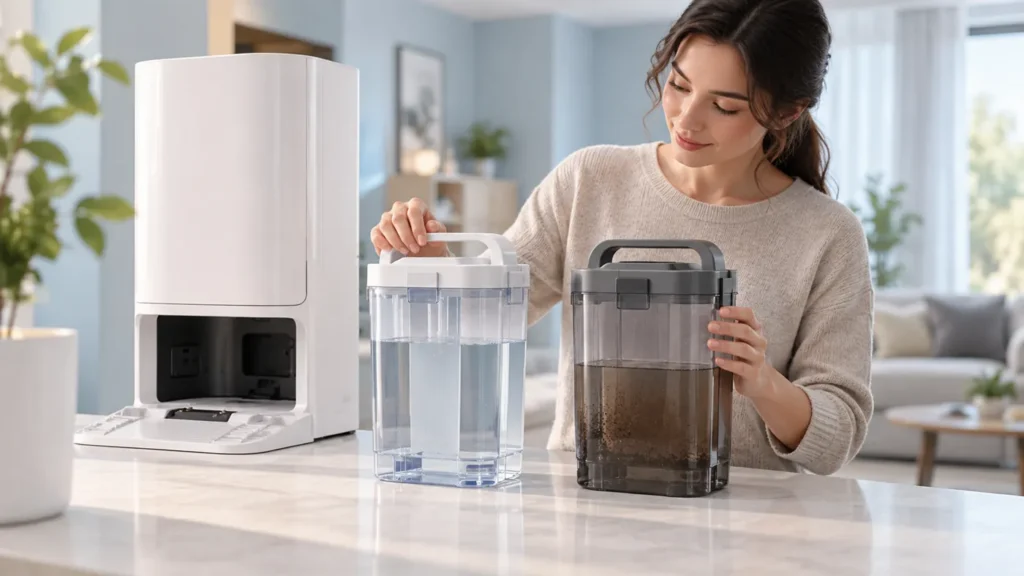
Begin with the quick checks. Stop if a step requires tools or experience you do not have.
To clean the Ecovacs T20 OMNI water tanks, treat the clean-water tank and waste-water tank as separate maintenance jobs. Emptying dirty water is not the same as cleaning the clean-water filter. Keep track of the parts you remove so everything goes back in its correct place.
The manufacturer’s procedure is short. This guide explains that sequence, how to keep a clear maintenance record and when a remaining alert needs water-supply or drainage troubleshooting instead of more cleaning.
Choose the relevant maintenance job
| Maintenance need | Next action |
|---|---|
| Waste-water tank contains dirty water | Remove, open and empty the tank |
| Dirt remains at the waste tank bottom | Use the documented cleaning tool |
| Clean-water filter needs maintenance | Clean and reinstall its assembly |
| Station wash sink is dirty | Use the separate sink-cleaning procedure |
| No water arrives after refitting | Follow water-supply checks |
| Full-tank alert remains after emptying | Follow drainage and tank-alert checks |
1. Prepare a clear workspace
Choose a time when the station is not washing, draining or filling. Do not remove a tank in the middle of an active operation. Place a stable surface near the household sink where you can keep the two tanks and any removed parts separate.
Identify the tanks using the original T20 documentation and the actual labels or markings on your unit. The illustrations here show general maintenance scenes; their shape and filter appearance are not a compatibility reference.
If you are responding to an alert, take a screenshot before starting. Note which tank the message names and whether the wash sink contains water. That helps you distinguish routine cleaning from a persistent fault after the tanks are refitted.
2. Empty and clean the waste-water tank
Ecovacs’ T20 tank-maintenance instructions describe opening the station top cover, taking out the waste-water tank and opening its cover to empty the waste water. They specify the cleaning tool if dirt remains at the tank bottom.
Carry the tank upright to the sink before opening it. Work on the removable tank, rather than pouring water over the station. Keep dirty-water handling away from the clean-water parts you have laid out.
Inspect the accessible bottom after emptying so you know whether residue remains. Use the documented tool gently where you can see it. Do not scrape with a blade or probe an unfamiliar valve to remove uncertain deposits.
3. Clean and return the clean-water filter
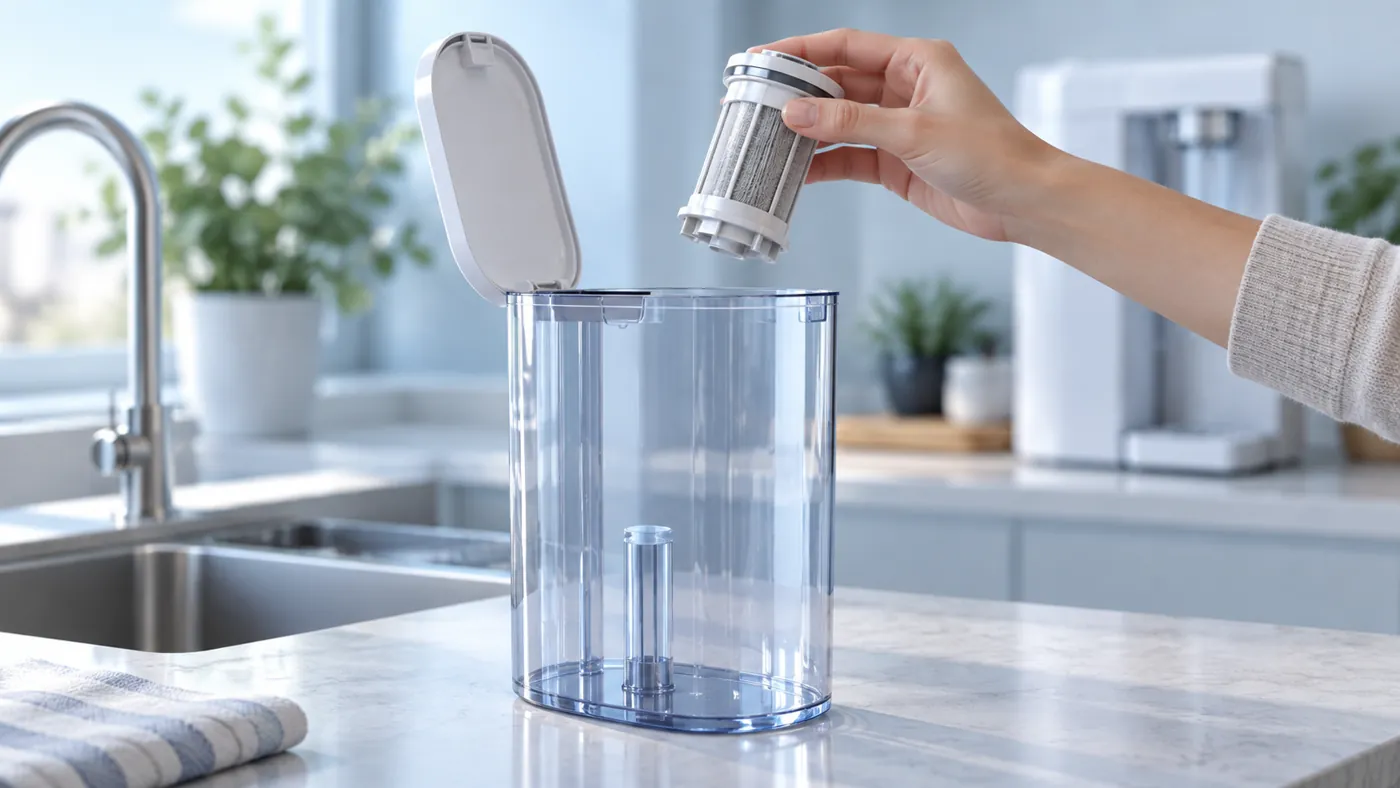
The same instructions describe removing the clean-water tank, opening its cover, taking out the filter assembly and cleaning the filter. They explicitly say to put the assembly back after cleaning.
Before removal, note how the assembly is fitted. A photo can help you preserve its original position without guessing later. If you cannot identify the filter or its removal method confidently, ask Ecovacs for the applicable demonstration.
Keep the removed assembly with the clean-water tank. Check that it has been returned through its normal installation method before refitting the tank. Do not continue with a missing filter just because the tank still fits into the station.
4. Avoid turning routine cleaning into an improvised treatment
The linked short maintenance page does not prescribe a vinegar soak, bleach treatment or household descaling chemical. Ask Ecovacs for an approved method if persistent deposits need more than the documented cleaning steps.
If a tank, cover or filter assembly looks cracked or will not fit normally, photograph it instead of forcing it. Keep the exact model and part information for support. A similar-looking tank from another station is not proof of compatibility.
Before carrying the tanks back, remove exterior drips and check the surrounding floor. Refit the covers and maintenance parts through their original procedure. Keep a note of what you actually cleaned, rather than marking the whole station as serviced.
5. Check the result after refitting
Review the current app status and any warning. If you run a normal permitted station operation afterward, record whether water arrives and drains as expected. Compare the result with the original alert rather than starting several different operations together.
For absent water supply, use the T20 water-supply guide. For waste water left in the sink or a full-tank warning that remains, use the dirty-water recycling checks.
The wash sink itself has a separate procedure in the station sink-cleaning guide. Cleaning a tank does not establish that the sink or its drainage path has been maintained.
Frequently asked questions
Can I leave the filter out after cleaning?
The manufacturer says to reinstall the clean-water filter assembly.
Does an emptied tank prove a full-tank alert is resolved?
No. Check the current alert and drainage result after refitting.
What should I send support if a warning remains?
Send the exact message, tank and sink photos, maintenance actions and the result of one normal operation.
See the Ecovacs hub for related maintenance and troubleshooting guides.