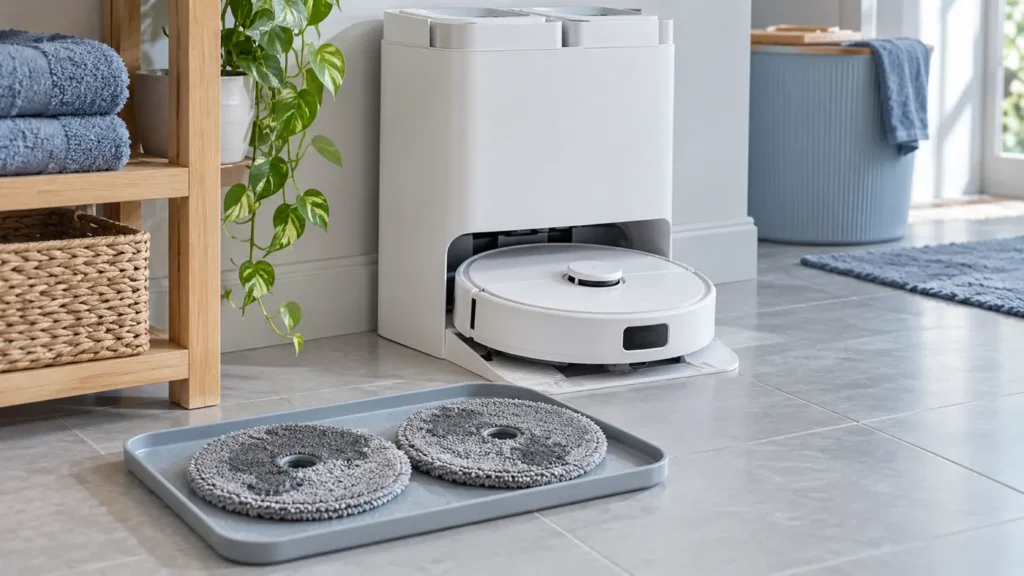
Begin with the quick checks. Stop if a step requires tools or experience you do not have.
Quick answer: If your Roborock Q Revo mop drying is not working, check that Auto Drying is enabled in the app, then test it after a mop wash. Returning to the dock just to charge is not the same trigger. If drying starts but the pads stay damp, leave the robot docked for the complete selected cycle without pressing its buttons or starting another job. In humid conditions, try a longer drying duration before assuming the dock needs repair.
This guide covers the original Q Revo. For the curved-base model, use our separate Qrevo Curv drying guide. The checks below separate a missing drying cycle from a cycle that runs but does not dry the cloths well.
First, identify what is actually failing
Look at the app when the robot finishes washing its mops. Does it show drying in progress? Does that status remain active, or disappear as soon as a new cleaning job begins? Write down the selected duration and let one test finish before changing several settings at once.
| What you notice | Next check |
|---|---|
| No drying status after a mop wash | Auto Drying setting and a manual drying command |
| Drying starts, then stops early | Robot buttons, departure from the dock, and the next scheduled job |
| A full cycle ends with damp cloths | Longer duration, room humidity, and proper cloth attachment |
| Dirty water remains pooled in the wash tray | The separate dirty-water recovery problem |
1. Enable Auto Drying in Dock Settings
Open this Q Revo in the Roborock app and find Dock Settings. Check the Auto Drying option and the drying duration. Roborock confirms that drying can be disabled in the app and that the duration is adjustable there. The exact screen layout can vary with app version, so use the labels rather than relying on a screenshot from a newer Qrevo model.
Change only the drying setting for this test. Water flow controls floor mopping; it does not replace the dock’s drying option.
2. Test drying after a completed mop wash
- Leave the robot properly seated in its powered dock with its mop cloths fitted.
- Start a manual mop wash from the app and let it finish.
- Check whether the app changes to drying.
- If it does not, use the app’s Drying button to start one manual cycle.
Roborock’s model-specific advice says automatic drying starts after mopping or mop washing. Simply carrying the robot back to charge is not a useful test of that automatic trigger.
If a manual cycle works but the automatic one does not, recheck Auto Drying and repeat after an actual wash. That result shows the dock can run drying under at least one condition; it does not by itself identify a failed heater. If the wash itself fails or the pads never get wet, follow our Q Revo water and mop-washing checks first.
3. Let one cycle finish without interruption
Do not press a robot button to check whether it is awake during this test. Roborock states that pressing a button or the robot leaving its dock stops drying. Check the app instead. Leave a gap before the next scheduled cleaning job so that it does not send the robot out during the cycle you are measuring.
Use the selected duration in the app as your reference. Checking a wet cloth shortly after washing does not tell you whether the completed drying cycle is effective.
4. If the cycle runs, compare both cloths afterward
The original Q Revo dock uses warm airflow, and its mop modules rotate periodically to help dry evenly. That does not mean the pads must spin continuously throughout drying. Do not reach into the dock or lift the robot while it is operating to inspect them.
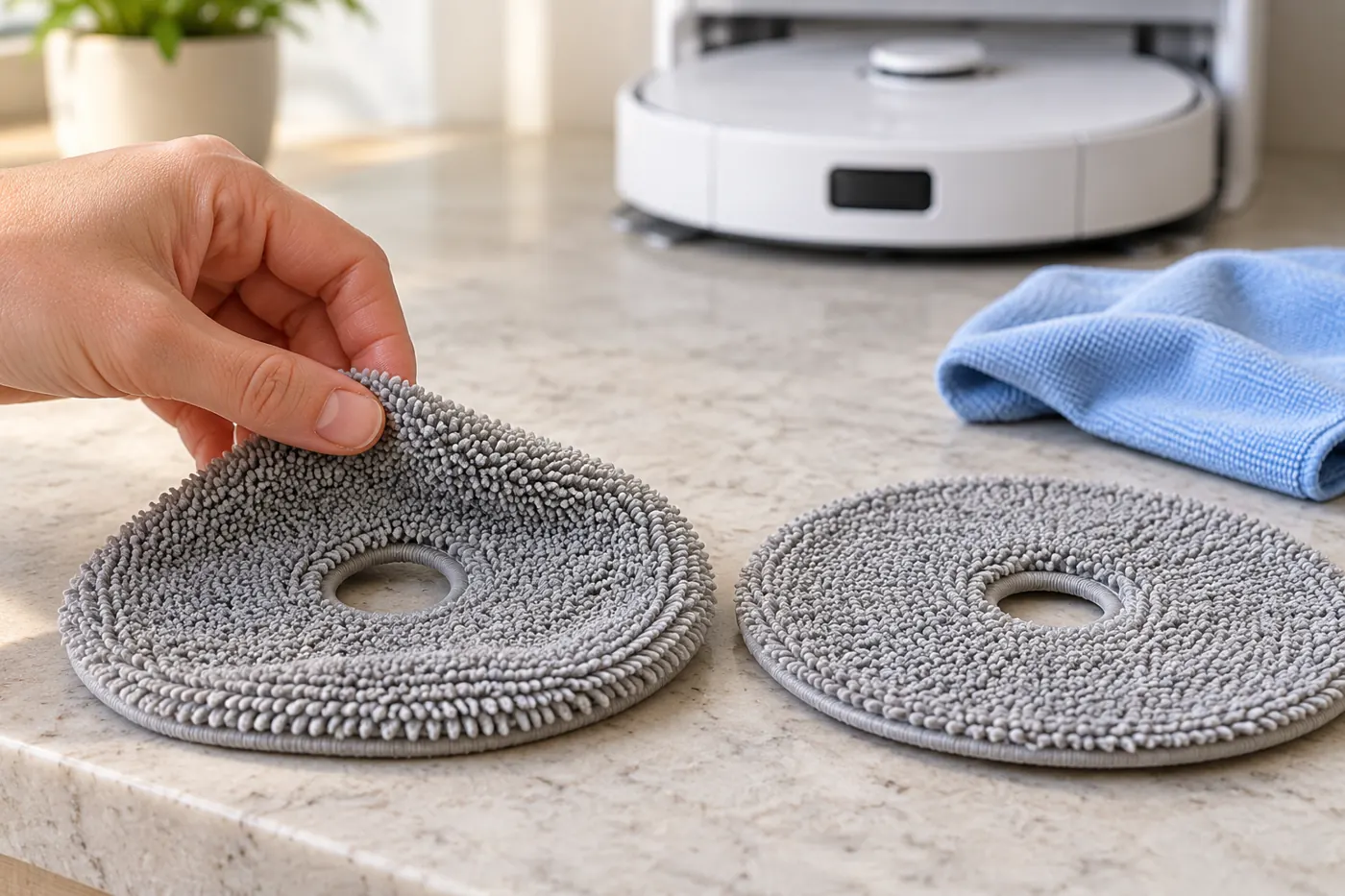
Once the cycle has ended, stop the robot before removing the cloths. Compare both pads: is each still broadly wet, is only an edge damp, or is one noticeably wetter than the other? This observation is more useful to support than “it does not feel hot.” A hand placed near the dock cannot reliably confirm the condition of the internal heater or fan.
5. Try a longer duration in humid conditions
Roborock recommends increasing drying duration when ambient humidity is high. Select a longer option available for your Q Revo, then repeat the same wash-and-dry test without interruption. Record whether the result improves. There is no single duration that guarantees dry cloths in every room.
If only one cloth remains wet, check that both cloths are attached flat and securely to their holders. Follow the manual for removal and fitting. Do not add extra fabric layers or force incompatible pads onto the holders.
If used water is sitting in the cleaning tray, work through the Q Revo dirty-water recovery guide. Increasing drying time is not a repair for water that the dock has failed to collect.
When to contact Roborock support
Request support if a manual drying command will not start, an app or dock error returns, or a complete uninterrupted cycle repeatedly leaves both cloths wet despite the settings checks. Provide your exact model, app error, selected duration, whether washing succeeded, and the result of manual versus automatic drying.
Do not open the station to test wiring, bypass a thermal protector, or heat the cloths with an external heater inside the dock. Stop using and disconnect a dock that has a burning smell, visible damage, or water reaching electrical areas. These checks help describe the fault; they do not prove that a particular internal part needs replacing.
Frequently asked questions
Can I start Q Revo drying manually?
Yes. The Q Revo manual describes starting or stopping drying with the Drying button in the app. Use a manual cycle to compare with the automatic cycle after washing.
Why does drying stop when the robot starts cleaning again?
Roborock lists departure from the dock as a condition that stops drying. Allow the selected cycle to finish before another job when testing the drying result.
Does the Q Revo dry with warm air?
Yes. Roborock describes a built-in warm-air module for the mops and cleaning tank, with periodic mop rotation. A damp pad early in the cycle is not proof of a failed module.
Should I factory-reset it first?
No reset is needed for the initial checks. Start with the drying option, correct trigger, and an uninterrupted manual test. A factory reset can remove settings without resolving a drying fault.
For other dock symptoms, see Q Revo auto-empty checks, or browse the Q Revo troubleshooting hub.
Official sources: Auto Drying does not start; poor drying results; duration and manual controls; Q Revo drying module; Q Revo user manual. Checked October 5, 2026. RoboFixGuide is independent of Roborock.