Begin with the quick checks. Stop if a step requires tools or experience you do not have.
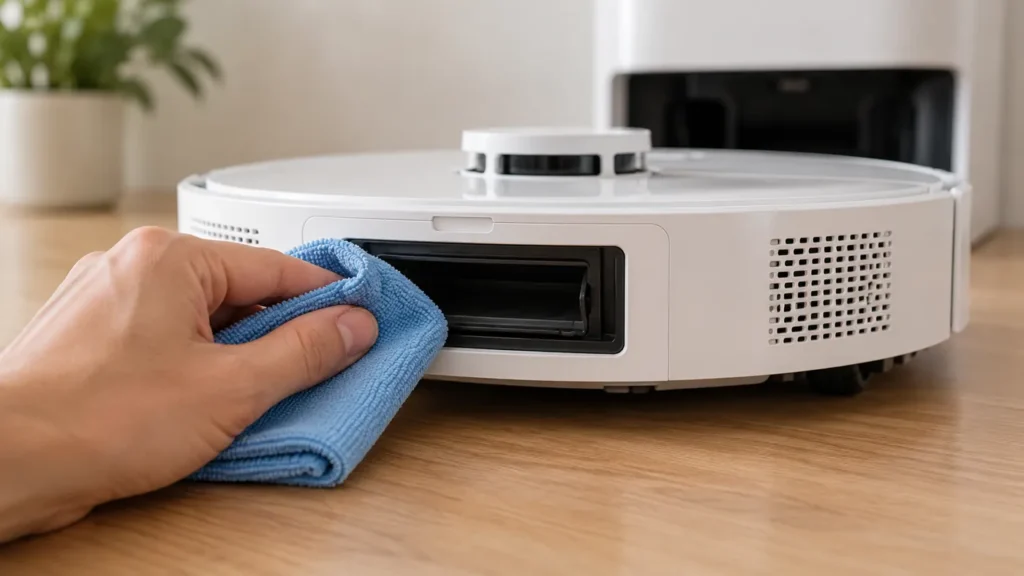
To clean Dreame L10s Ultra auto-empty vents, wipe the accessible dust-transfer openings on the robot and station with a soft, dry cloth. The original manual specifies this dry method; do not rinse the ports or pour water into the station’s dust path.
This is external maintenance. A blockage deep inside a duct, a damaged fitting, or a repeated emptying fault may need service beyond the accessible cleaning described here.
Prepare the robot and station
- End the task and wait for any station cycle to finish.
- Move the robot off the base and switch it off.
- Disconnect station power before cleaning its accessible openings.
- Use the original manual’s parts diagrams to identify the auto-empty vents.
Do not confuse dust-transfer openings with water-refilling connections, charging contacts, or sensor windows. The illustrations in this guide show the maintenance context and are not precise location diagrams.
1. Inspect and wipe the accessible ports
Look for loose lint, hair, or dry dust around the robot’s port and the matching station opening. Wipe the exposed surfaces gently with the dry cloth, using a clean section as it collects debris.
Lift away accessible loose material without pushing it deeper into the passage. Do not insert a wire, screwdriver, or other rigid tool to probe the duct. If an obstruction is beyond reach, photograph what is visible and ask support about the next step.
The goal is a clean, unobstructed visible opening. Dry wiping does not establish that the full internal air path is clear.
2. Check the bin and dust bag separately
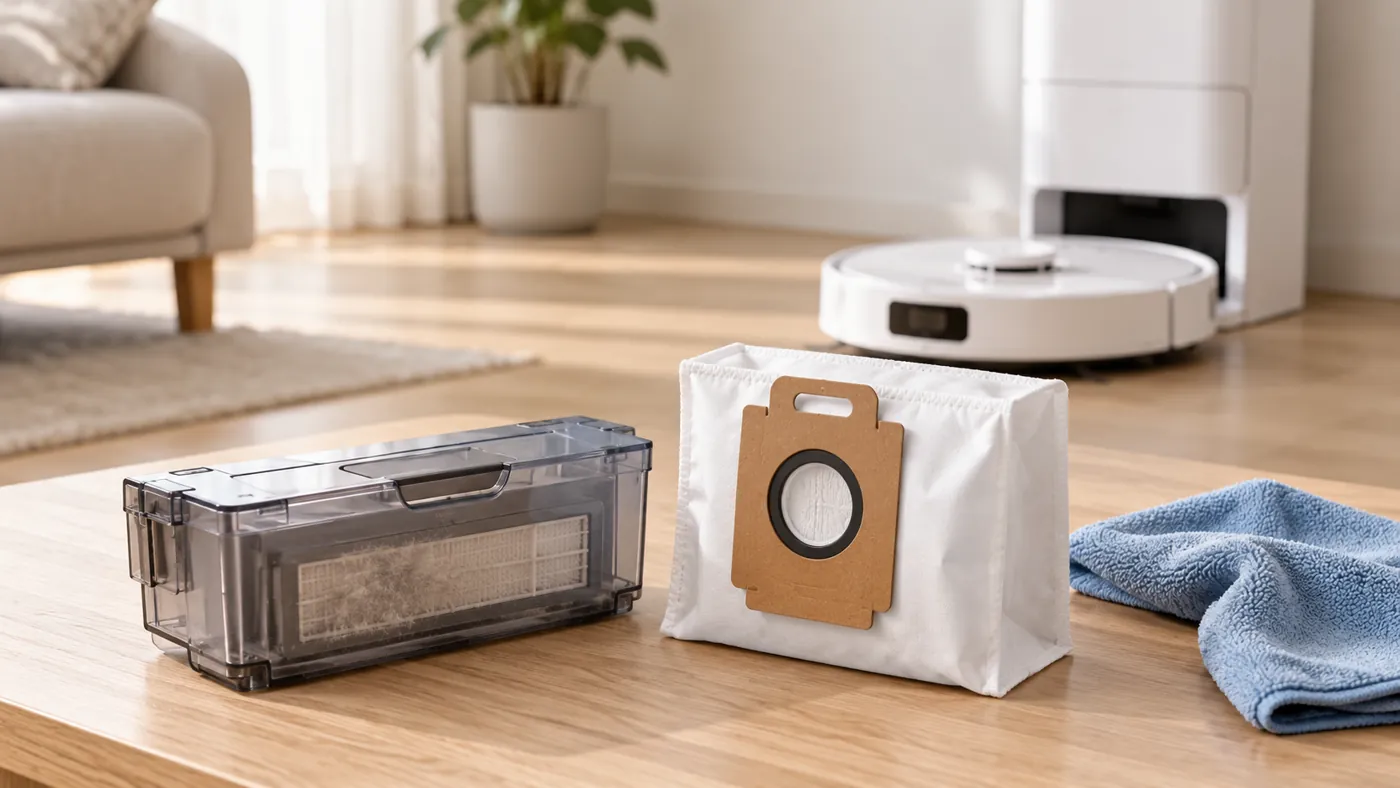
The manual’s auto-empty troubleshooting also calls for checking whether the dust bag is full and whether the robot, station, or bin is obstructed. A clean external port cannot compensate for a full bag.
Use the bag replacement guide when required. Inspect the bin using the bin and filter guide. Any rinsed bin or filter must be completely dry before reinstallation.
Keep wet-system maintenance separate. A cloth used on the dirty-water tank is not suitable for wiping the dry ports.
3. Reassemble and observe one cycle
Refit the bin, bag, and covers correctly, restore station power, and dock the robot normally. Use a normal task or the emptying control available in your app, following its current instructions.
Do not create a blockage or pack the bin to force a test. Compare the debris remaining in the bin after the cycle, and note any warning or unusual sound. A station that never triggers an emptying cycle needs a different check from one that runs but transfers little debris.
For continued trouble, follow the complete auto-empty troubleshooting guide. Record whether the cycle started, what remained, and whether the result changed after maintenance.
When to stop and ask for help
Seek model-specific advice for a deep obstruction, damaged port, damp material inside the dry path, or a repeated error after accessible cleaning and bag checks. Opening the station casing is outside routine vent care.
FAQ
Can I wash the vents with water?
No. The manual specifies a soft dry cloth for the robot and station’s auto-empty vents.
Do clean ports prove the system is working?
No. Check the bag, bin, trigger, and actual transfer result.
What if I notice an odor too?
Use the odor-source checklist to distinguish the wet and dry collection areas.
Find more maintenance instructions in the Dreame guide hub.
Manufacturer reference: Dreame L10s Ultra user manual, English maintenance and troubleshooting sections. Care instructions follow the original model’s manual; source-isolation and comparison steps are practical troubleshooting suggestions.