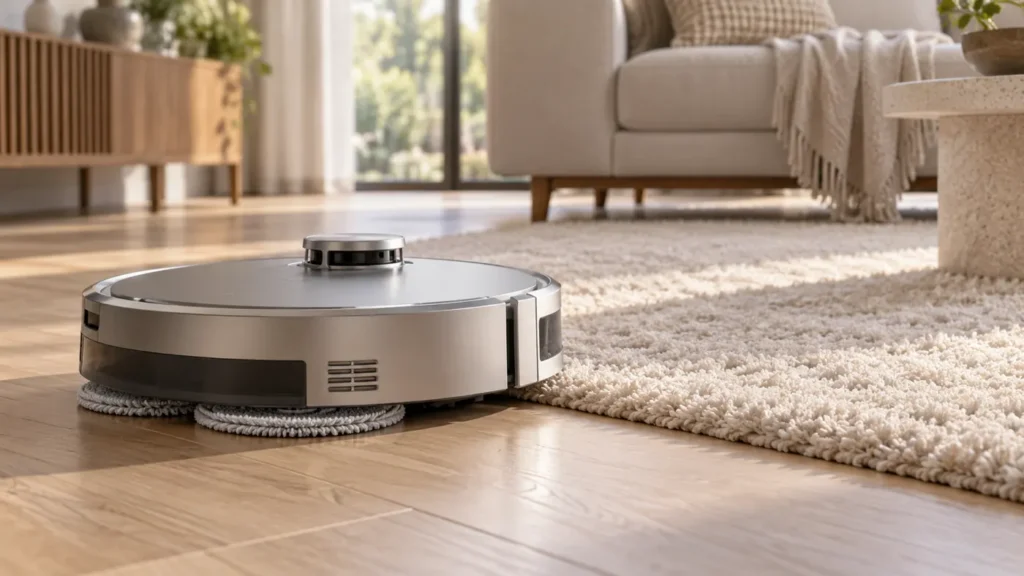
Begin with the quick checks. Stop if a step requires tools or experience you do not have.
If your Ecovacs T20 OMNI gets the carpet wet while mopping, stop the next wet pass across that rug and check where the moisture appears. A damp leading edge, wet high pile and mop plates that never rise are different observations. Automatic lifting does not guarantee that every rug stays dry.
Protect the rug first, then inspect the settings and removable parts. There is little value in repeatedly crossing a delicate carpet to see whether the next attempt works. Photograph the affected edge and note the cleaning mode so you can compare the cause without adding more moisture.
Match the wet patch to a useful check
| What you notice | Next check |
|---|---|
| Only the first strip of carpet is damp | Entry contact while the pads are lifting |
| Thick pile touches the pads | Exclude the rug from the mopping route |
| Pads remain down during a carpet approach | Carpet strategy, mode and plate installation |
| One cloth hangs beyond its plate | Pad alignment and correct replacement fit |
| Robot catches at a curled corner | Remove the trap or exclude that section |
1. Understand the edge-contact limitation
In its T20 carpet-wetting guidance, Ecovacs explains that lifting takes time while the robot keeps moving. A short entry distance can therefore contact the carpet before the pads are fully raised. It also notes that higher pile can get wet and recommends virtual walls where needed.
This is a reason to assess the boundary, not to assume the lifting mechanism is broken. Look at whether the damp area begins exactly where the robot enters. If the rug is valuable, moisture-sensitive or difficult to dry, keep it outside the wet-cleaning route rather than relying on another automatic crossing.
2. Check the carpet strategy and task mode
Follow Ecovacs’ carpet-lifting checks and confirm the carpet strategy is set to Auto. The manufacturer describes raised plates during vacuuming, and carpet-triggered lifting during the mopping portion of a task. In Mop after Vacuum, the vacuuming and mopping stages have different plate positions.
Record the mode actually active when the wet patch occurs. A screenshot of the task settings is more useful than remembering what was selected earlier in the week. Check a recently changed room preference too, then keep the mode unchanged while you assess the next hard-floor task.
3. Set a boundary that protects the whole rug
Ecovacs directs owners to Smart Cleaning > Map > Edit Map > Virtual Wall. Position the restriction so the robot avoids the carpet during the mopping route, then check the saved map. Make sure another approach from the side does not leave part of the rug exposed.
Watch the next ordinary hard-floor clean to confirm that the robot respects the boundary. Keep a clear route back to the station and avoid placing restrictions across the station entrance. If the rug appears in the wrong position on the saved layout, use the T20 mapping checks before trusting that boundary.
A map restriction is useful only when it matches the room. After moving the rug or rearranging furniture, review the exclusion again. Do not assume that a boundary drawn for an old rug position still protects its new edge.
4. Inspect pad alignment and plate seating
Stop the task and switch off the robot before handling the underside. Inspect the cloths for folds, loose edges or uneven positioning on the plates. Check that the assemblies sit normally and that accessible debris is not caught around them. Ecovacs includes debris and incorrect attachment among its lifting checks.
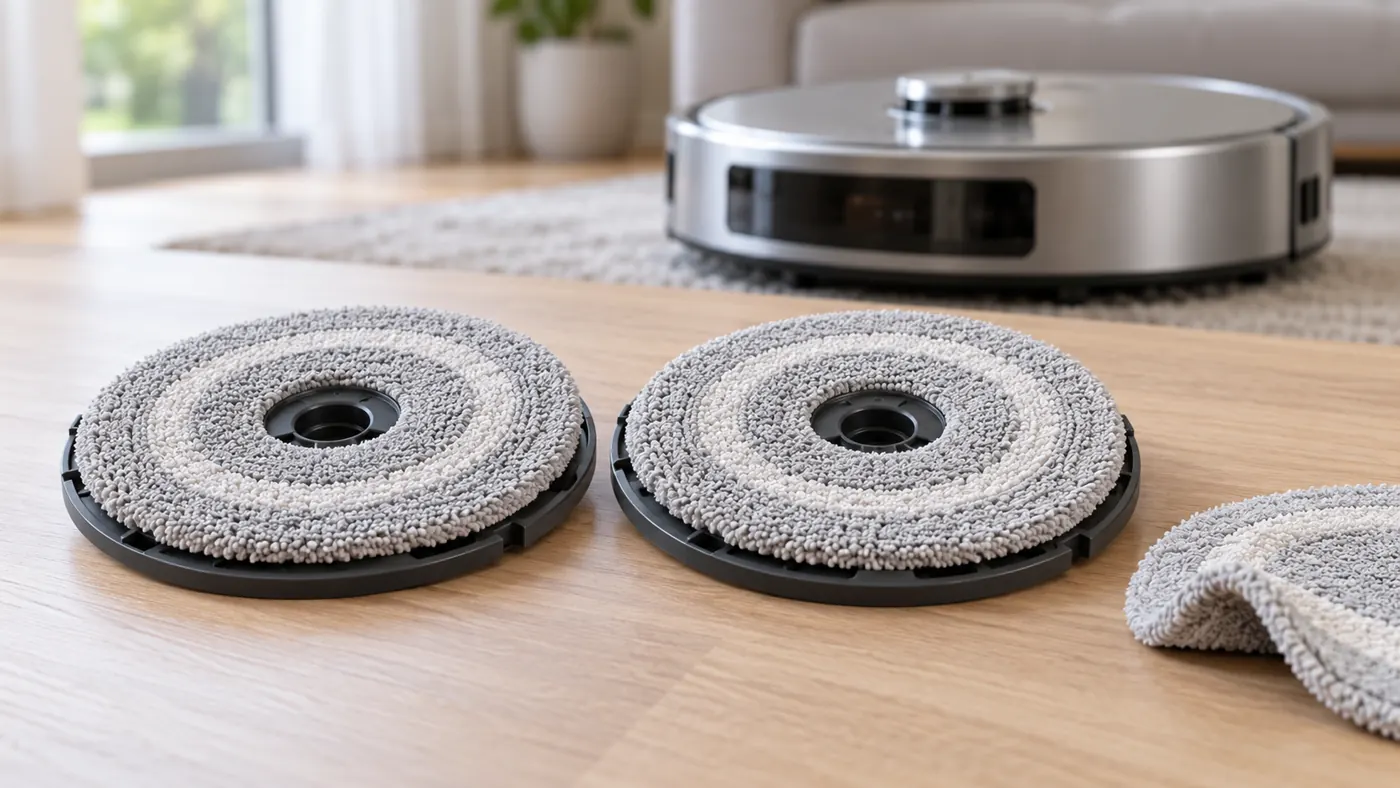
If the problem began after replacing the pads, confirm the exact T20 OMNI fit list. Similar-looking round cloths are not enough to establish a suitable replacement. Use the T20 parts compatibility section. Do not trim the pad, force a plate into position or modify the mount to make an uncertain part fit.
For a plate installation alert or an assembly that does not rotate during hard-floor mopping, follow the mop-plate troubleshooting guide. Keep that symptom separate from brief contact at the carpet edge.
5. Review mat shape and repeated snags
The same carpet-strategy guidance notes that some hard-surfaced or very thin mats may not be detected as expected. A curled corner can also trap the robot even when the plates lift. Exclude a problematic mat rather than repeatedly forcing a crossing.
If the robot becomes wedged at the edge, use the getting-stuck guide. A snag can change the contact between the damp cloth and carpet, so inspect the physical location as well as the app settings.
Frequently asked questions
Does a damp edge prove the lift failed?
No. Ecovacs documents contact during the lifting transition. Record whether the plates rise and protect the boundary before further mopping.
Will lower water settings guarantee a dry carpet?
Do not use that assumption as protection. Keep a moisture-sensitive rug outside the wet-cleaning route.
When should I contact support?
If correctly attached plates do not lift under the documented conditions, send the mode, carpet strategy, any alert and a short observation video. Avoid deliberately wetting the rug to obtain more footage.
Find related water and pad-care checks in the Ecovacs hub and T20 maintenance schedule.