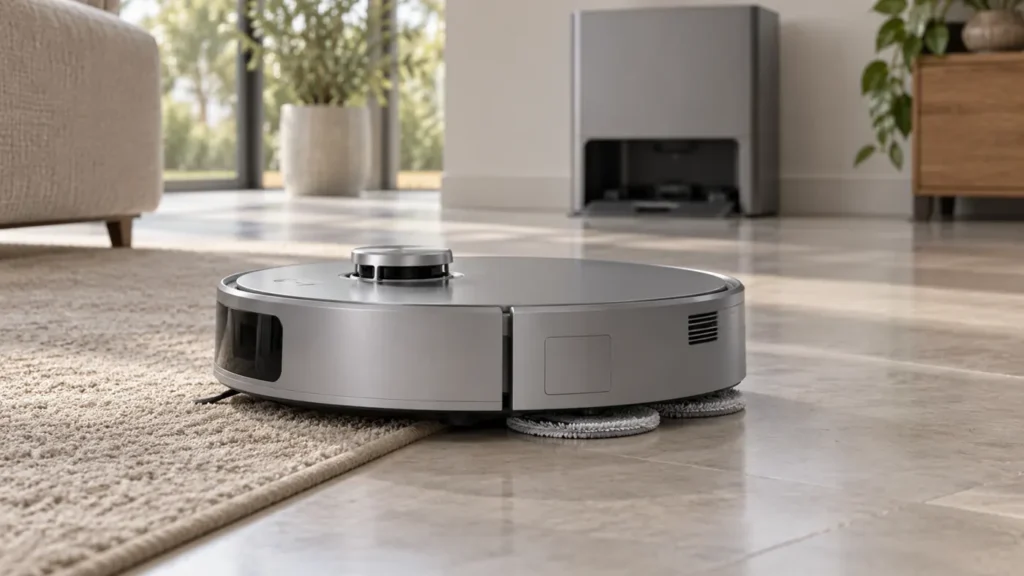
Begin with the quick checks. Stop if a step requires tools or experience you do not have.
If your Ecovacs T20 OMNI mop pads are not spinning, check the current cleaning mode before removing parts. The plates do not rotate during every part of a task. A pause over carpet or during vacuuming can be expected; stationary plates during mopping on open hard flooring need a closer look.
Start here: choose a short task that includes mopping on a suitable hard floor, watch both pads from a safe distance, and record any alert. Do not lift the robot or reach underneath while it operates.
Identify when rotation stops
| What you observe | Next check |
|---|---|
| Vacuum-only task | Raised, stationary mop plates are expected. |
| First pass of Mop after Vacuum | Check whether the vacuuming stage is still underway. |
| Stops on carpet with Auto strategy | Compare with mopping on clear hard flooring. |
| Returning to the station | Do not judge rotation from the return trip. |
| Stationary on hard floor during mopping | Inspect plate installation and tangled debris. |
| Plate installation or entanglement alert | Follow that specific alert and the removal instructions. |
1. Confirm the task and cleaning stage
Ecovacs lists cleaning modes under Smart Cleaning > Cleaning Preferences. In Vacuum mode the plates lift and do not rotate. With Auto strategy, carpet detection can also lift and stop them during mopping. In Mop after Vacuum, the first cleaning process is vacuuming, so the plates remain raised and stationary.
Check the task shown in the app at the moment you observe the problem. A video taken at a rug edge may not describe what happens on the rest of the floor. Compare both pads during the actual mopping stage on a clear hard-floor area, with the same settings throughout the test.
Ecovacs also describes raised, non-rotating plates while returning to the station. The return journey is therefore a poor rotation test. Observe a normal floor-mopping segment rather than repeatedly commanding return to see whether the pads move.
2. Record whether one or both plates stop
Watch without touching the moving robot. Note whether both pads are stationary, one moves intermittently or an alert ends the task. Keep the exact wording. These observations help you choose the accessible checks; they do not identify a failed motor on their own.
If mopping is selected but the robot avoids the test area, verify that it physically reaches the hard floor first. A restricted route or wrong room selection prevents a useful comparison. For a distorted saved layout, use the T20 mapping guide.
3. Inspect for tangled debris
Ecovacs recommends checking for entangled debris when the plates do not rotate on a non-carpeted surface during mopping. Stop the task and power off the robot before handling it. Use the T20 removal procedure rather than pulling on a plate while it is mounted in the wrong position.
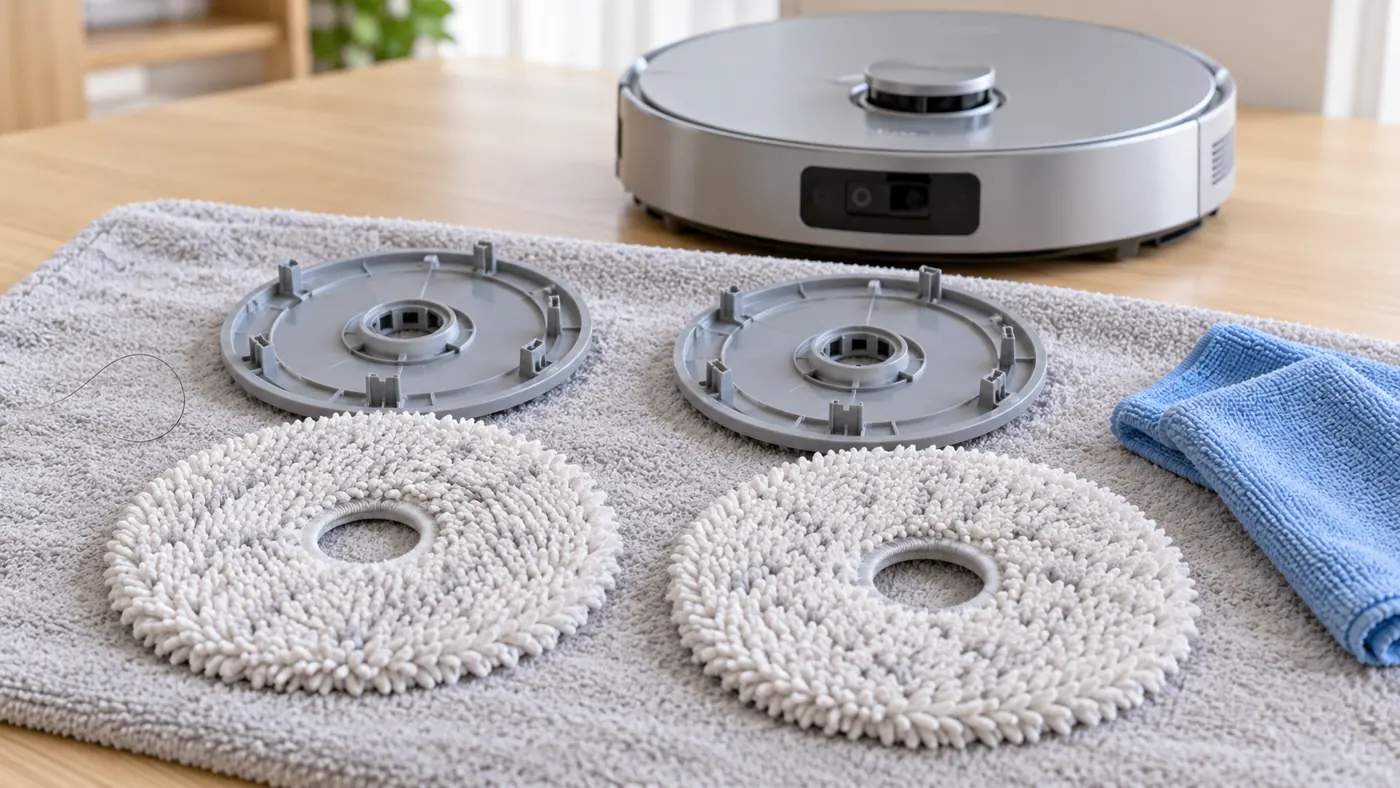
The manufacturer describes placing the robot upside down on a soft mat, turning the raised plates outward and removing them with both hands. Inspect the removed parts for visible hair or thread and clean accessible debris. Keep water and tools out of the drive openings.
4. Reinstall the pads and plates correctly
Following Ecovacs’s instructions, align the cloths on the plates, then attach the plates until they click into place. For an installation alert, Ecovacs recommends reinstalling and restarting the robot; a warning that persists belongs with Customer Care.
Pay attention to a problem that began directly after washing or replacing pads. Compare both assemblies and confirm that no cloth is folded into the mounting area. If a replacement will not seat normally, check the T20 OMNI parts compatibility guide. Do not force a different part into place.
5. Repeat the same short mopping test
Return the robot to its normal position with all parts installed, then repeat the original hard-floor task. Keep the room and mode unchanged. Did both pads begin rotating, did the warning clear, or did the same side stop again? Record the result before trying another change.
If the plates rotate but the pads stay dry, continue with the T20 water-delivery checks. If the robot cannot enter the station for pad care, use the docking guide. Those symptoms need separate observations.
When to contact Ecovacs
Contact support if an entanglement alert remains after accessible cleaning, or correctly fitted plates still fail during mopping on clear hard flooring. Send a short video, the selected mode, exact alert and whether one or both sides are affected. Avoid opening the robot to reach a drive mechanism.
FAQ
Why do the mops stop over a rug?
With Auto strategy, the T20 can raise the plates and stop rotation when carpet is detected. Compare with its hard-floor mopping behavior.
Does one stationary plate prove a motor fault?
No. Check the mode, visible debris and installation first, then let support assess a persistent failure.
Should I lubricate the plate mount?
Follow the manufacturer’s care procedure. Do not add oil as an experiment to restore rotation.
See the T20 mop-drying checks, Ecovacs hub and maintenance schedule.
Official sources: Ecovacs mop rotation by cleaning mode, plate installation and entanglement alerts and pad removal and care.
For a stationary edge-cleaning brush rather than a mop plate, use the T20 OMNI side-brush guide.
If the mop plates work but the rug edge gets damp, use the T20 OMNI carpet-wetting guide.
If the app reports that mop-pad plates are not fully installed, follow the T20 OMNI mop-plate installation guide.