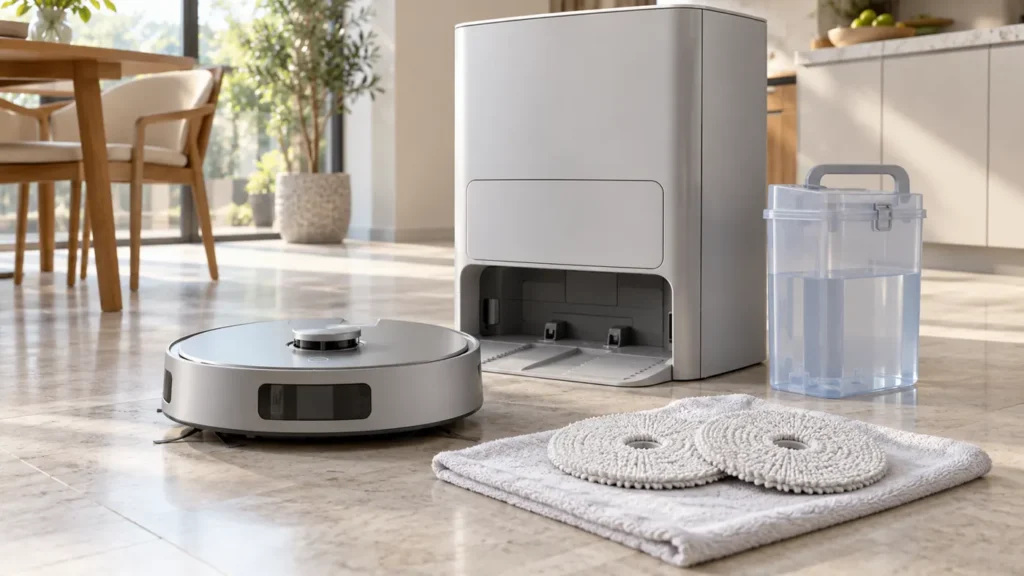
Begin with the quick checks. Stop if a step requires tools or experience you do not have.
If your Ecovacs T20 OMNI is not dispensing water or its mop pads stay dry, first check what happens at the station. Does a pad-washing cycle begin? Does it wet the pads? Or does washing work, followed by poor moisture during floor cleaning? Those observations lead to different checks.
Start here: fill and reinstall the clean-water tank, check the pad assemblies and observe one complete pad-cleaning cycle. Keep a water-delivery problem separate from a cycle that uses cold water or cannot drain used water.
Match the water symptom
| What you see | Next check |
|---|---|
| Pad wash runs but pads remain dry | Inspect the clean-water supply and tank filter. |
| Pads get wet but water is cold | Check the cycle type and hot-water setting. |
| Pads start damp, then become much drier | Review returns to the station for pad washing. |
| Water remains in the station sink | Follow the dirty-water recycling guide. |
| Wash does not start and robot is not docked correctly | Resolve docking or charging first. |
| Only one pad has a poor result | Compare pad condition and installation. |
1. Record one complete station cycle
Use the pad-cleaning control described in your app or T20 OMNI instructions. Note whether the station accepts the command, whether you hear the wash begin and whether an alert interrupts it. Let the cycle finish before inspecting the pads, keeping your hands out of the station while it operates.
A pump-like sound does not establish that water reached the pads. Compare the pads after the completed cycle, once safe to handle, and keep the exact app message.
2. Refill and reseat the clean-water tank
Ecovacs’s T20 mopping instructions say to add clean water up to the MAX line. Close the tank as instructed and reinstall it properly. Do not add laundry detergent or an unapproved cleaning product; Ecovacs specifies its own cleaning solution if one is used.
Look for an obvious change since the last successful task: the tank was emptied, removed for cleaning or left partly seated. Check the accessible area for something preventing normal placement. Correct one issue, then repeat the same cycle. If the result improves, you have a useful comparison without needing to guess which internal component was involved.
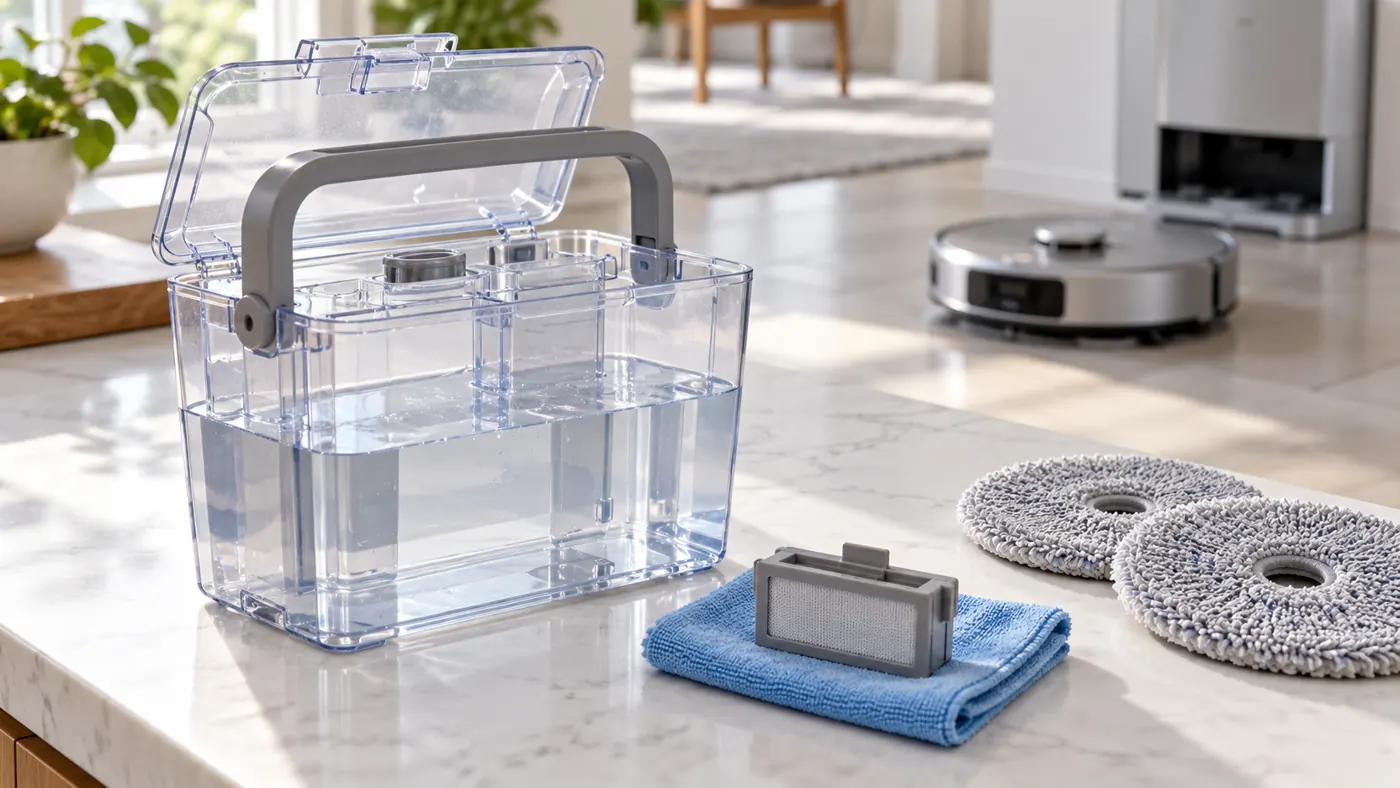
3. Clean the removable tank filter
In its tank-care instructions, Ecovacs describes removing the clean-water tank’s filter assembly, cleaning the filter and putting it back. Follow that procedure for your supplied tank, with the station unplugged during maintenance. Reinstall the assembly before testing.
Stay with the removable parts intended for routine care. Do not force water into station ports with a syringe or open the station to reach hoses. If the tank or filter is damaged, compare the exact part with the T20 OMNI compatibility guide before replacing it.
4. Check the pads and selected task
Make sure the mop pads and plates are installed according to the T20 instructions, and that the task you are assessing includes mopping. Compare both pads: is one missing, folded or visibly different from the other? Correct the installation before another short task on a suitable hard floor.
If station washing wets both pads, the fresh-water supply worked for that test. Start a small floor task from the station and observe whether the robot returns for pad cleaning. Keep the same room and pad setup between attempts, so you can tell whether a settings change affected the result.
5. Review the pad-cleaning interval
Ecovacs places the pad-cleaning interval in the app’s Smart Cleaning section. Its guidance says a change during cleaning takes effect after the next station return, rather than replacing the current interval immediately. Compare the pad condition just after washing and later in the task.
Compare a small room with a longer task to see whether the problem appears later. Do not assume that increasing every available setting will identify the cause; make one change and watch what follows.
6. Separate cold water from no water
Ecovacs says the initial pad moistening uses cold water. Station self-cleaning also uses cold water. For hot-water pad washing, check the hot-water option under Smart Cleaning > Station. Water temperature varies during heating, so an early cool stage alone does not establish a heater fault.
Do not put your fingers into an active wash to judge temperature. If water reaches the pads but heating still seems wrong during the intended cycle, record the setting and cycle stage for support. That is a different report from pads that never become wet.
When to use another guide or contact support
If water accumulates in the cleaning sink, use the T20 OMNI dirty-water recycling guide. If the robot cannot dock and charge, start with the charging checks. For a repeated failed pad wash after accessible tank and filter care, send Ecovacs the alert, tank setup and a short cycle video.
FAQ
Does cold water mean the station is broken?
Not necessarily. Confirm which cycle is running and whether hot-water pad washing is enabled.
Should I change the cleaning interval during a task?
You can, but assess the result after the next station return, as described above.
Should I replace the pump?
A failed wash does not identify a failed pump. Let support assess the recorded result before internal repair.
See the Ecovacs hub and T20 maintenance schedule for related care.
Official sources: Ecovacs mopping setup, tank and filter care, pad-cleaning interval and hot-water washing checks.
If the pads get wet but do not rotate during mopping, use the T20 mop-rotation checks. If they remain damp after the task, follow the T20 mop-drying guide.
If water flows but you suspect a temperature problem, use the T20 OMNI hot-water washing guide.