Begin with the quick checks. Stop if a step requires tools or experience you do not have.
If your Ecovacs T20 OMNI mop drying is not working, first check whether the selected drying period actually ran to completion. Pads checked immediately after washing are not evidence of a failed dryer. Separate a cycle that never starts, one that is interrupted and one that finishes with pads still damp.
Start here: review the drying duration in ECOVACS HOME, let one ordinary post-cleaning sequence finish without interruption, and compare both pads afterward. Record the app status and any station alert.
Choose the drying check
| What you observe | Next check |
|---|---|
| Pads are wet immediately after washing | Wait until the drying period finishes before assessing them. |
| Drying never appears to start | Check the app setting and preceding station activity. |
| Cycle stops partway through | Record any interruption, power change or alert. |
| Cycle finishes but both pads stay damp | Compare duration, pad condition and the completed result. |
| One pad is much wetter than the other | Compare cloth placement and condition. |
| Water remains in the cleaning sink | Investigate dirty-water recovery separately. |
1. Check the selected drying duration
Ecovacs’s T20 guidance places drying-duration settings in the app’s Smart Cleaning section. Open your robot’s settings and record the selected value before changing it. App wording may differ by version, so use the controls shown for your T20 rather than instructions for another model.
If you compare a longer available duration, keep the same pads and ordinary cleaning task. Changing duration, pad material and cleaning conditions at once makes the result difficult to interpret. One successful comparison is more useful than repeatedly changing every station setting.
2. Follow the sequence through to completion
After a normal mopping task, watch what the app says as the robot returns. Note whether pad washing is underway, whether a warning interrupts the station activity and when the selected drying period ends. Do not remove the robot halfway through just to inspect the cloths.
Ecovacs’s mopping instructions say not to pause or stop the robot while it is cleaning and drying the pads. For your comparison, leave the station powered and avoid starting another task during that period. If an interruption occurs, record it rather than treating that attempt as a completed drying test.
Noise and warmth alone are unreliable ways to identify the current station function. Check the activity shown in the app. This guide does not set a target surface temperature or tell you to reach into an active station to assess heating.
3. Compare both pads after the cycle
Once station activity has finished and the parts are safe to handle, compare the two cloths. Are both similarly damp, is one wetter at its edge, or is a folded area holding moisture? Note the time of inspection and selected duration so a later comparison uses the same conditions.
A photograph can show placement, but it cannot measure moisture. Describe what you find rather than presenting a picture as proof that drying failed. A pad that is cleaner and less damp after the cycle is a different result from one that shows no apparent change.
4. Check pad care and installation
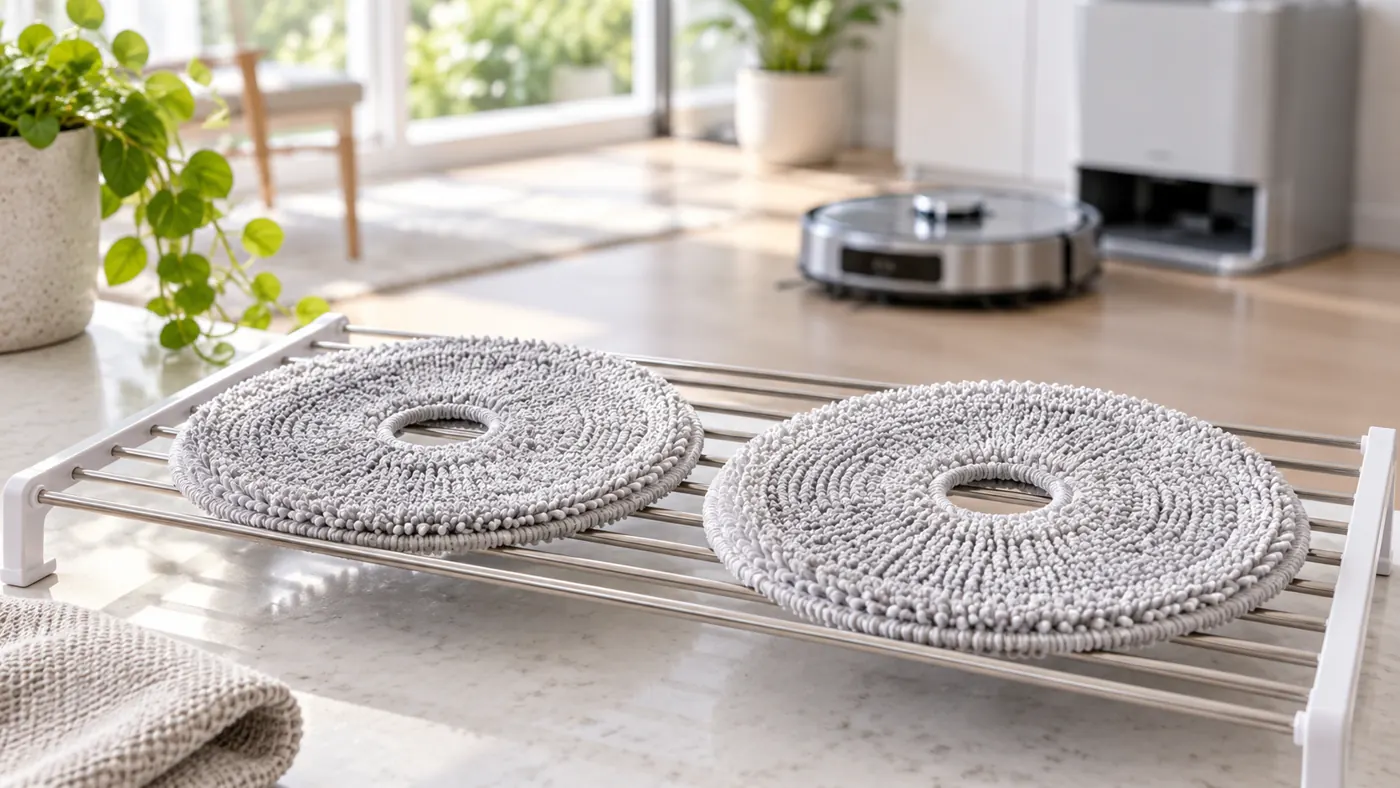
Ecovacs describes removing the washable cloths from their plates, washing and drying them before reuse, and reinstalling the assemblies with a click. Follow that model-specific handling procedure, with the robot powered off before maintenance.
Inspect the cloths for folds, heavy residue or damage. Compare any recently fitted replacement with the specified part. If one pad behaves differently, correct its placement before changing more settings. Use the T20 parts guide to check replacement fit.
While investigating the station, remove and dry the washable cloths according to their care instructions rather than leaving them damp indefinitely. Do not apply a hair dryer or other external heater to the robot or station as a repair attempt.
5. Separate drying from washing and drainage
If pad washing did not complete, note the exact warning first. For a lack of fresh-water delivery, use the T20 water guide. For used water remaining in the sink, use the dirty-water recovery checks.
If the robot cannot return and seat correctly, start with the docking guide. These problems affect the sequence you are trying to observe. Changing the drying duration does not establish that washing, drainage or docking is working.
When to contact Ecovacs
If correctly fitted, maintained pads remain substantially damp after completed comparison cycles, send support the selected duration, app and firmware versions, station status and any alert. Explain whether drying never began or began and completed without the expected result.
Those observations do not prove a failed fan or heater. Stay with settings and removable-pad care; leave internal station diagnosis to support.
FAQ
Should the pads be dry straight after washing?
Assess them after the drying period, rather than at the end of washing.
Does a longer setting prove the dryer works?
It provides a comparison. Check the completed cycle and pad condition before drawing a conclusion.
What if the pads also stop rotating?
Use the T20 mop-rotation guide to compare cleaning mode and plate installation.
Browse the Ecovacs hub and T20 maintenance schedule.
Official sources: Ecovacs drying-duration setting, mopping and station-cycle instructions and washable-pad care.