Begin with the quick checks. Stop if a step requires tools or experience you do not have.
If your Ecovacs T20 OMNI misses rooms, first check the result of a completed task. A room not yet visited during an ongoing run is different from one left untouched after the robot announces completion. Save the final route and note which areas you actually selected.
Next, determine whether it always misses the same room or leaves different patches on different runs. The first pattern points you toward access and settings for one location. The second calls for a comparison of the cleaning area and what was in the robot’s path.
Match the pattern to the next check
| What you observe | Check next |
|---|---|
| Same room missed after task completion | Doorway access and task selection |
| Room entrance contains a mat | Carpet strategy and mat thickness |
| Robot stops at a raised sill | Measure the entry obstacle |
| Area task ends with DEEBOT is blocked | Door history and documented auto-cleaning sequence |
| Different patches missed each run | Obstacles and observation conditions |
| Layout itself looks distorted | Separate mapping checks |
1. Confirm the task really included that room
Review the selected area before rebuilding a map. Compare the final cleaning record with the original task choice. If only one room was selected, an untouched adjoining room does not demonstrate a coverage failure.
Keep the completion message or task status as part of the record. Ecovacs’ missed-area guidance assesses untouched areas after the completion announcement during AUTO or Area cleaning. Use that endpoint for the comparison, rather than stopping the robot halfway through to inspect its route.
If the run returned to charge with work pending, follow the continuation guide. That case needs a check of the unfinished task before it can be treated as completed coverage.
2. Inspect the doorway and carpet setting
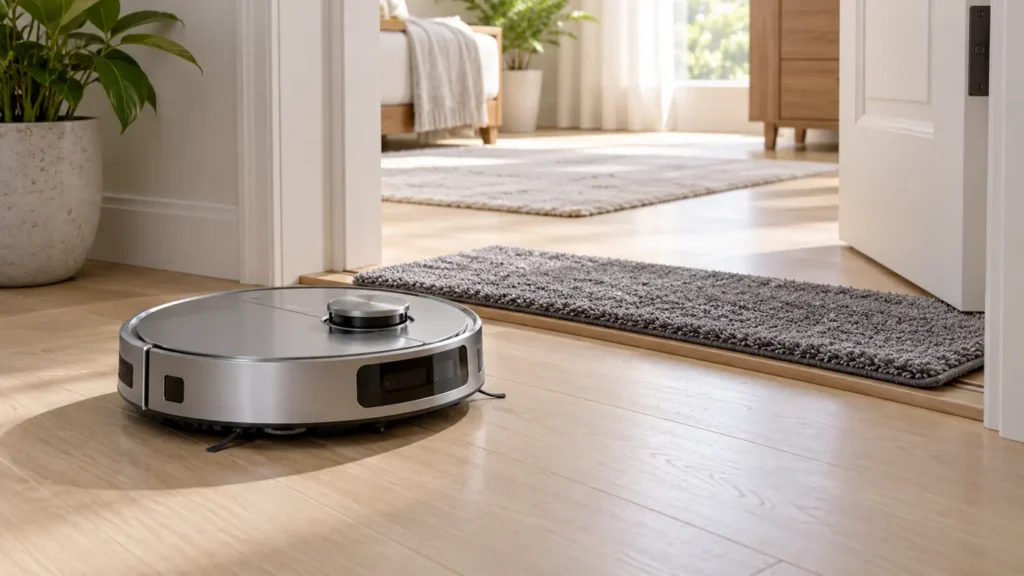
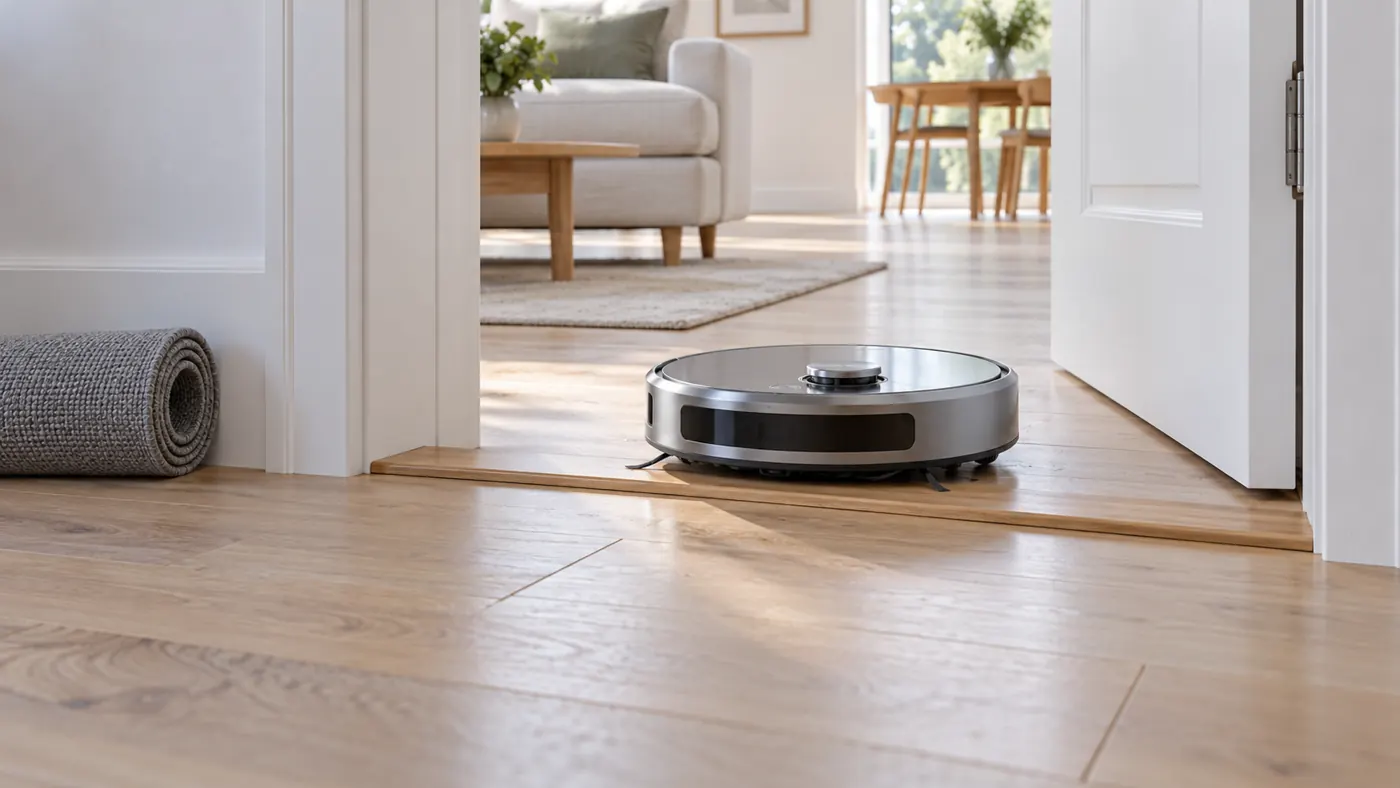
The manufacturer notes that Bypass carpet strategy can avoid a room when carpet or a mat is detected at its entrance. It suggests reviewing Auto strategy. The same guidance states that a mat or sill exceeding 2 cm can prevent entry.
Photograph the entrance and measure the actual obstruction. A mat laid on top of a sill can make visual estimates misleading. Remove a movable mat for a comparison only if doing so leaves a safe, usable floor route. Do not repeatedly force the robot over a threshold it cannot cross.
Before changing carpet strategy during mopping, consider the rug itself. Use the carpet-wetting guide to protect moisture-sensitive or high-pile surfaces. Reaching a room is not a reason to accept an unsuitable wet-cleaning route.
3. Follow the specific blocked-area procedure
If the app reports DEEBOT is blocked and ends an area task, review whether the door was closed during the earlier clean. Ecovacs’ blocked-area instructions describe opening that door, allowing a complete auto-cleaning cycle and then retrying area cleaning.
Use this sequence when the room’s history matches the documented case. Keep the doorway open throughout the run and compare the next area task with the original result. A blocked message alone is not proof that a wheel or navigation component has failed.
If the robot is physically caught under furniture instead, use the getting-stuck checks. Record the alert and location together so you can choose between access history and a visible trap.
4. Compare changing missed areas
For inconsistent coverage, Ecovacs advises clearing objects and avoiding following the robot, since a nearby person can be treated as an obstacle. Observe from one position and give it a clear normal route.
Keep the task type and furniture arrangement similar for the comparison. Move loose items that occupy the missed patches, then save the completed route again. If the pattern changes, record which items were moved rather than making an immediate map reset.
A photo of the room and a screenshot of the route should describe the same run. Mixing a map from yesterday with today’s rearranged furniture can make an ordinary access issue look like unexplained navigation behavior.
5. Separate coverage from weak dirt pickup
Check whether the robot actually travelled over the dirty area. If it did but left crumbs behind, follow the T20 pickup guide. More suction does not make it enter an inaccessible room, while a new map does not clean an obstructed brush.
If the saved layout shows overlapping rooms or an obviously wrong position, use the mapping troubleshooting guide. Preserve a screenshot before changing the layout so you retain the evidence of the original problem.
Frequently asked questions
Should I rebuild the map immediately?
Check task selection, the completion result and physical access first. Keep the old route for comparison.
Can a doorway mat make a whole room disappear from the route?
Ecovacs documents entrance carpet avoidance and raised entry obstacles. Review the actual doorway and settings.
When should I contact support?
Contact Ecovacs if a selected, accessible room remains missed after the relevant checks. Send completed route screenshots, entrance photos, mode, carpet strategy and any blocked message.
Visit the Ecovacs hub for other T20 OMNI guides.