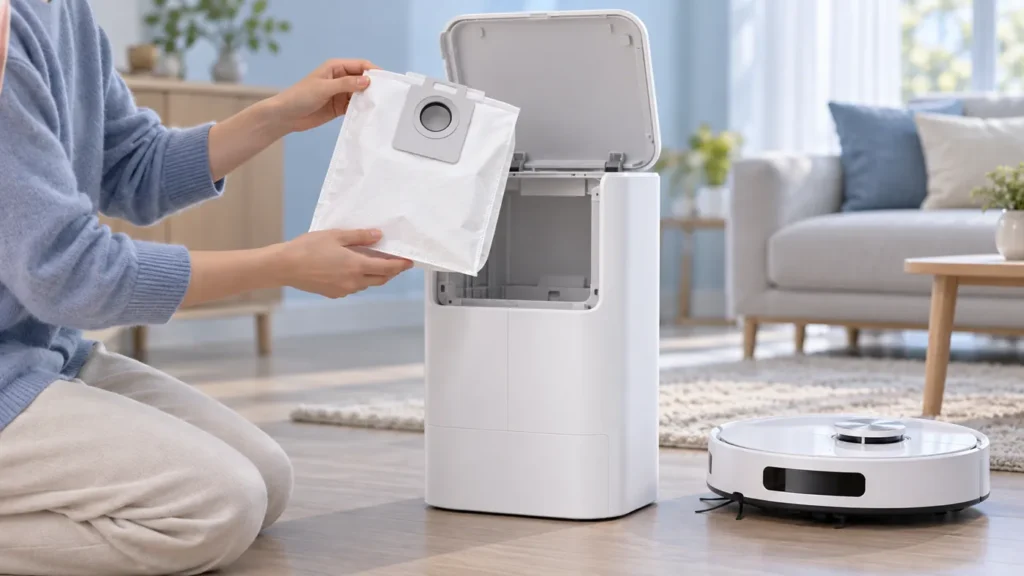
Begin with the quick checks. Stop if a step requires tools or experience you do not have.
To replace the Ecovacs T20 OMNI dust bag, open the station’s dust collection compartment using its release, remove the used bag, wipe the accessible compartment with a dry cloth and fit a new compatible bag. Finish by closing the compartment.
Keep this routine replacement separate from a station that still fails to empty the robot afterward. A new bag is one maintenance action; the result of the next normal emptying operation tells you whether further troubleshooting is needed.
Match the need to the next action
| Maintenance need | Next action |
|---|---|
| Used disposable bag needs replacement | Remove and discard it, then fit a new bag |
| Compartment has accessible loose dust | Wipe with a dry cloth |
| Replacement does not fit normally | Check exact T20 compatibility |
| Cover does not close normally | Stop and inspect the fit without forcing it |
| Bag warning remains after replacement | Record the message and follow auto-empty checks |
| Robot leaves dirt on the floor | Check pickup separately from station emptying |
1. Prepare the correct replacement
Confirm the bag’s stated compatibility with the original T20 OMNI before opening the used bag compartment. Keep the replacement packaging until you know the bag fits and the next normal operation works as expected.
Compare the mounting collar and installation directions with the original documentation. A bag’s overall size or white fabric appearance does not establish that its attachment suits this station. The article images are illustrations, not a part-selection guide.
Choose a time when the station is idle and no emptying cycle is running. Keep a disposal container nearby so you can handle the used bag without leaving it beside the new one.
2. Open the dust collection compartment
Ecovacs’ T20 dust-bag replacement instructions say to press the release button under the dust collection compartment, remove and discard the used bag, wipe the compartment with a dry cloth, install a new bag and close the compartment.
Identify the release on your actual station before pressing it. Do not pry at a panel or loosen screws because a similar station shown online opens differently. If the cover will not release through the documented method, ask support rather than forcing the latch.
Keep the used bag upright as you remove it and avoid squeezing it. Dispose of it without emptying its contents into the new bag. The manufacturer’s procedure calls for a new bag, rather than washing the old disposable one.
3. Wipe the accessible compartment dry
Use a clean dry cloth on the accessible surfaces described in the procedure. Remove loose dust gently rather than blowing it deeper into the station. Do not insert a tool into an unseen passage during this routine replacement.
Keep water and spray cleaners out of the dust collection compartment. This is a dry cleaning step and should not be combined with the station’s water-tank or wash-sink maintenance.
Look for visible damage while the compartment is open. A photo of a cracked latch or unusual residue is useful for support. Stop before trying to modify the compartment to accommodate an uncertain replacement.
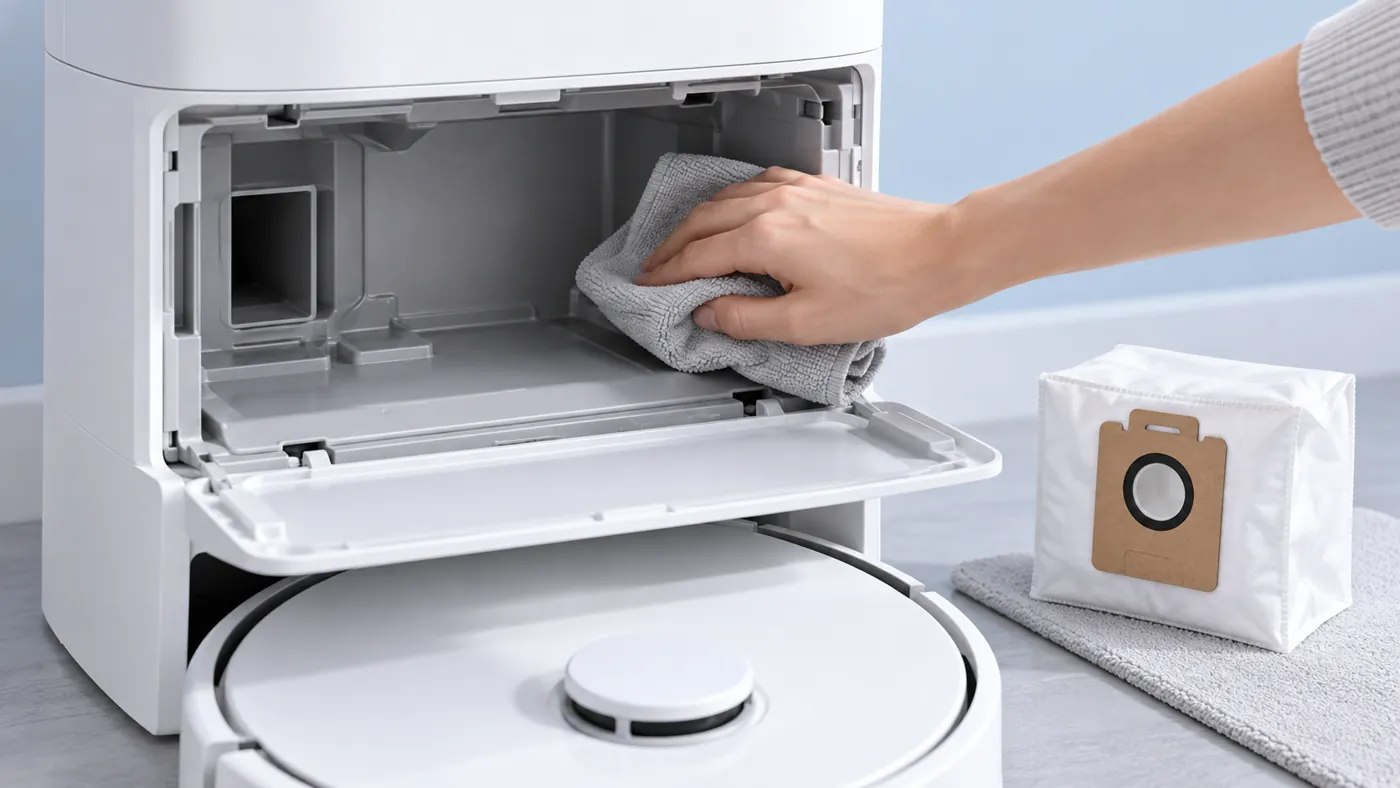
4. Fit the new bag and close normally
Install the compatible replacement using the model’s original fitting directions. Keep the collar aligned with the intended mounting area. If it will not fit normally, recheck the part information rather than trimming or bending it to make it fit.
Close the compartment through its normal action. If closing requires unusual force, inspect the bag placement and cover area first. Do not run an emptying comparison with the compartment open or with the bag omitted.
Record the date and replacement model information. That gives you a clear reference if a warning appears immediately after the change. It also helps distinguish an installation concern from a problem that existed before replacement.
5. Check the next normal emptying result
After everything is fitted and closed, observe a normal permitted emptying operation using the current T20 instructions. Record whether it runs and whether the same warning remains. Save the exact app message before dismissing it.
If emptying still fails or the station reports a bag problem, use the T20 auto-empty guide. A replacement that fits does not prove every part of the emptying process is working.
If the robot does not reach the station, use the docking checks. If the robot travels over dirt but leaves it behind, use the pickup guide. Those results need different observations from bag replacement.
Frequently asked questions
Can I wash and reuse the disposable bag?
The documented replacement procedure says to discard the used bag and fit a new one.
Should I force a similar-looking bag into place?
No. Confirm exact model compatibility and normal installation.
What should I send support if the warning remains?
Send the warning, bag packaging details, fit photos and the result of the next normal emptying operation.
Find related guides in the Ecovacs hub.