Dreame
Dreame L10s Ultra Keeps Stopping
Dreame L10s Ultra keeps stopping? Separate normal dock visits from errors, obstructions and charging pauses, then follow the right checks.
Brand troubleshooting
Troubleshooting guides for Dreame robot vacuum cleaners.
Matching guides
Start with the closest symptom. Each guide begins with safe checks before disassembly.
Dreame L10s Ultra keeps stopping? Separate normal dock visits from errors, obstructions and charging pauses, then follow the right checks.
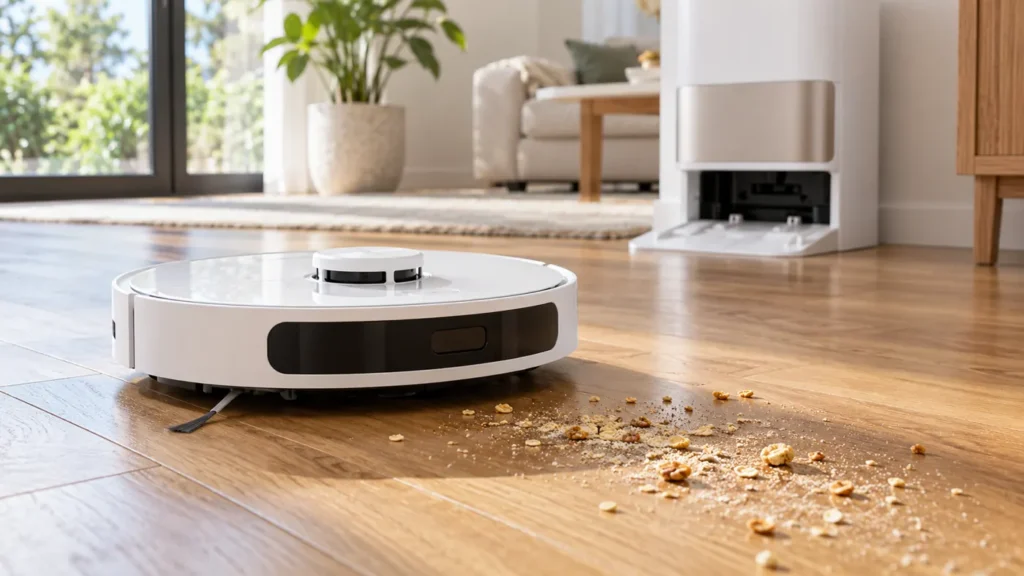
Dreame L10s Ultra not picking up dirt? Check vacuum settings, the dustbin, filter, brush and route with a short comparison task.
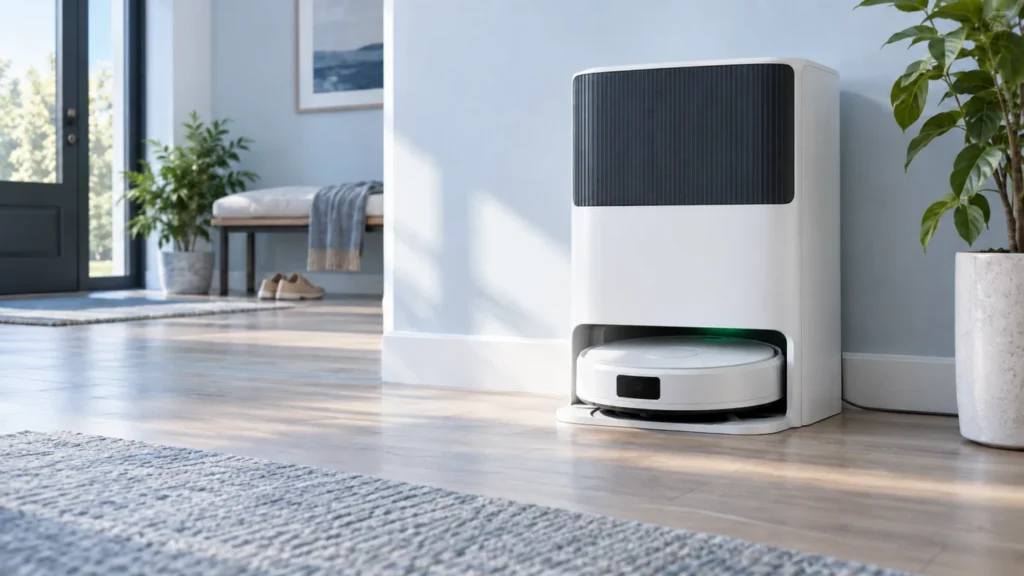
X50 Ultra at the dock but its battery stays flat? Check the base, scheduled charging, contacts and alignment before suspecting the battery.
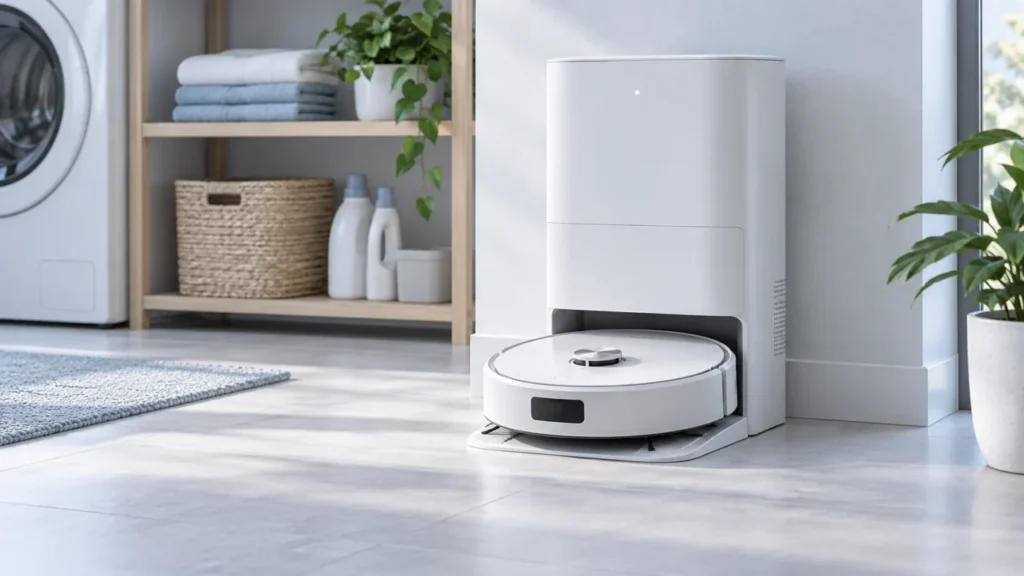
If the X40 Ultra stays dark, check station power, rear switch, contacts and docking, then allow a charging interval before seeking service. Separate no-power from app Offline.
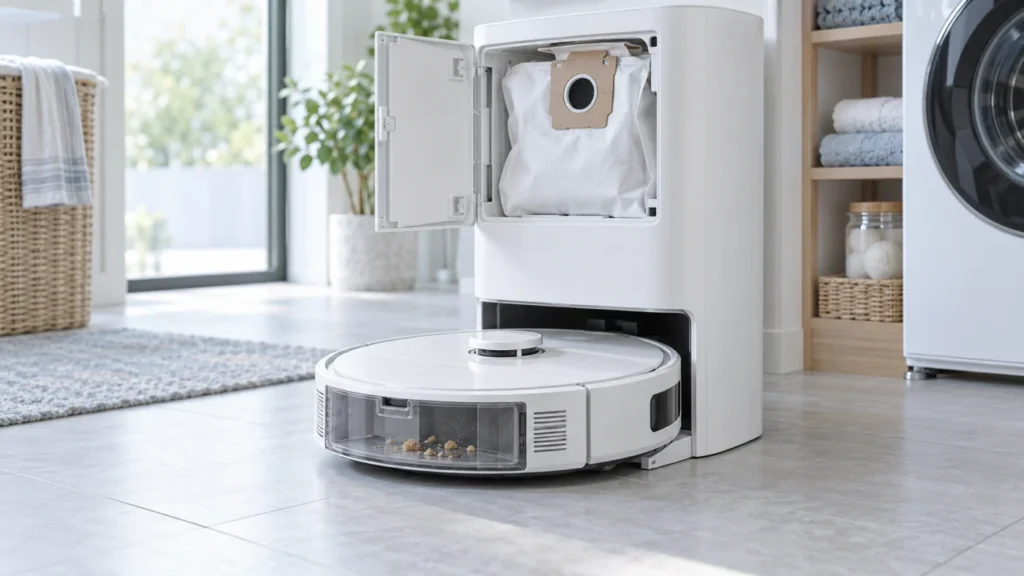
If X40 Ultra auto-empty stays silent or leaves dirt in the robot, check dock power and app settings, then the bag, dust ports and bin outlet before one manual test.
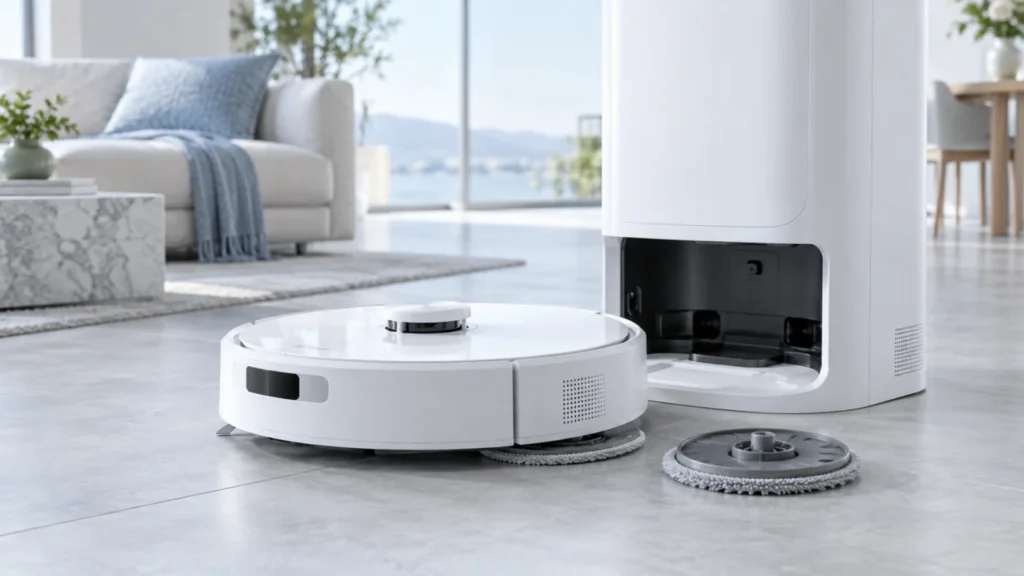
A Dreame X40 Ultra mop holder at the dock may be intentional. If it drops during mopping, check the pad, magnet, attachment and route, then reinstall after powering on.
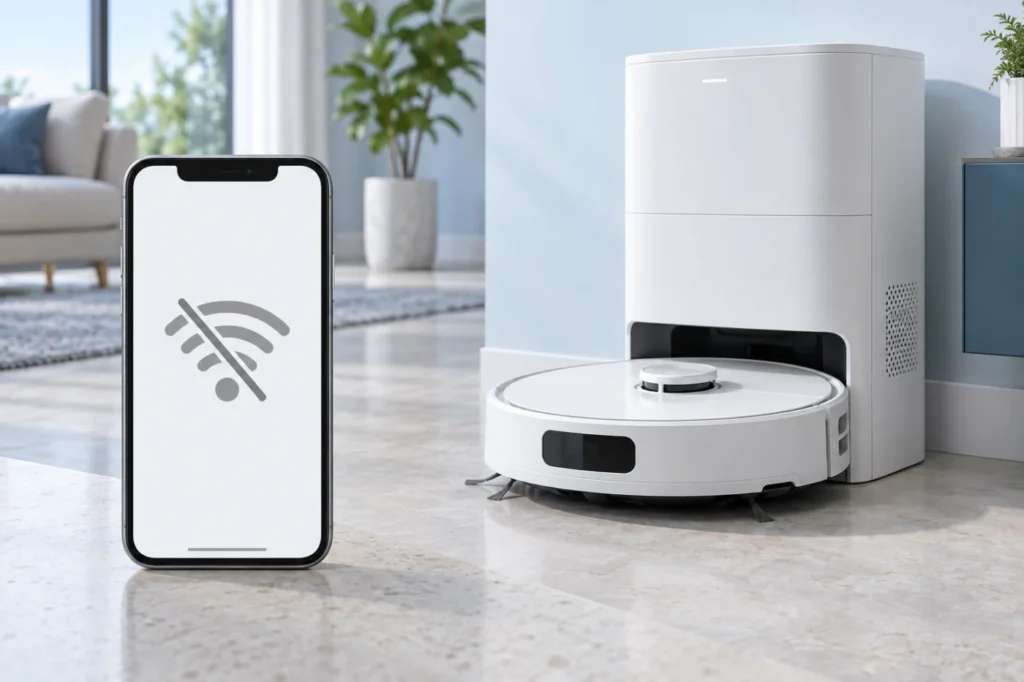
If X40 Ultra shows Offline, first check power and home Wi-Fi, then 2.4 GHz coverage, app permissions and the exact pairing stage before any reset.
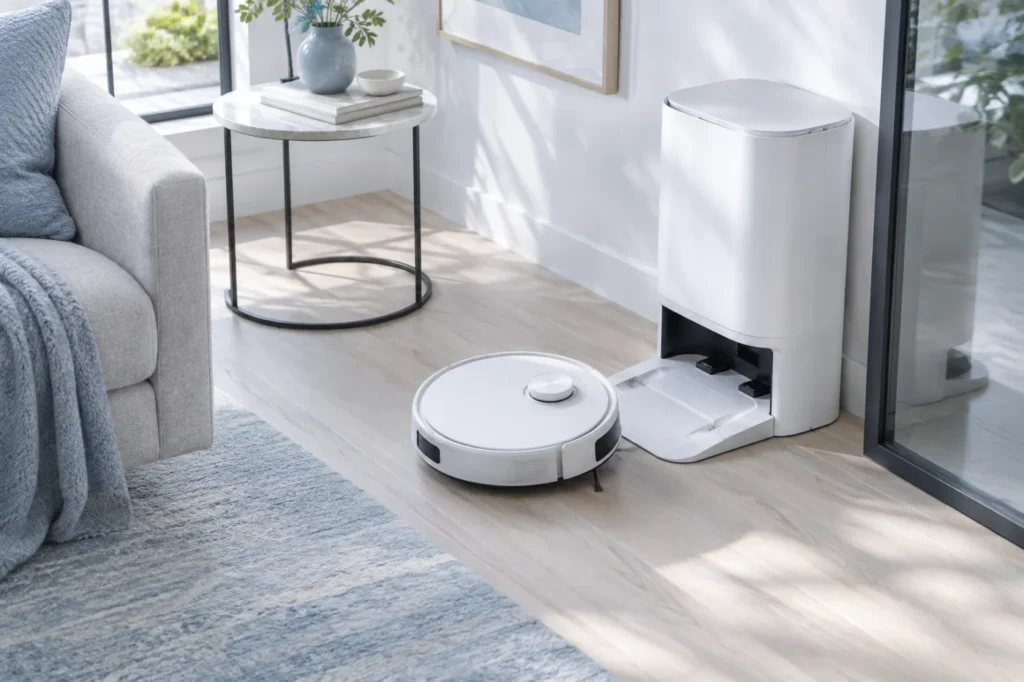
Dreame X40 Ultra docking failed? Test it near the station, clear the approach, clean its sensors and contacts, inspect the wheels, and correct its map and dock position.
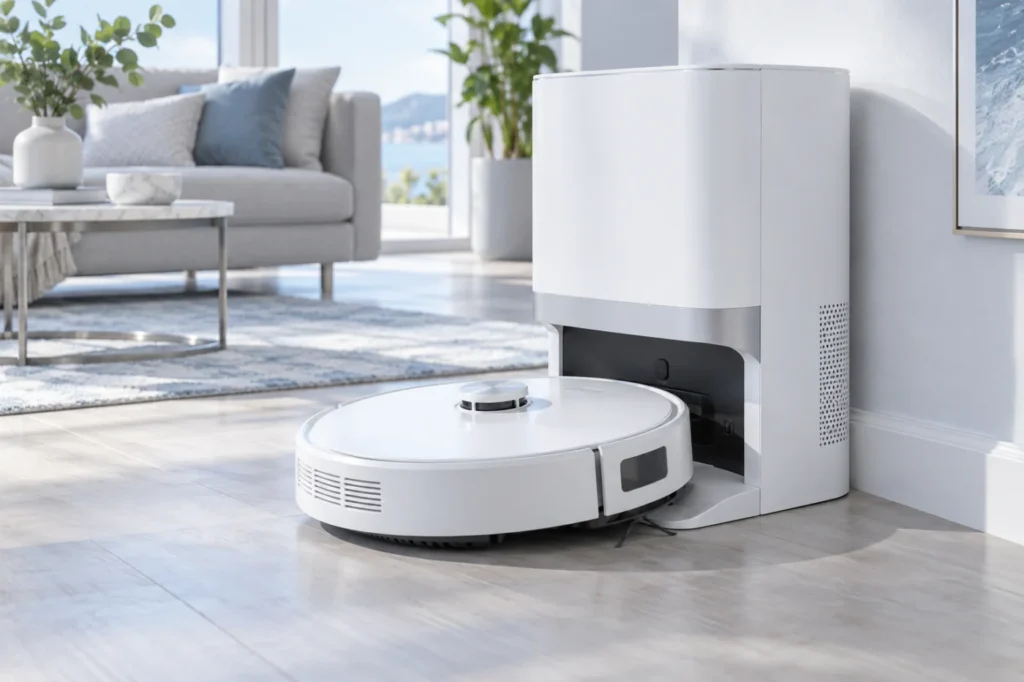
Quick answer: If your Dreame X40 Ultra is not charging, first confirm that the base station has power. Then unplug the station, clean the metal contacts on both the robot and dock with a dry cloth, check that both spring-loaded dock pins move freely, and let the robot dock itself. If the battery is completely […]
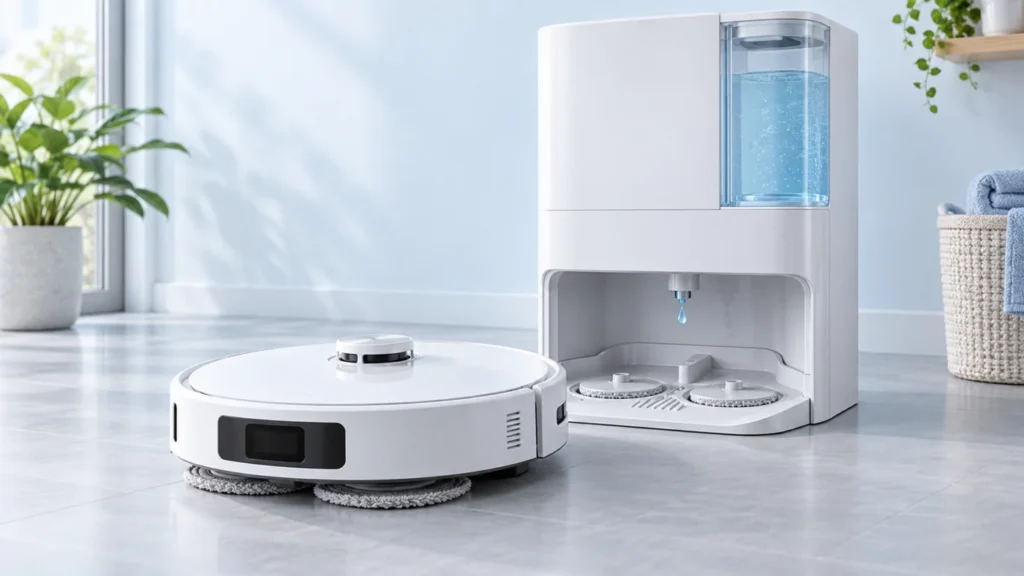
L10s Ultra mop pads dry? Separate a failed dock wash from missing floor water, then check the tank, app settings and safe tests in the right order.