Roomba
Roomba j7 Not Connecting to Wi-Fi
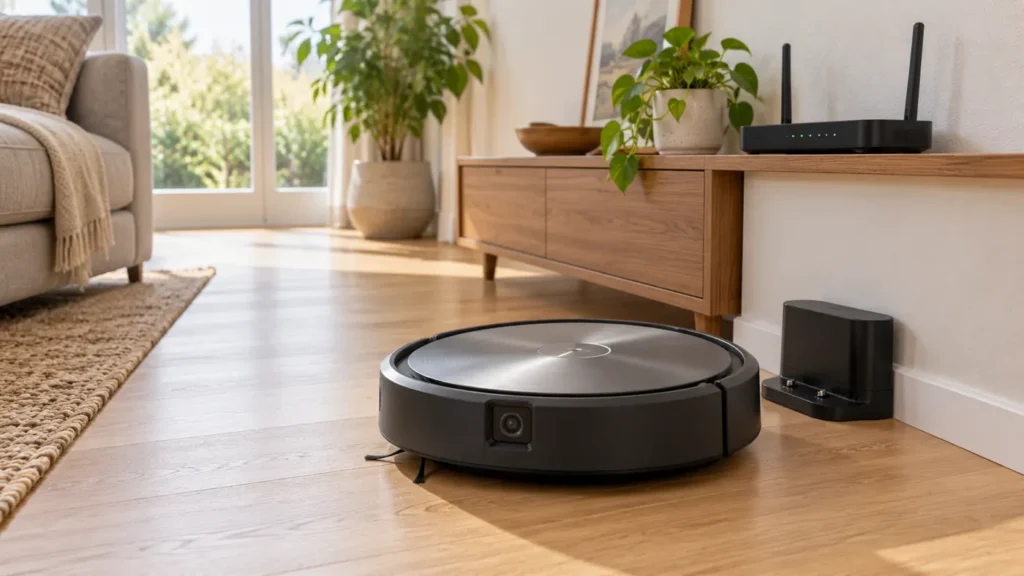
Roomba j7 not connecting to Wi-Fi? Check discovery, network credentials and the exact error. The j7 supports both 2.4 GHz and 5 GHz.
Brand troubleshooting
Troubleshooting guides for iRobot Roomba vacuum cleaners.
Matching guides
Start with the closest symptom. Each guide begins with safe checks before disassembly.
Roomba j7 not connecting to Wi-Fi? Check discovery, network credentials and the exact error. The j7 supports both 2.4 GHz and 5 GHz.
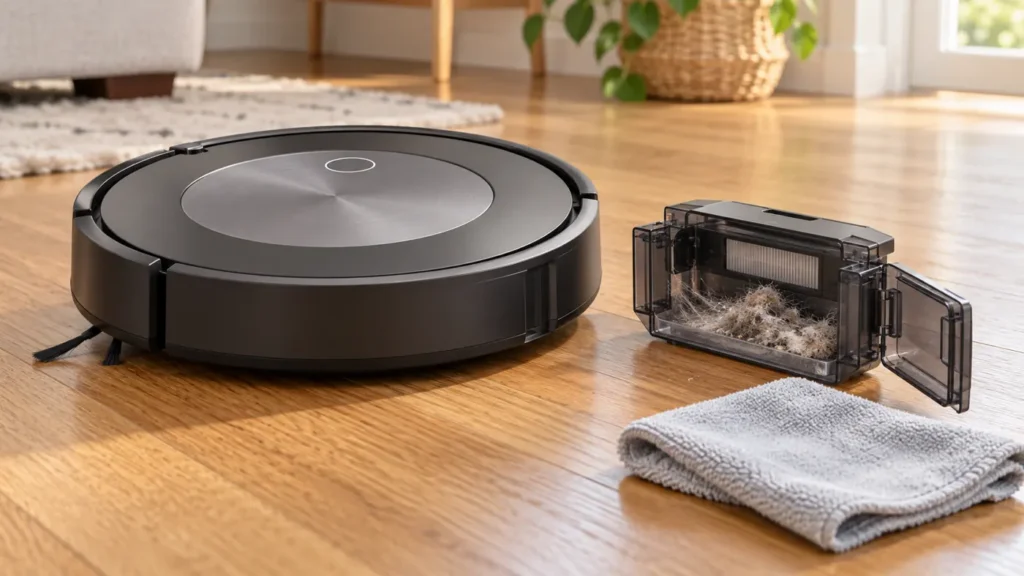
Roomba j7 says Bin Full after emptying? Check the sensors, bin ports and Clean Base evacuation, while keeping the filter dry.
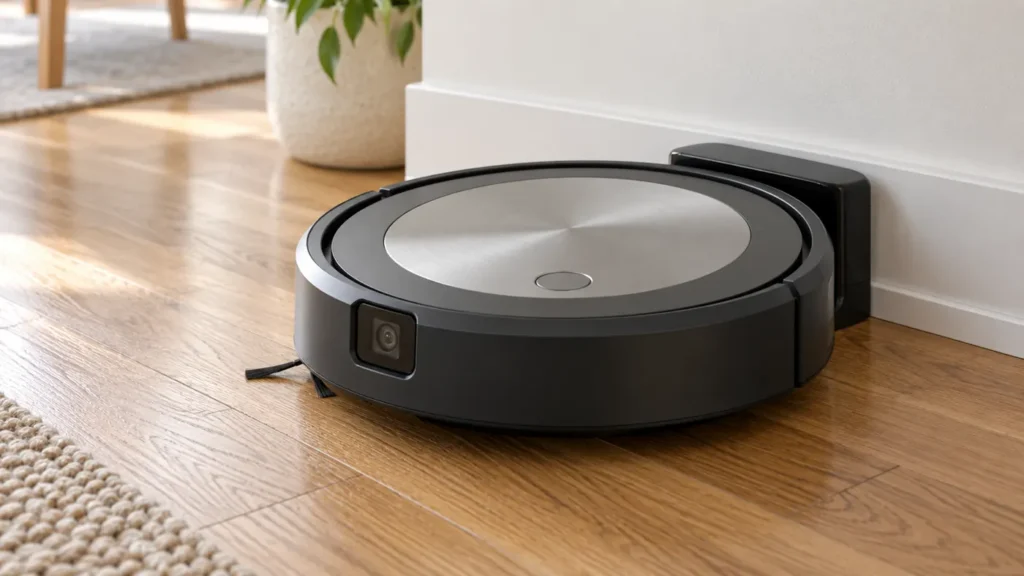
Roomba j7 won’t turn on? Check button response, base power and charging contact, then follow the j-series reboot procedure before replacing parts.
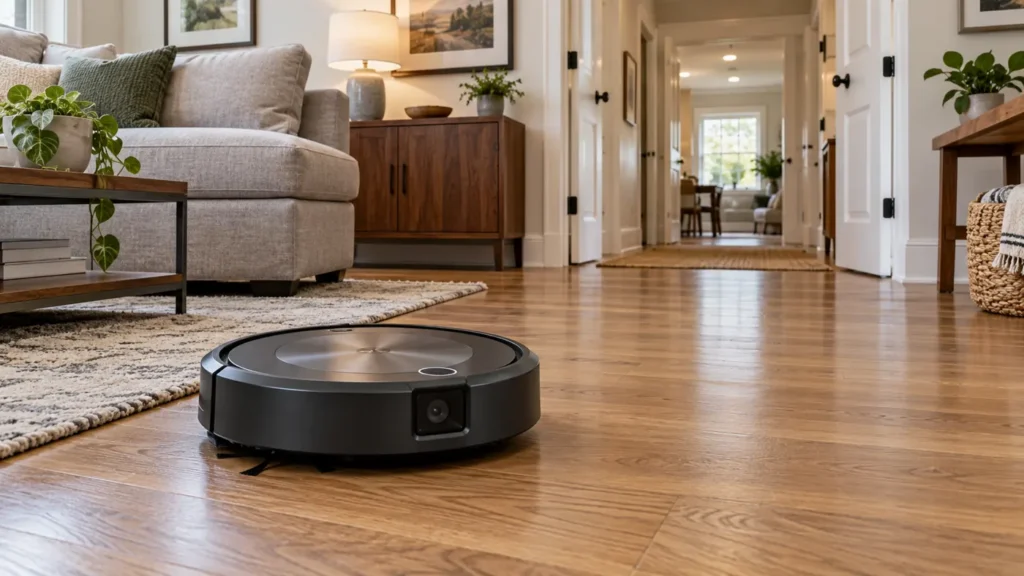
Roomba j7 map missing rooms or changing unexpectedly? Check lighting, access, task selection and map edits before deleting your Smart Map.
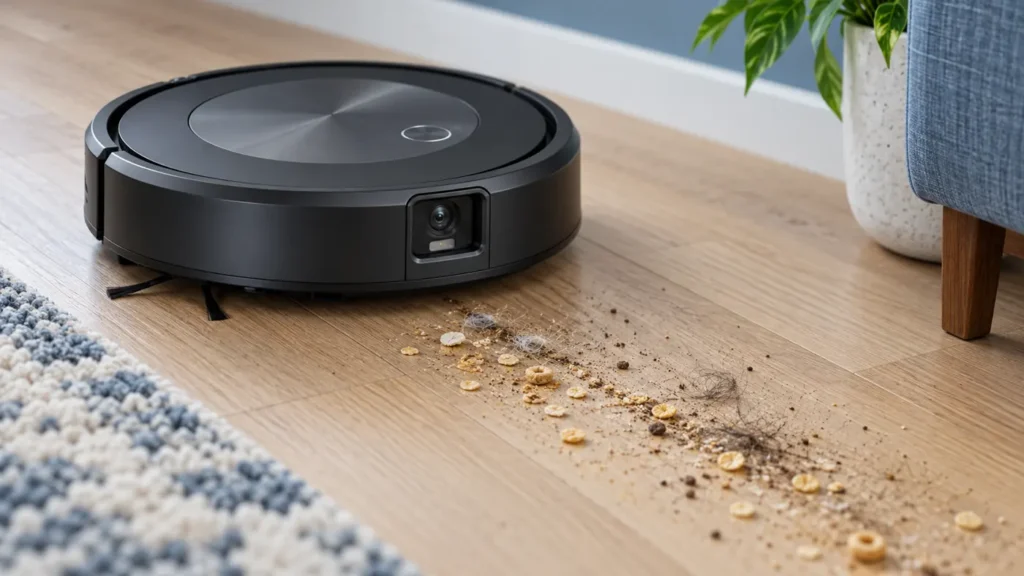
Roomba j7 leaving crumbs or hair behind? Test pickup on hard floor, then clean the bin, dry filter, rubber rollers and vacuum path before replacing parts.
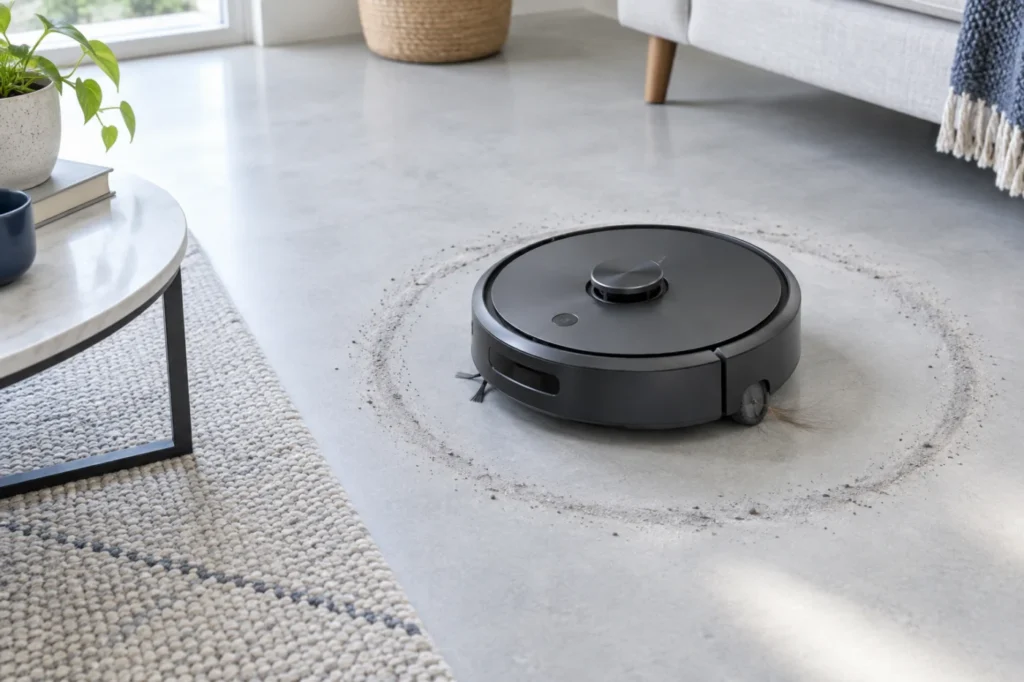
Roomba j7 turning in circles? Compare both drive wheels, inspect the caster and bumper, clean cliff sensors and reboot without erasing the map.
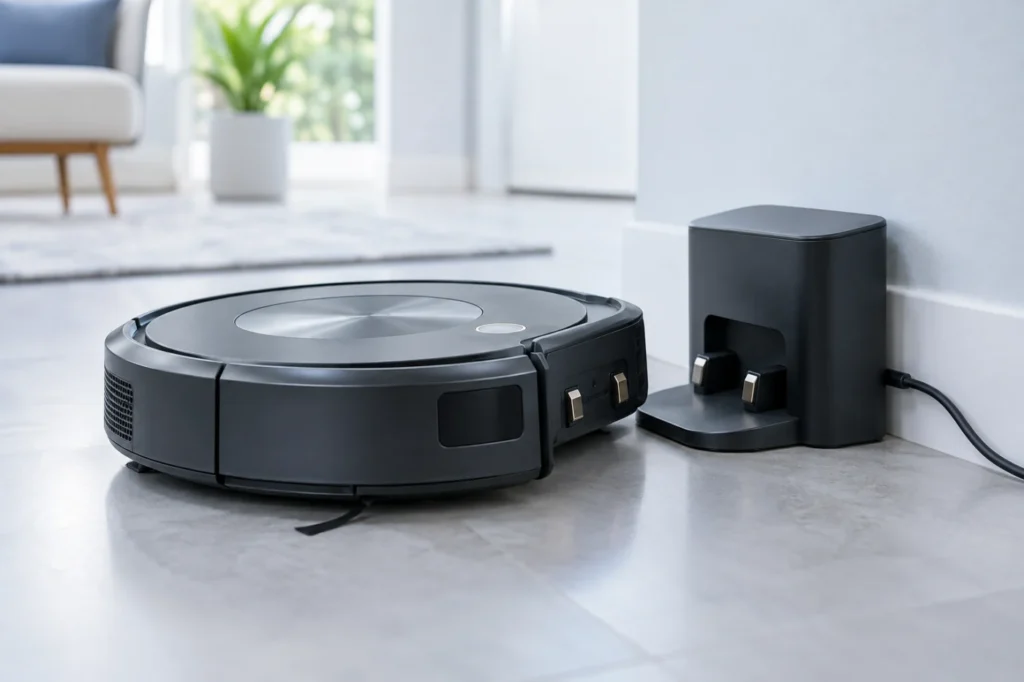
Roomba j7 docked but not charging? Check base power, contact alignment and the exact charging error before replacing a battery.