Dreame
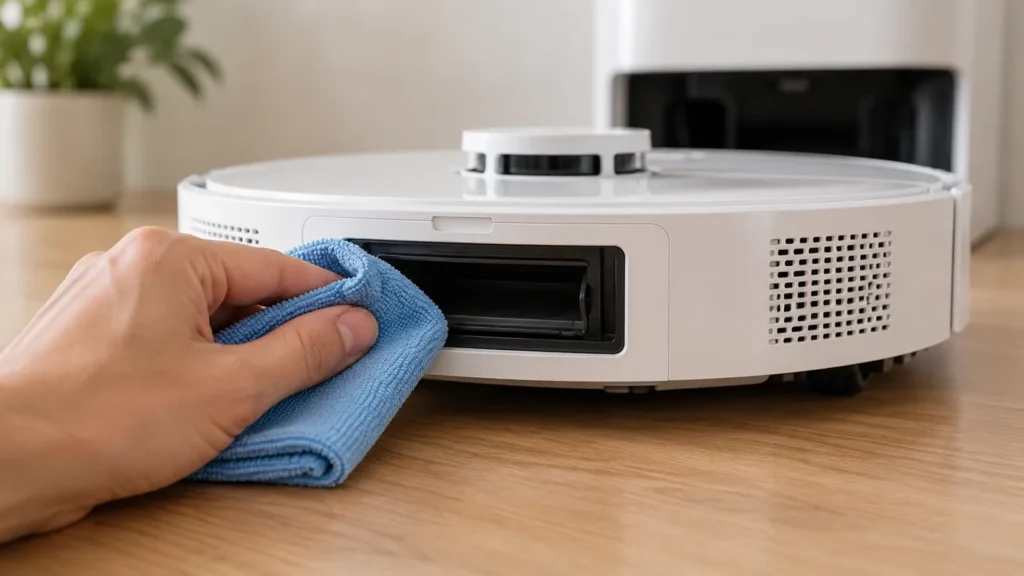
How to Clean Dreame L10s Ultra Auto-Empty Vents
Clean Dreame L10s Ultra auto-empty vents with a soft dry cloth, inspect accessible dust ports, and check the bag before one comparison cycle.
Brand troubleshooting
Troubleshooting guides for Dreame robot vacuum cleaners.
Matching guides
Start with the closest symptom. Each guide begins with safe checks before disassembly.
Clean Dreame L10s Ultra auto-empty vents with a soft dry cloth, inspect accessible dust ports, and check the bag before one comparison cycle.
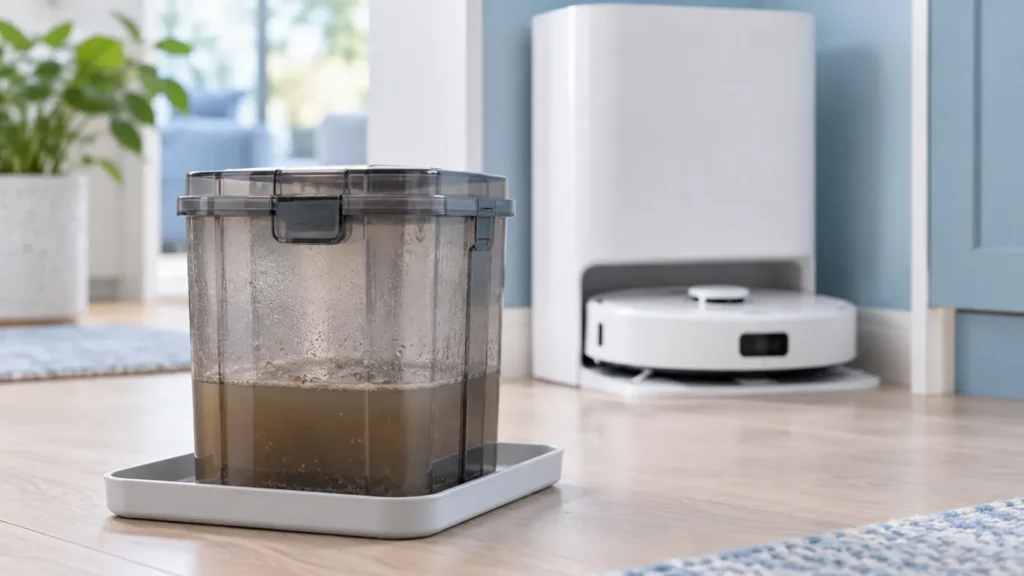
Dreame L10s Ultra smells bad? Locate the source in the used-water tank, mop pads, washboard, dust bin, or bag and follow the matching care steps.
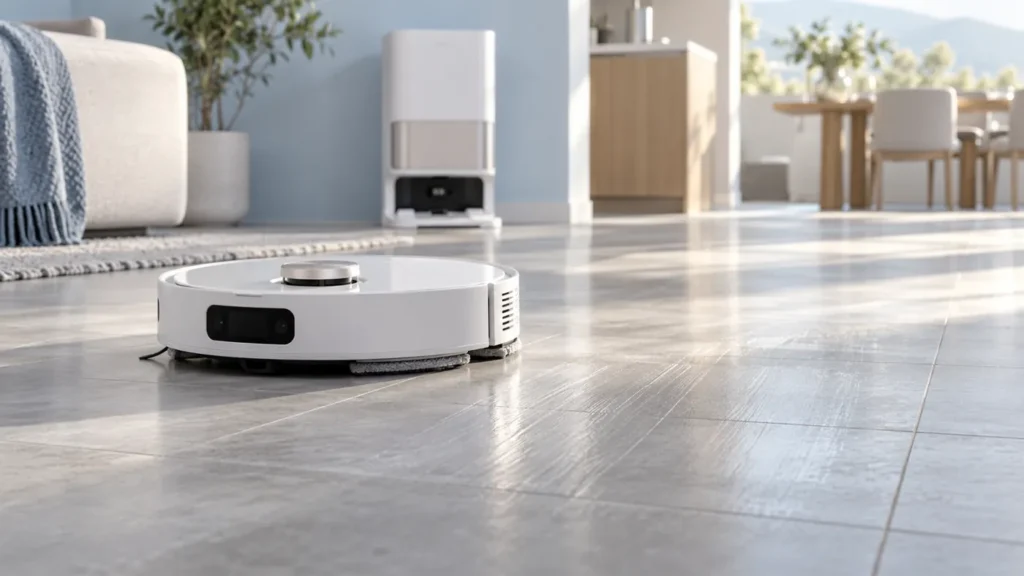
Dreame L10s Ultra leaves streaks after mopping? Check pad condition, washing, floor residue, and moisture settings with a small controlled test.
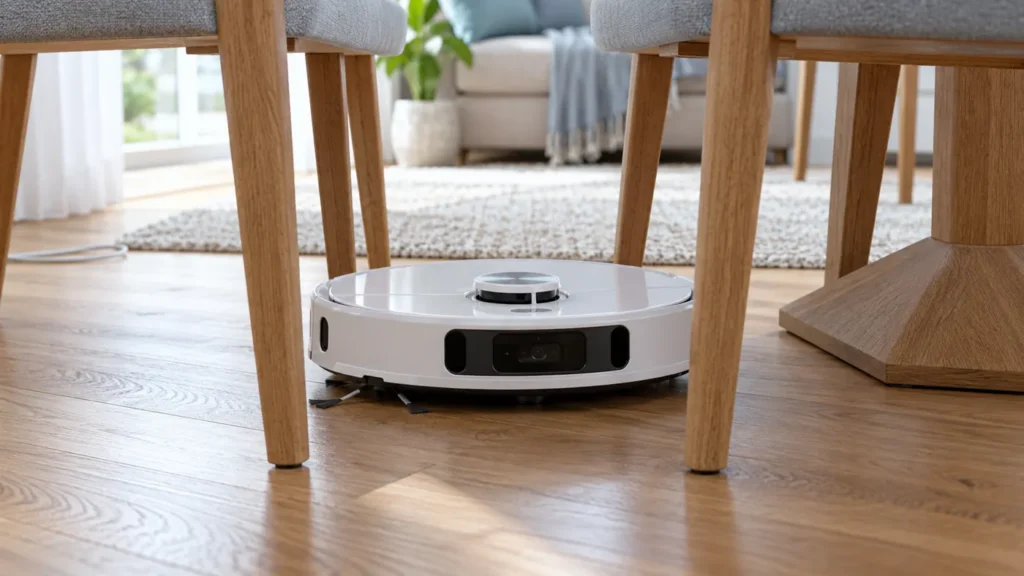
Dreame L10s Ultra keeps getting stuck? Check cables, furniture clearance, rug edges, slippery floors, and wheel debris with a simple comparison test.
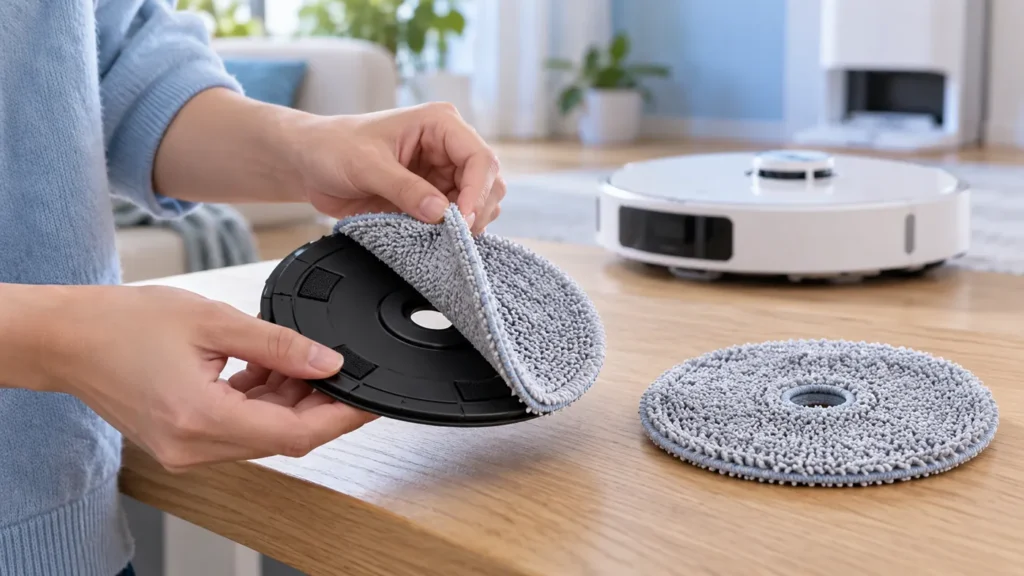
Replace Dreame L10s Ultra mop pads by removing the fabric from its holders, fitting compatible cloths evenly, and checking attachment before mopping.
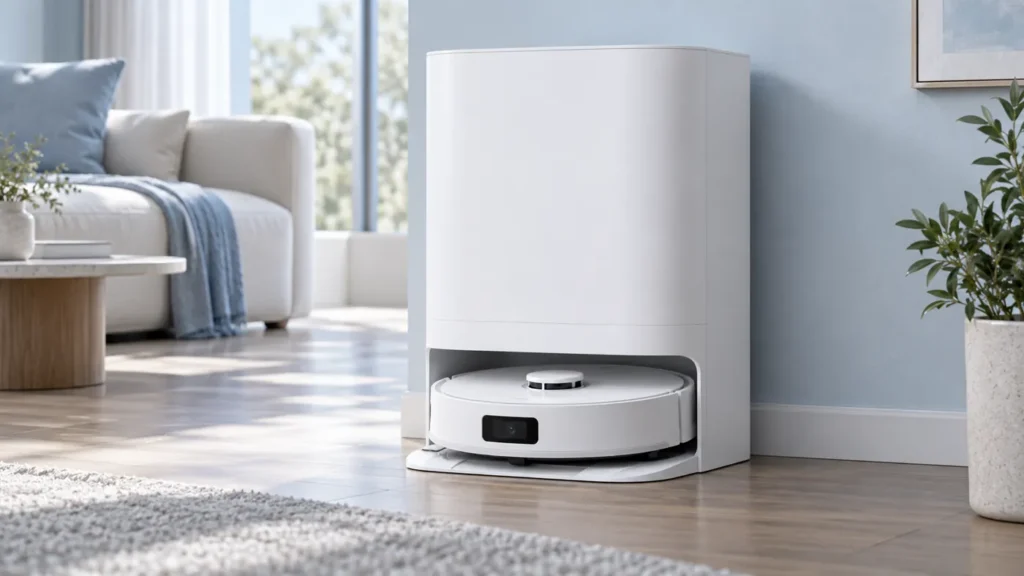
Dreame L10s Ultra not washing mop pads? Check the mopping task, station connection, water tanks, washboard, and the stage where the cycle stops.
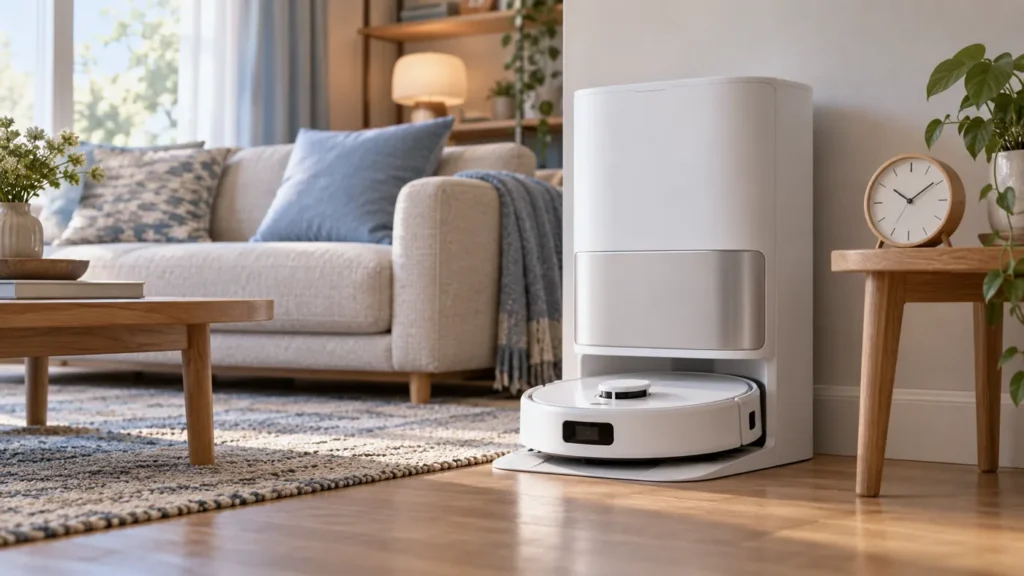
Dreame L10s Ultra charging slowly? Compare the manual’s charging time, check temperature and dry-clean contacts, then record the battery trend.
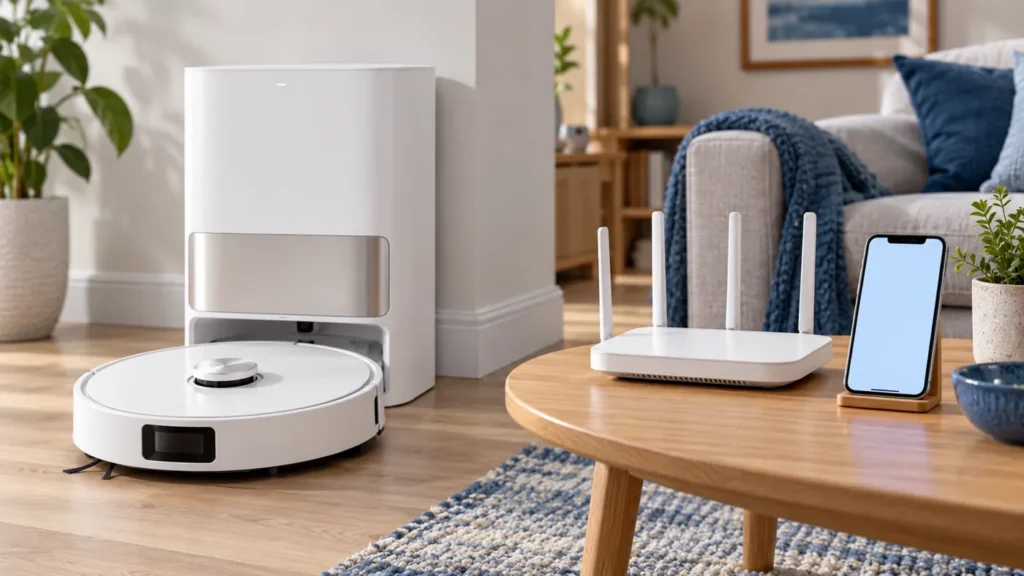
Dreame L10s Ultra not connecting to Wi-Fi? Check the 2.4 GHz network, password, pairing indicator, and the manual’s Wi-Fi reset procedure.
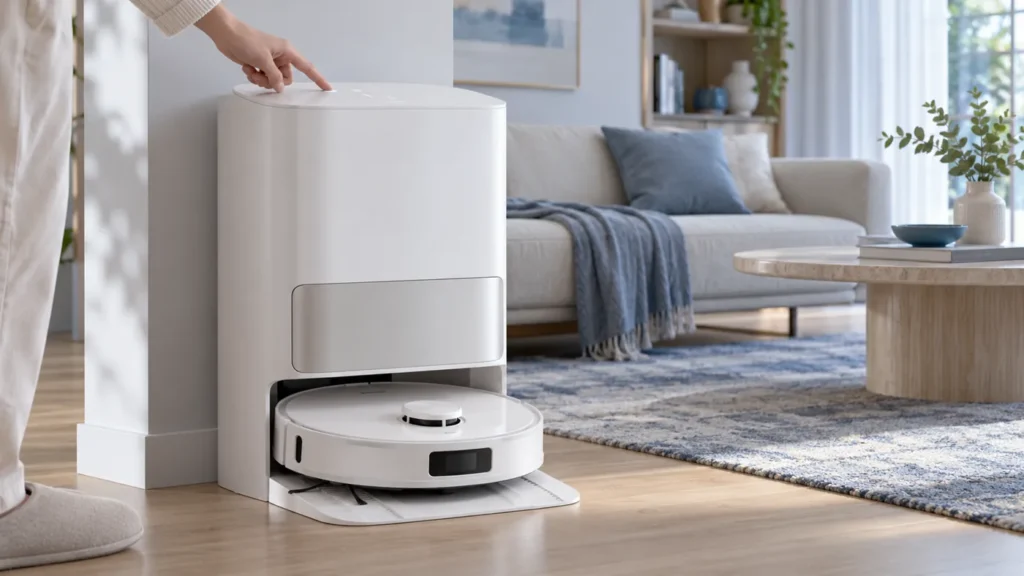
Dreame L10s Ultra station buttons not working? Check Child Lock, dock power, robot placement, station range, and the matching command in the app.
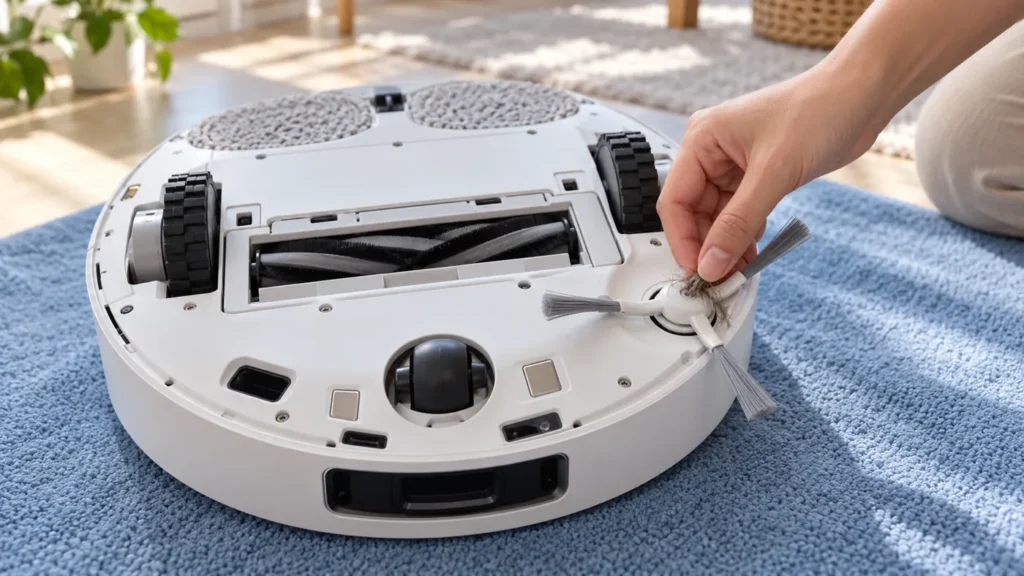
Dreame L10s Ultra side brush not spinning? Check hair around the hub, the brush fitting, visible damage, and a short cleaning test before service.