Ecovacs
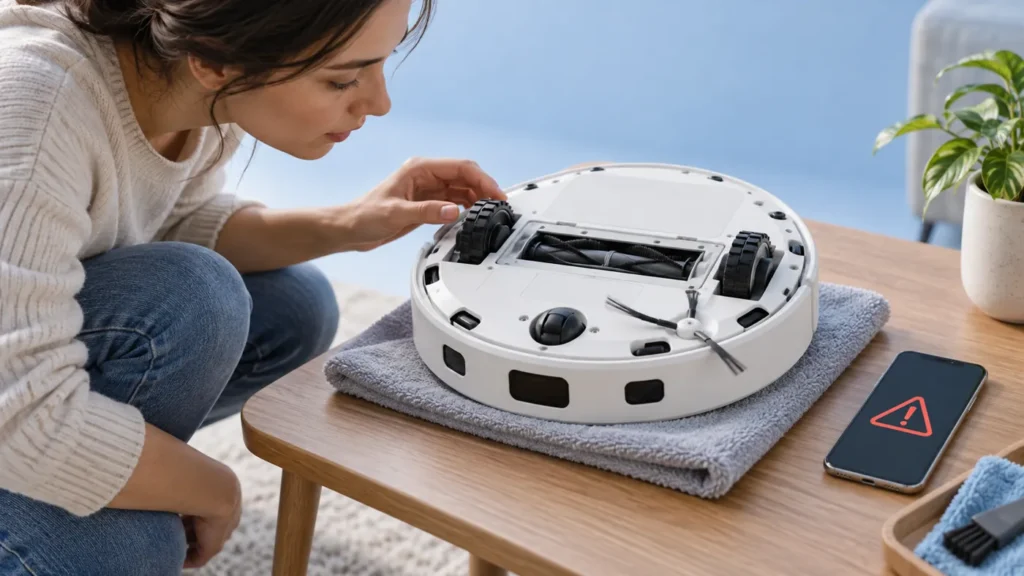
Ecovacs T20 OMNI Anti-Drop Sensor Error
Ecovacs T20 OMNI anti-drop sensor error? Follow gentle underside cleaning, a normal restart and safe checks before contacting support.
Brand troubleshooting
Troubleshooting guides for Ecovacs DEEBOT vacuum cleaners.
Matching guides
Start with the closest symptom. Each guide begins with safe checks before disassembly.
Ecovacs T20 OMNI anti-drop sensor error? Follow gentle underside cleaning, a normal restart and safe checks before contacting support.
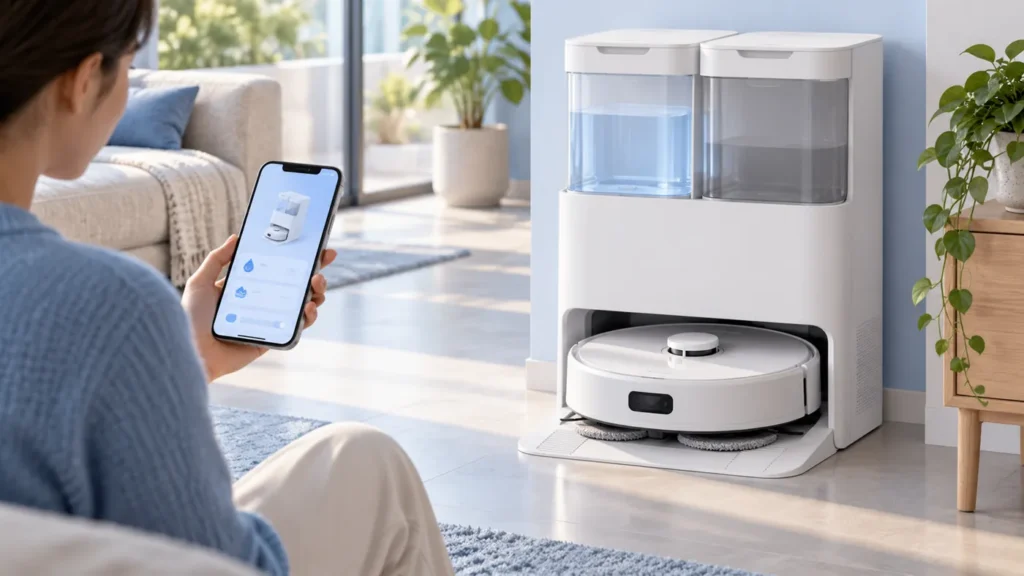
Ecovacs T20 OMNI hot-water washing not working? Check the selected cycle, hot-water setting, tank status and normal cold-water stages.
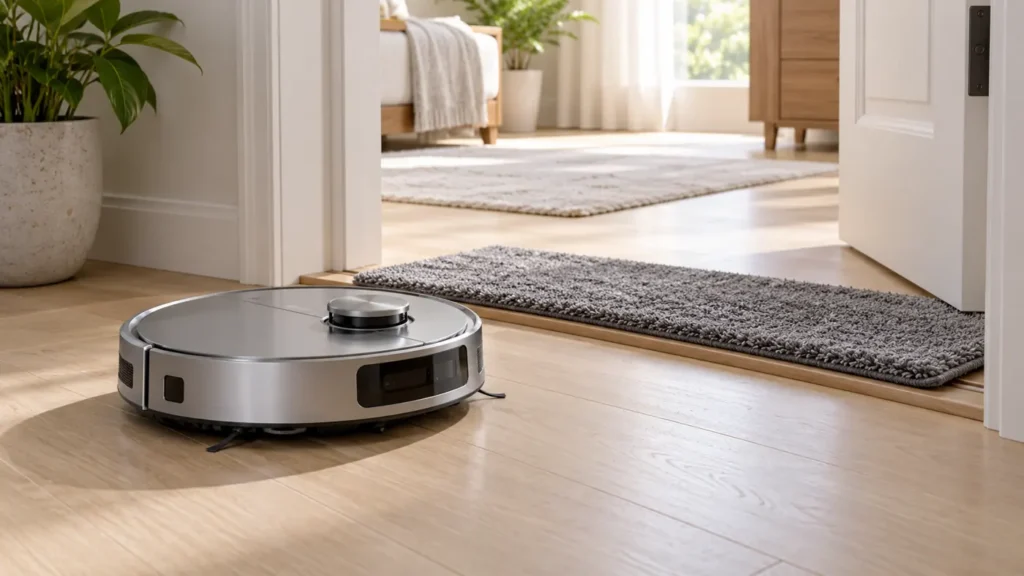
Ecovacs T20 OMNI misses rooms? Check completed task records, doorway mats, carpet strategy, thresholds and blocked-area messages.

Ecovacs T20 OMNI YIKO not working? Check voice settings, current commands, network status and whether the robot hears or executes the request.
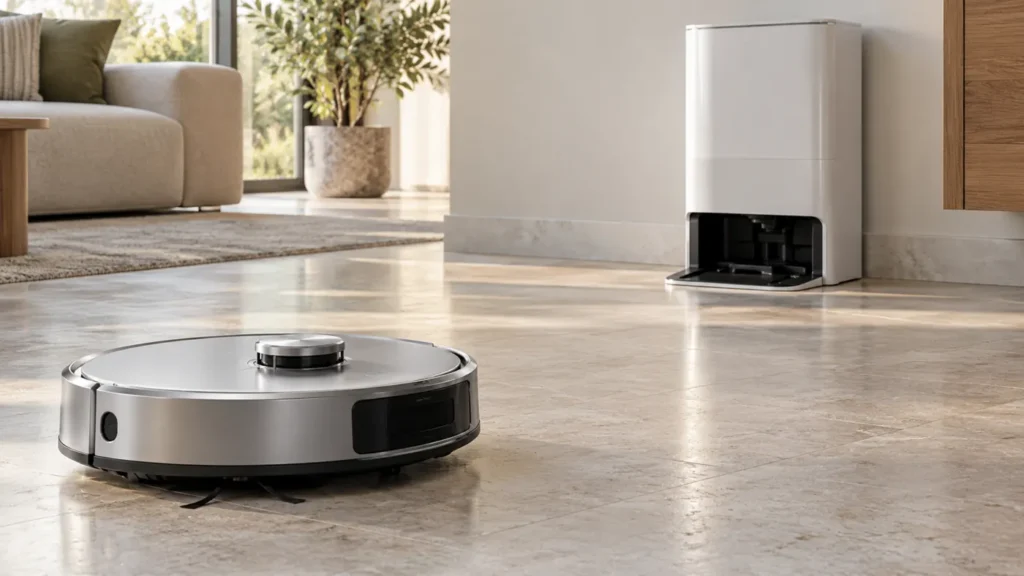
Ecovacs T20 OMNI disconnected from its station? Check restart timing, Child Lock, charging and the documented station re-pairing sequence.
Ecovacs T20 OMNI firmware update failed? Check charging, battery level, network signal and station control before retrying the official app update.
Ecovacs T20 OMNI starts cleaning by itself? Check schedules, My Scenarios, unfinished-task continuation and local controls before resetting.
Ecovacs T20 OMNI making a loud noise? Compare suction settings, check accessible brushes and wheels, and distinguish floor noise from station cycles.
Ecovacs T20 OMNI not resuming cleaning after charging? Check AUTO mode, Continuous Cleaning, Do Not Disturb, return alerts and charging status.
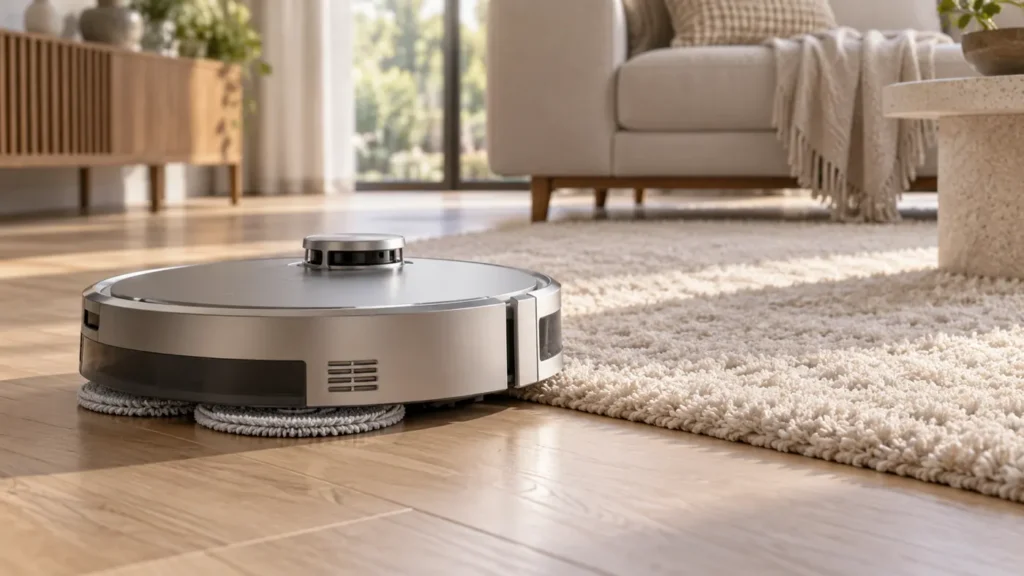
Ecovacs T20 OMNI gets carpet wet while mopping? Check lift timing, carpet strategy, pad fitting and virtual walls to protect your rug.