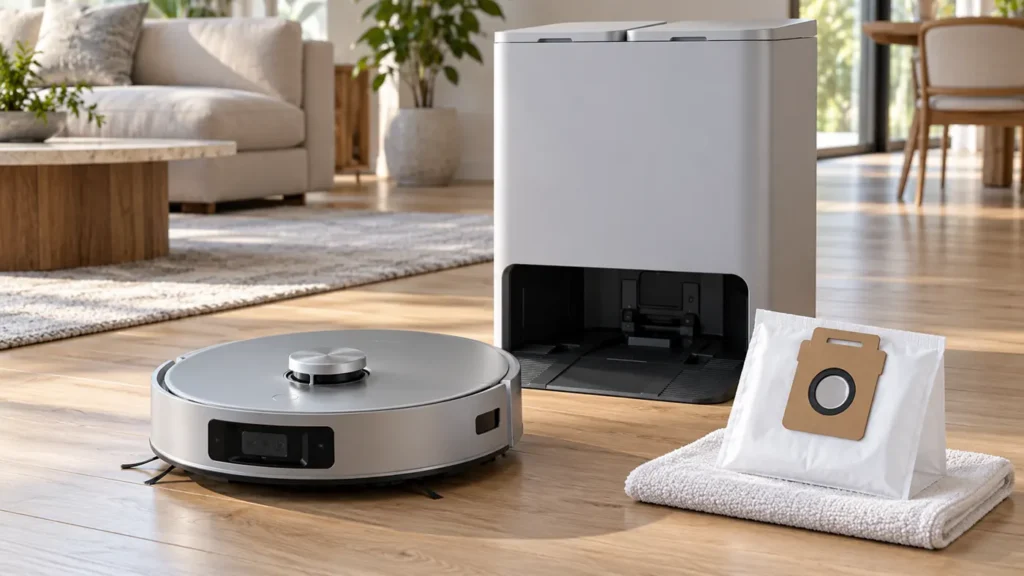
Begin with the quick checks. Stop if a step requires tools or experience you do not have.
If your Ecovacs T20 OMNI auto-empty is not working, record what happens after docking. Does the station stay silent, run without clearing the robot’s bin, or report that the dust bag is missing or full? These observations need different checks. The robot’s onboard dustbin and the station’s disposable dust bag are separate parts.
Start here: confirm correct docking, check the bag’s installation and close the dust collection cabin fully. Compare the onboard bin before and after one emptying attempt rather than judging the result by noise alone.
Choose the right auto-empty check
| What you notice | Next check |
|---|---|
| No dust collection occurs after return | Confirm station seating and record any alert. |
| Dust bag not detected | Check for a fitted bag and reinstall it correctly. |
| Full-bag warning after replacement | Follow the restart, firmware and charging checks. |
| Station runs but debris stays in the bin | Inspect the bin and record before-and-after results. |
| Robot cannot enter the station | Resolve docking before testing emptying. |
| Water remains in the cleaning sink | Use the separate dirty-water guide. |
1. Confirm the robot is correctly docked
Ecovacs includes correct placement on the station among its auto-empty checks. Watch the return and note whether the robot finishes entering. A robot paused at the entrance has not demonstrated a dust collection problem. Use the T20 docking checks if it cannot enter normally.
If it reaches the station but does not recognize charging, continue with the T20 charging guide. Keep the outcome of that check separate from whether dust moved into the bag.
2. Check bag installation and cabin closure
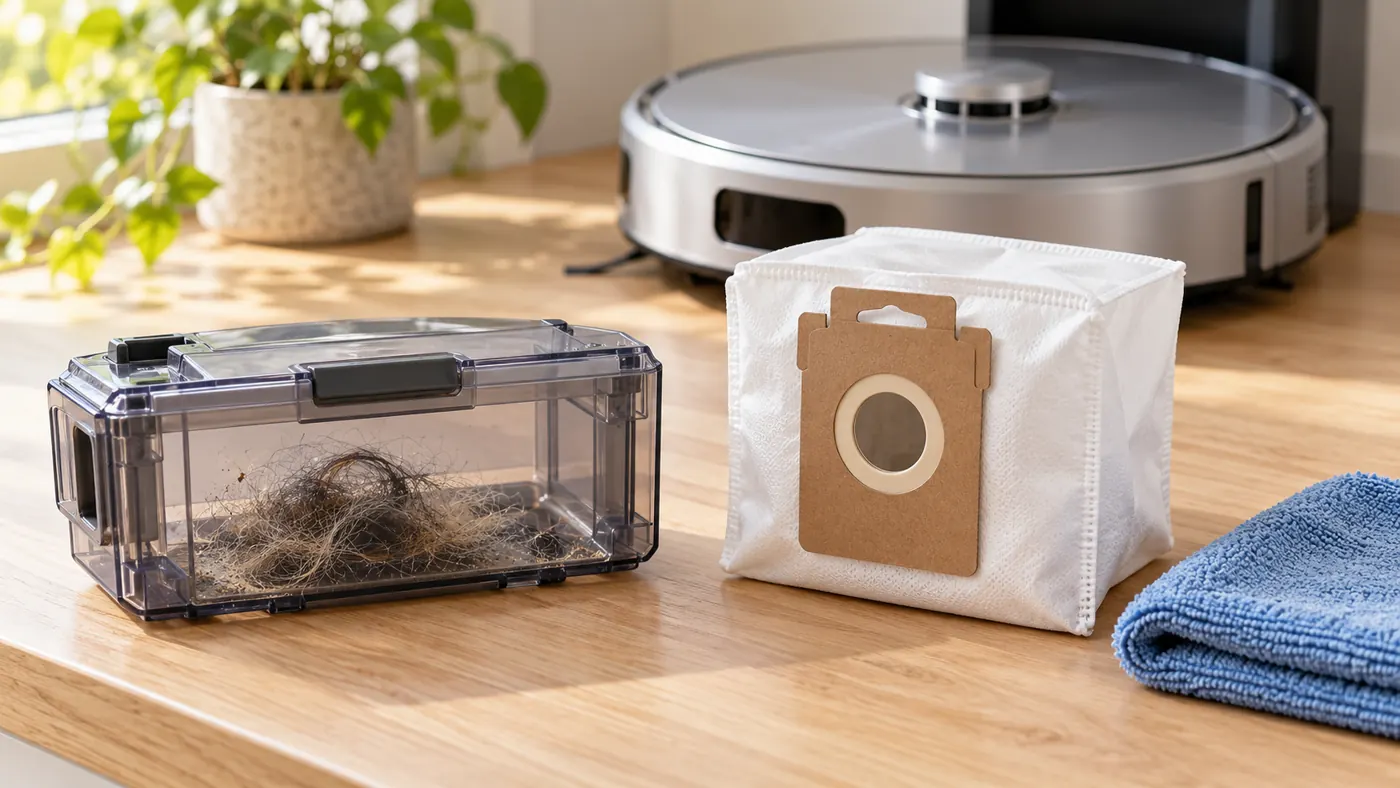
For failed collection, Ecovacs says to ensure the bag is correctly fitted and the dust collection cabin is fully closed. For a bag-not-detected alert, it recommends checking that a bag is present, then removing and reinstalling an existing bag.
Use the T20 procedure to open the cabin. Ecovacs describes pressing its release button, removing the used bag, wiping the cabin with a dry cloth and installing a new bag before closing it. Unplug the station for accessible maintenance and do not run collection with the cabin open.
If the warning began after replacement, compare the bag’s collar and fit with the specified part. A bag that looks similar may not seat correctly. Check the T20 OMNI parts compatibility guide before ordering another. Do not force the collar or defeat a detection mechanism to make the station run.
3. Deal with a full-bag alert after replacement
If a new bag still triggers a full warning, Ecovacs recommends restarting the robot, disconnecting and reconnecting station power, checking for the latest firmware, and confirming the robot is charging before reinstalling the bag. Follow the normal restart procedure; this is not an instruction to factory-reset the robot.
Record whether the message clears after each check. If it returns immediately, keep the exact wording and note the replacement bag used. Avoid buying a succession of bags or guessing that a sensor has failed from the alert alone. A repeated warning with the correct setup is useful evidence for support.
4. Compare the onboard bin before and after
With the robot powered off, inspect its dustbin using the T20 instructions. Ecovacs describes removing the top cover, lifting out the bin and emptying it manually. Follow its filter-care procedure; any part washed with water must dry before use.
For a comparison, start with a normally maintained bin, complete a small vacuuming task and observe the return. Inspect the bin afterward. Did the quantity of debris decrease, remain similar or leave one compact clump? Record what you actually see. Do not deliberately fill the bin with flour or a large artificial mess.
Compare a bin containing ordinary debris from a real task. Likewise, a loud station cycle does not establish that the contents reached the bag. The useful result combines the alert, docking behavior and change in bin contents.
5. Keep dust and water faults separate
The OMNI station performs several jobs. Note whether the sound you heard came during pad washing or dust collection, and use the app’s description of the current activity. If the problem is water left in the sink, follow the dirty-water recycling guide.
If you cannot check firmware because the robot is Offline, use the T20 Wi-Fi guide. An app connection issue does not by itself identify a blocked dust path or a failed collection motor.
When to contact Ecovacs
Contact support if the correct bag and cabin setup do not resolve the alert, or the bin remains loaded after repeated ordinary returns. Send the bag details, firmware version, exact message and one docking video. Stay with routine removable parts rather than opening the station’s internal ducts or electrical housing.
FAQ
Does a full-bag alert prove the bag is full?
Check the bag itself and its installation. A warning that remains after replacement needs the documented checks above.
Should I run without a bag?
No. Install the specified bag and close the cabin before testing collection.
Should I factory-reset the robot first?
Start with docking, bag installation and the normal restart recommended for a persistent warning.
See the Ecovacs hub and T20 maintenance schedule.
Official sources: Ecovacs auto-empty and dust-bag alerts, dust-bag replacement and onboard dustbin care.
If the robot leaves dirt on the floor before returning to the dock, use the T20 OMNI dirt pickup guide.
For the routine compartment-opening and replacement procedure, follow the T20 OMNI dust-bag replacement guide.