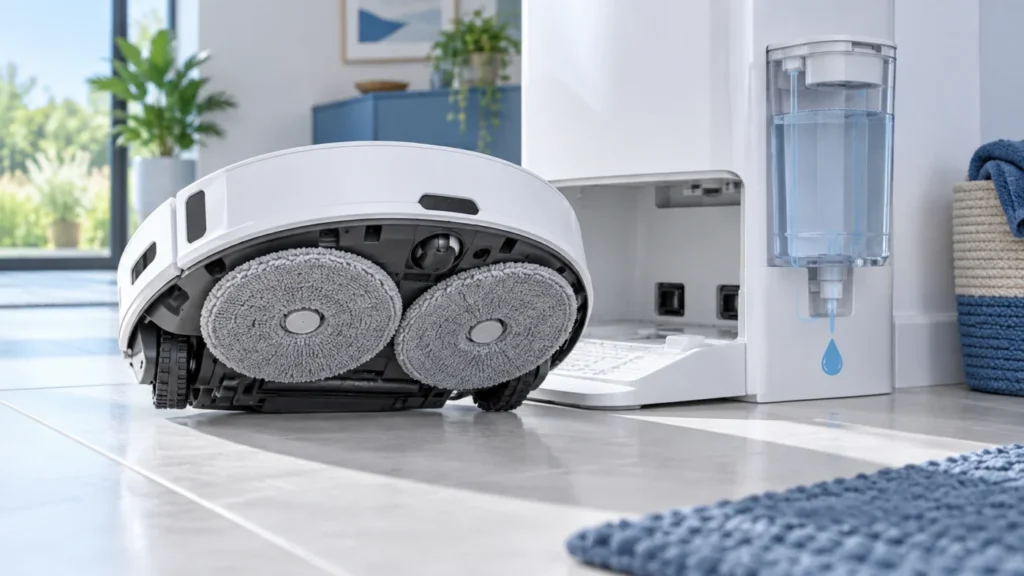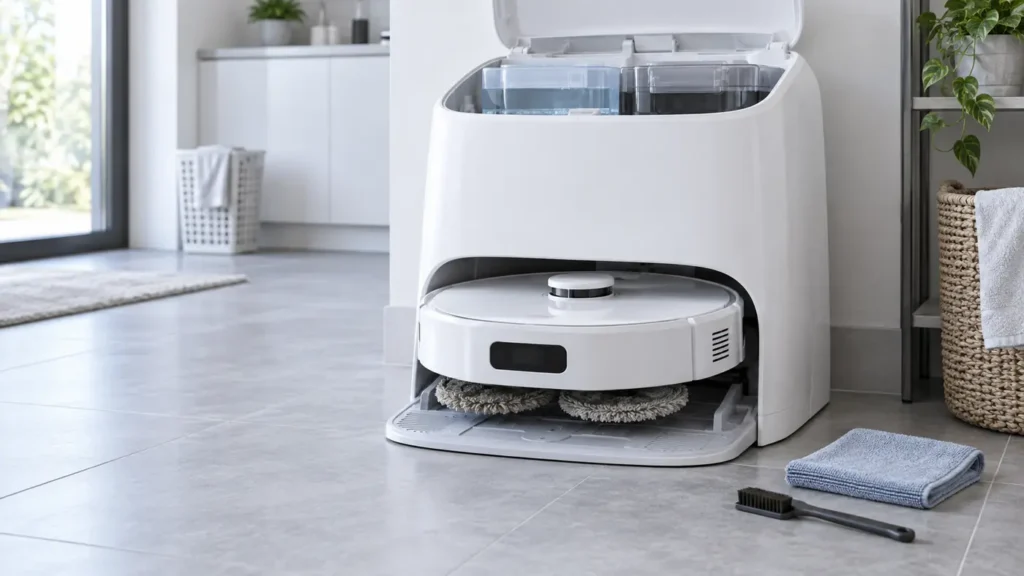
Roborock Qrevo Curv Dock Not Washing Mop Pads: Cycle and Tank Checks
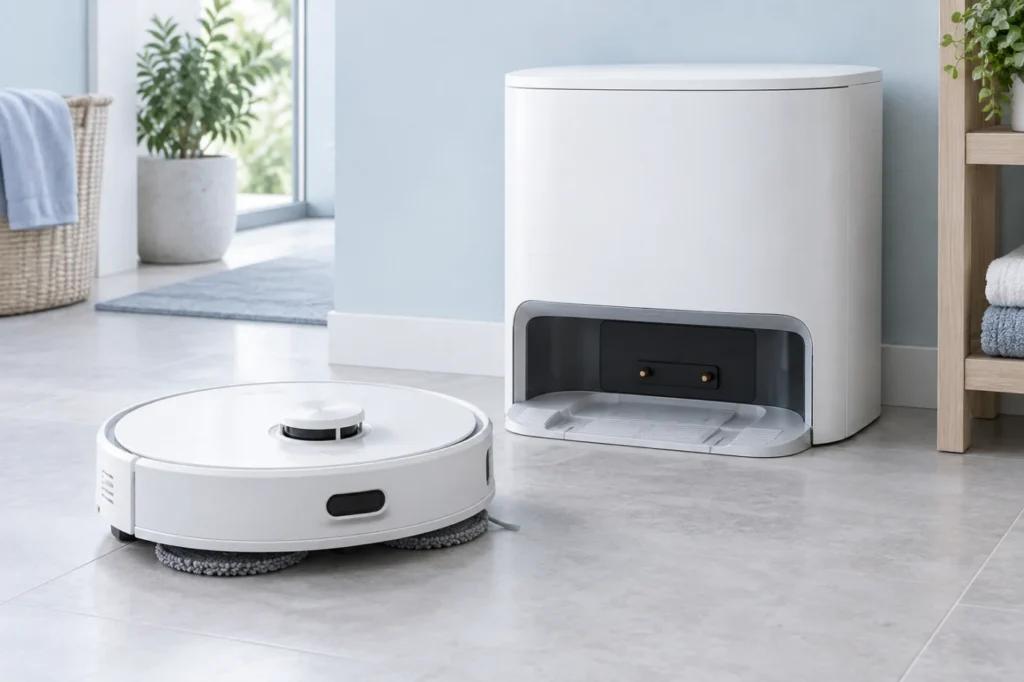
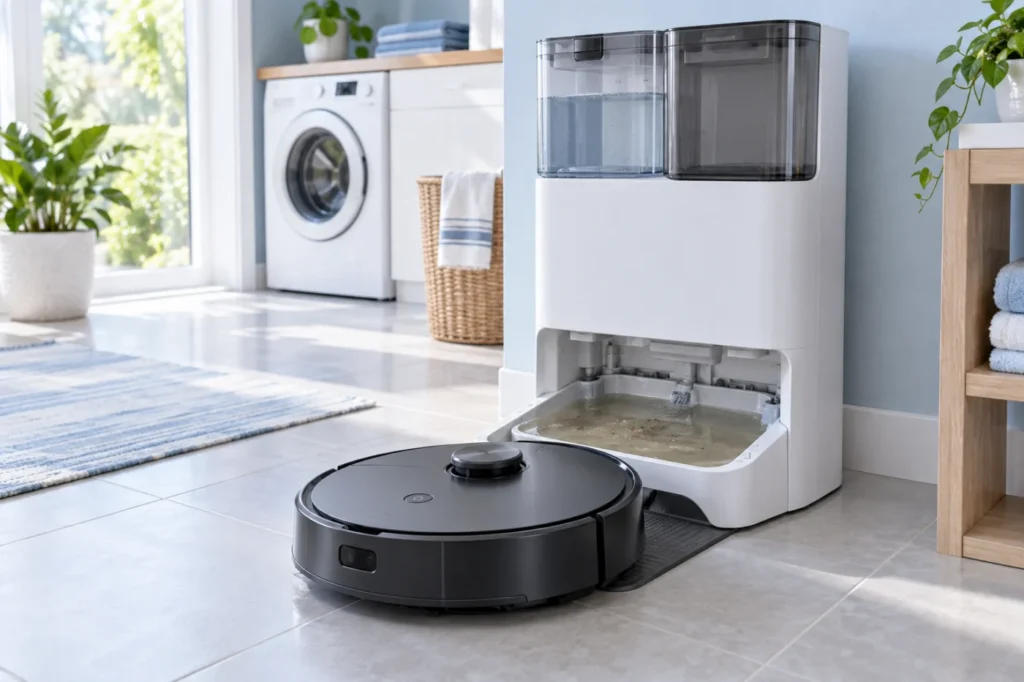
Qrevo Curv dock skipping mop washing? Test a manual cycle, confirm a mopping task started from the dock, and check the active map, both water tanks, tray and filter.
Brand troubleshooting
Troubleshooting guides for Roborock robot vacuum cleaners.
Matching guides
Start with the closest symptom. Each guide begins with safe checks before disassembly.
Qrevo Curv dock skipping mop washing? Test a manual cycle, confirm a mopping task started from the dock, and check the active map, both water tanks, tray and filter.
Qrevo Curv mop pads stay dry? Compare their moisture after a manual dock wash and a short mopping run, then check both tanks, cloth fit, tray, and app settings.
Qrevo Curv cannot find or enter the dock? Test a nearby return, clear the approach, check the powered station and beacon, clean the locator, then inspect the map.
Is your Roborock Qrevo Curv not charging? Verify dock power, clean both sets of charging contacts, reseat the robot, reboot it, and use these seven checks to identify the fault.
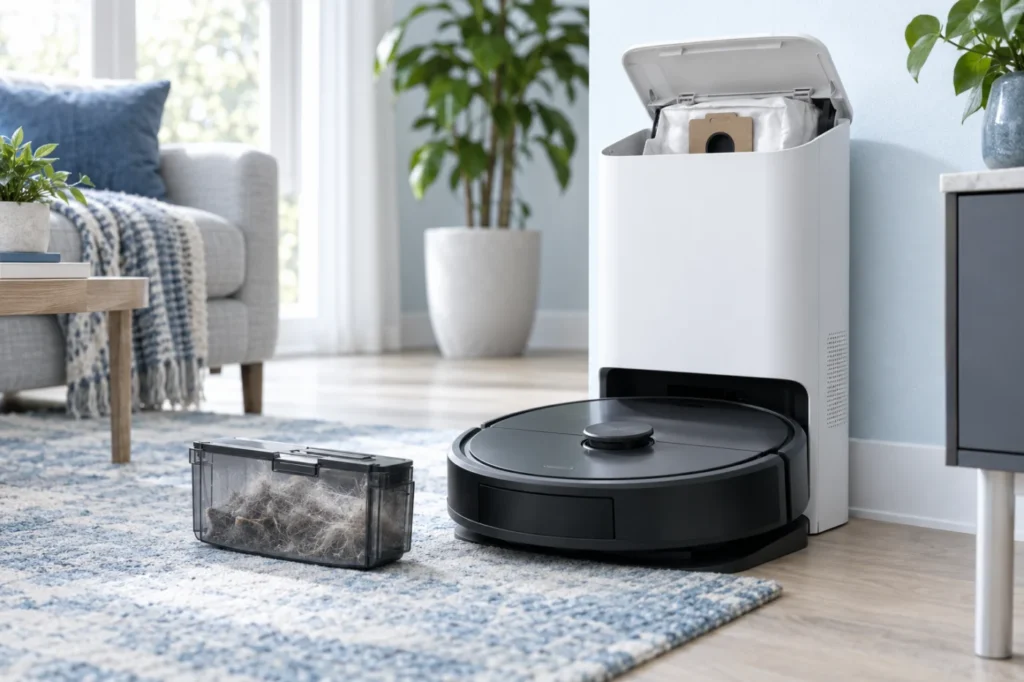
Q Revo dock silent or emptying poorly? Check the automatic return, app and DND settings, bag, brush cover, filter, and accessible airflow path using Roborock’s manual.
Used water left in the Q Revo wash tray? Check the dirty-water tank, removable cleaning tank and filter, then run one controlled wash.
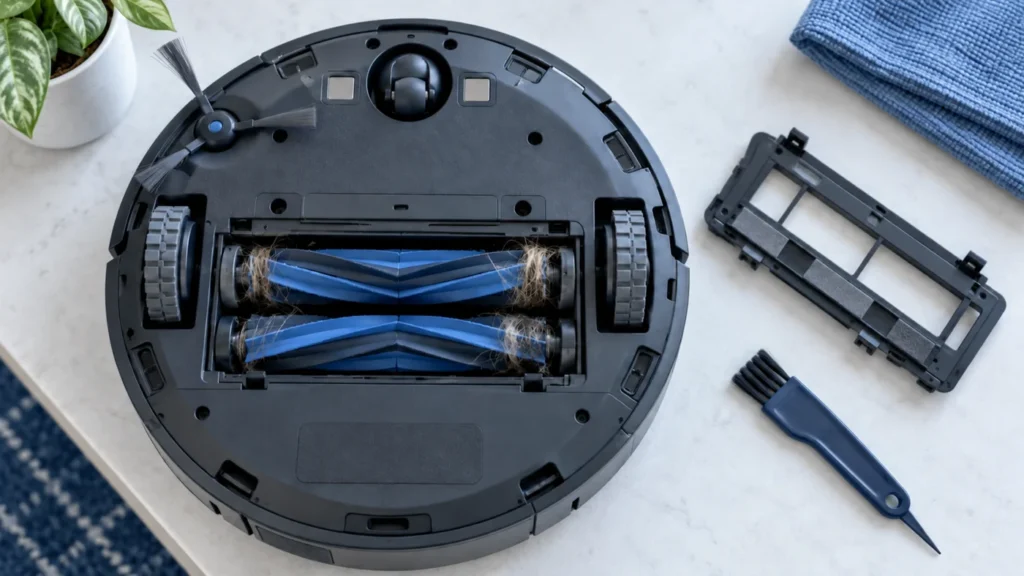
Quick answer: If the main brushes on your Roborock S8 are not spinning, turn the robot off and remove the DuoRoller brushes. Clear hair and thread from both rollers, their removable ends, and the two brush mounting slots. Reinstall the rollers and brush cover securely, let the robot cool down, and test it on a […]
Mop pads staying dry? Check the water tank, dock, filters and water flow in the correct order.