Dreame
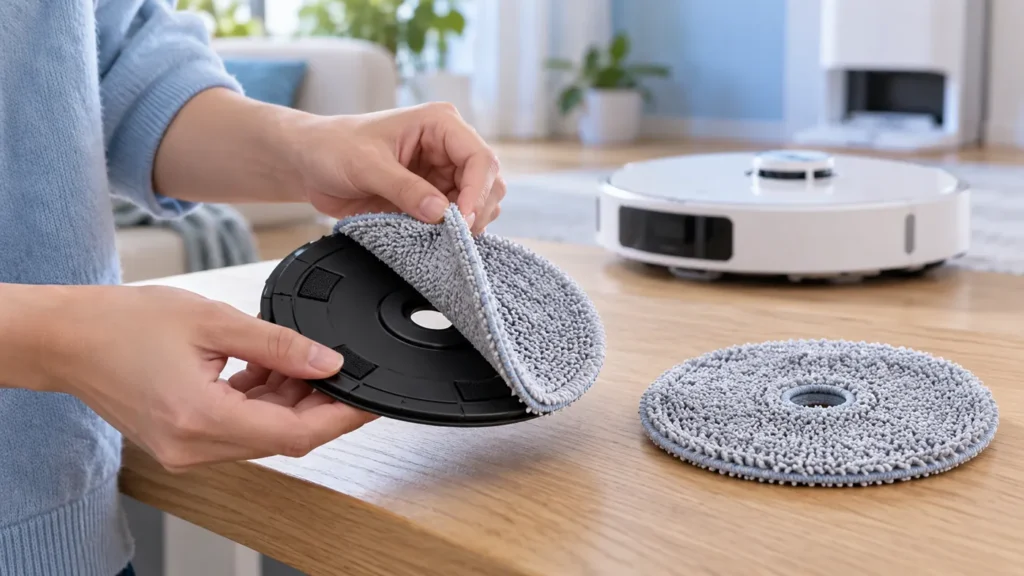
How to Replace Dreame L10s Ultra Mop Pads
Replace Dreame L10s Ultra mop pads by removing the fabric from its holders, fitting compatible cloths evenly, and checking attachment before mopping.
Troubleshooting library
Clear diagnostics and safe step-by-step solutions for charging, cleaning, navigation and maintenance problems.
All guides
Run the quick checks first, then continue to detailed diagnostics.
Replace Dreame L10s Ultra mop pads by removing the fabric from its holders, fitting compatible cloths evenly, and checking attachment before mopping.
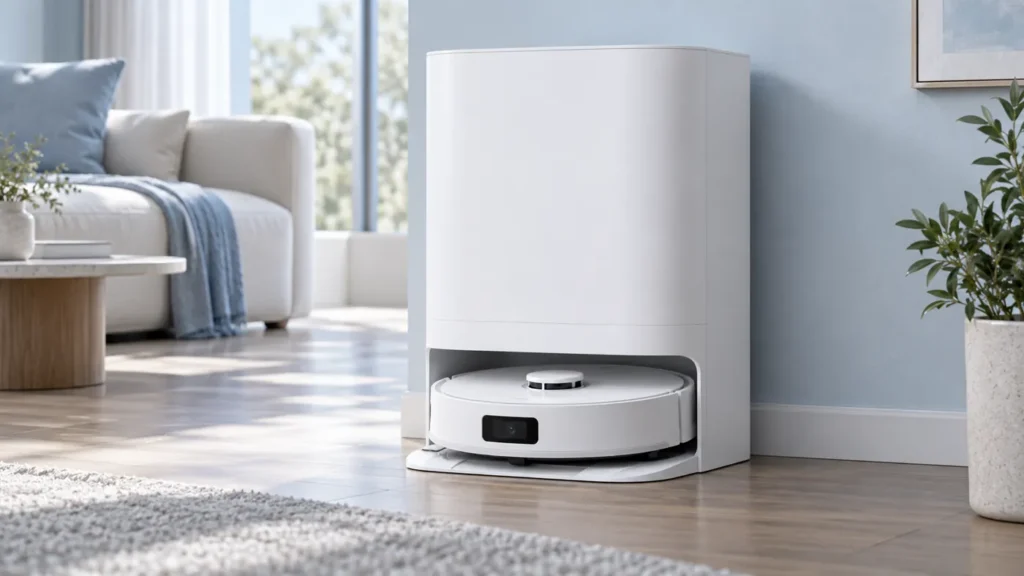
Dreame L10s Ultra not washing mop pads? Check the mopping task, station connection, water tanks, washboard, and the stage where the cycle stops.
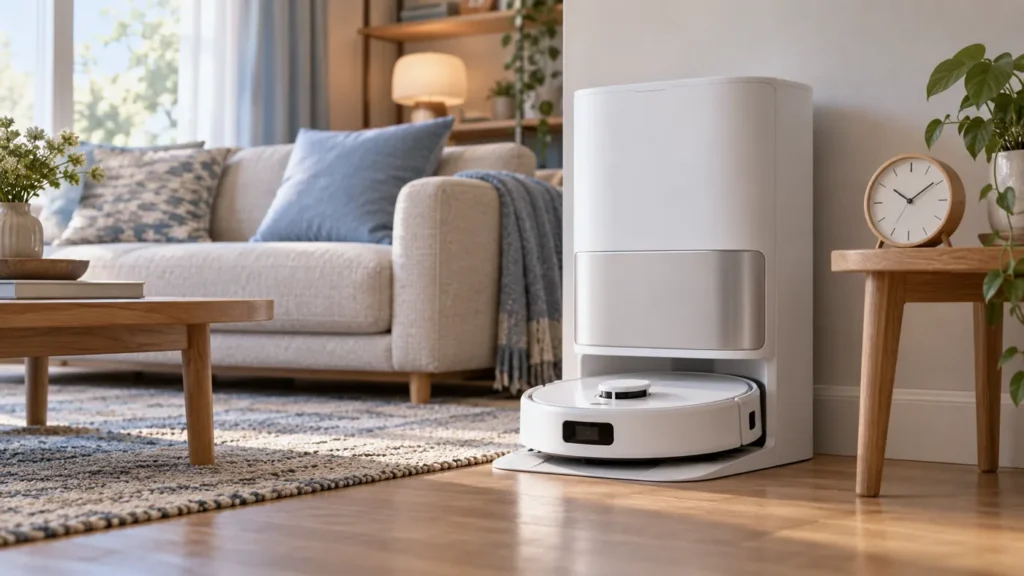
Dreame L10s Ultra charging slowly? Compare the manual’s charging time, check temperature and dry-clean contacts, then record the battery trend.
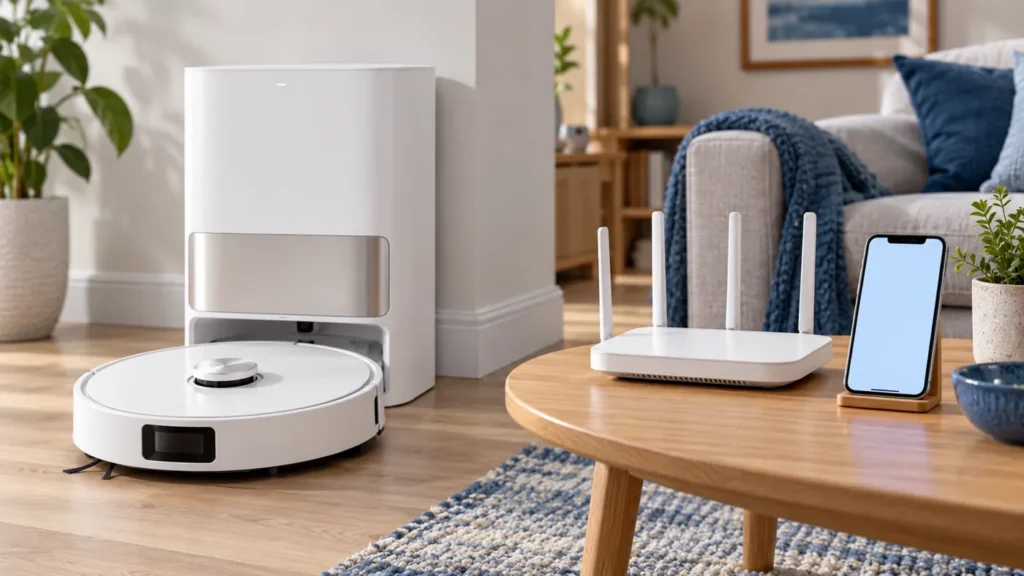
Dreame L10s Ultra not connecting to Wi-Fi? Check the 2.4 GHz network, password, pairing indicator, and the manual’s Wi-Fi reset procedure.
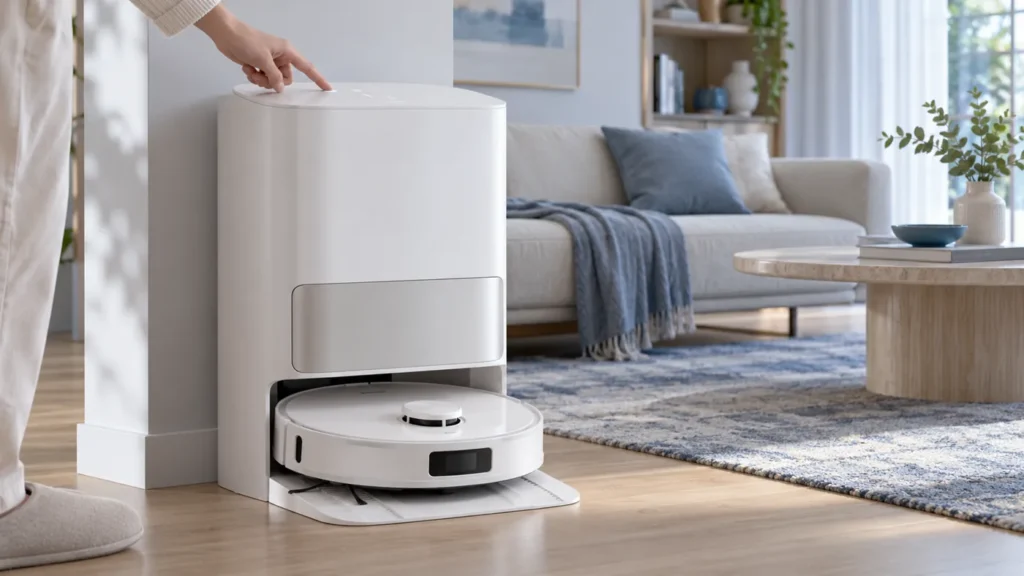
Dreame L10s Ultra station buttons not working? Check Child Lock, dock power, robot placement, station range, and the matching command in the app.
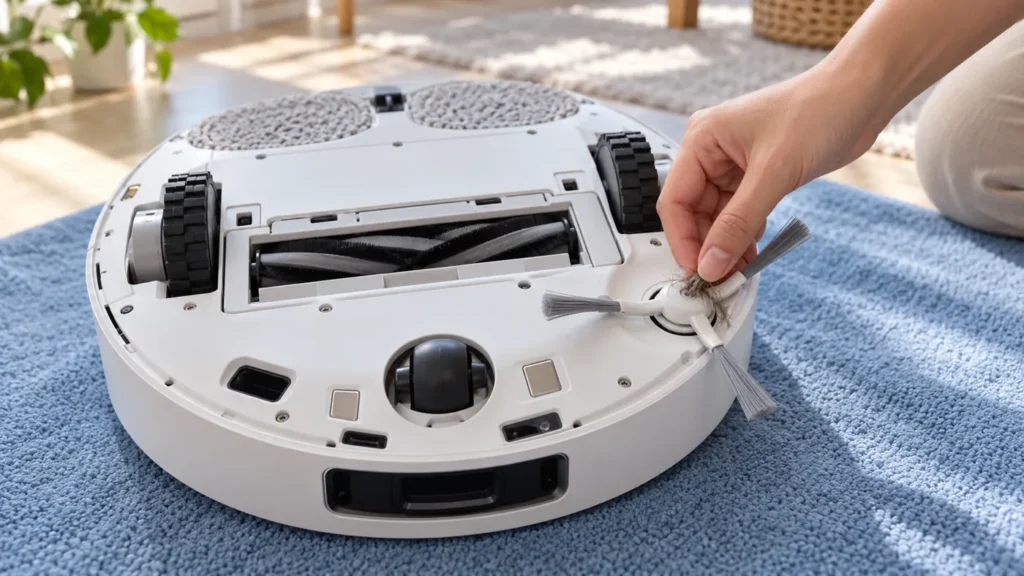
Dreame L10s Ultra side brush not spinning? Check hair around the hub, the brush fitting, visible damage, and a short cleaning test before service.
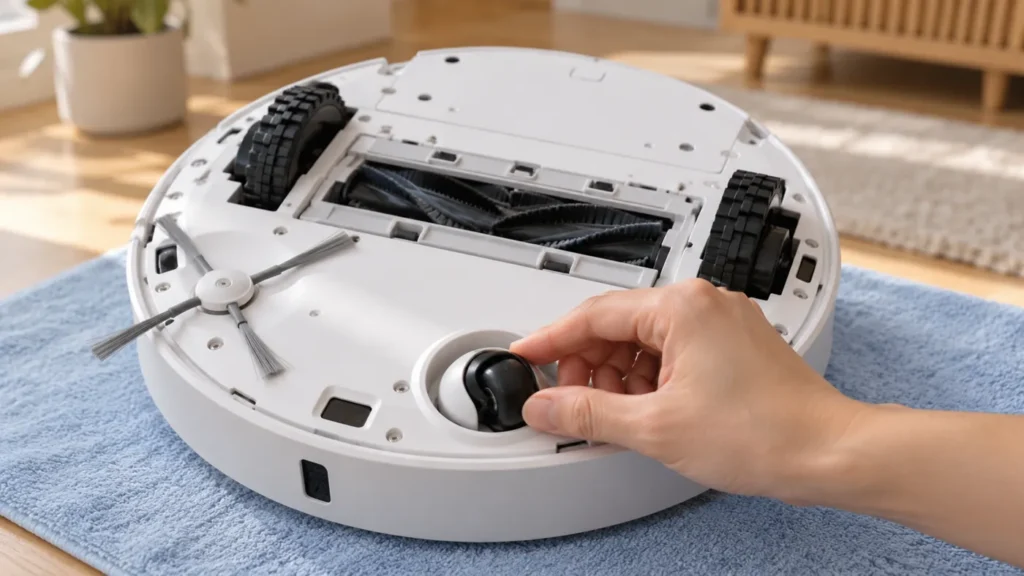
Clean the Dreame L10s Ultra universal wheel by removing trapped hair, following the manual’s axle instructions, and drying the wheel before refitting.
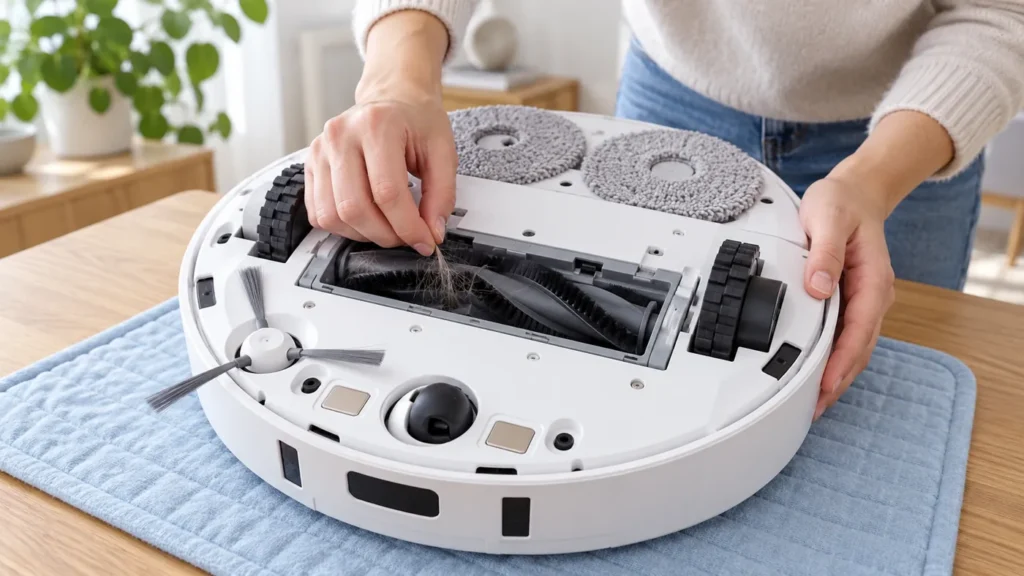
Dreame L10s Ultra main brush not spinning? Check tangled hair, brush ends, guard fit, and error messages before deciding whether service is needed.
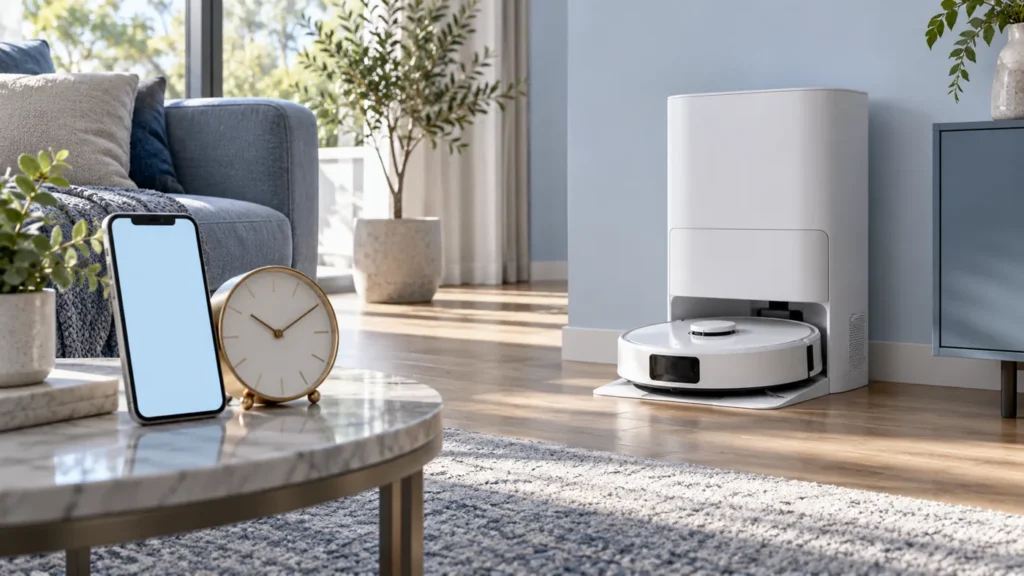
Dreame L10s Ultra scheduled cleaning not working? Check the saved task, repeat days, manual start, charging, and app status with one controlled test.
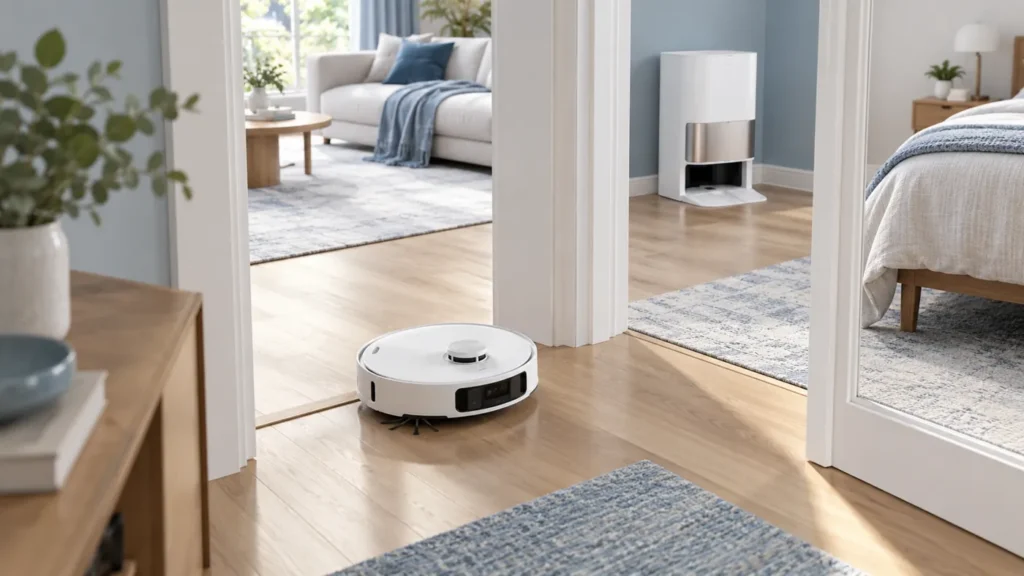
Fix Dreame L10s Ultra mapping problems by checking room access, dock position, sensors, and the saved map before starting a new mapping run.
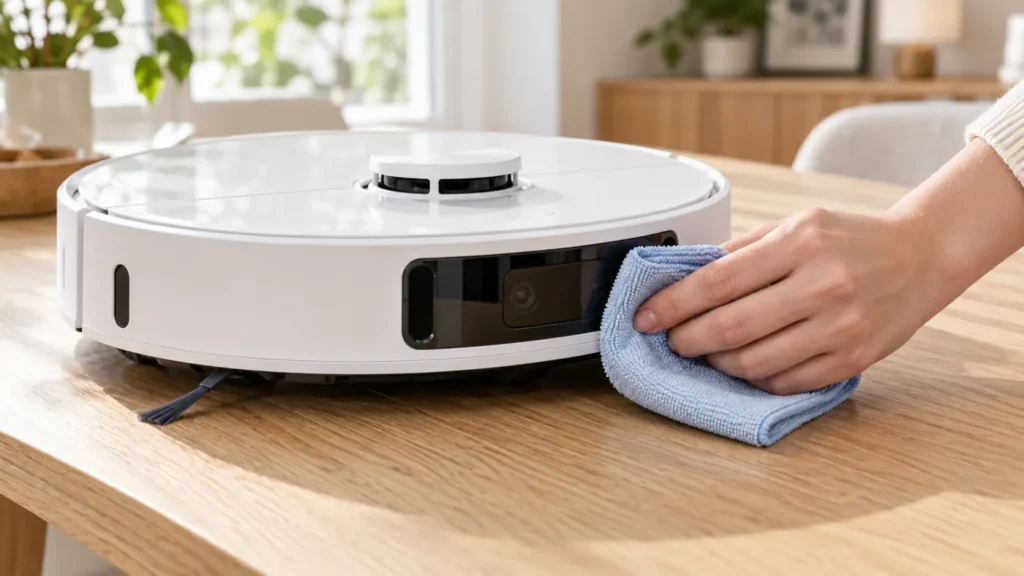
Learn how to clean Dreame L10s Ultra sensors with a soft dry cloth, inspect exterior windows, and test navigation after routine maintenance.
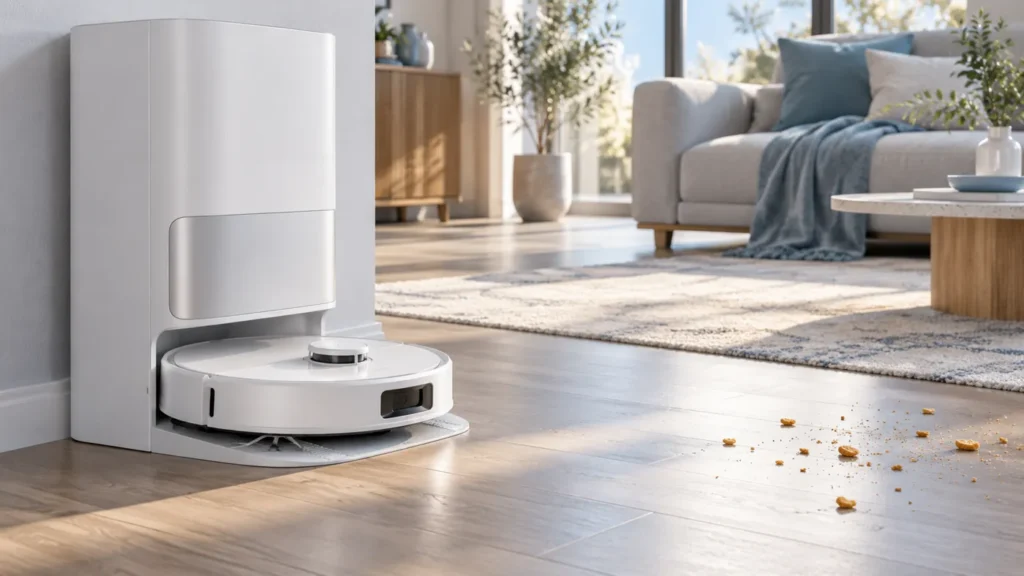
Dreame L10s Ultra not resuming cleaning after charging? Check DND, manual dock returns, charging status, and the unfinished cleaning task.