Dreame
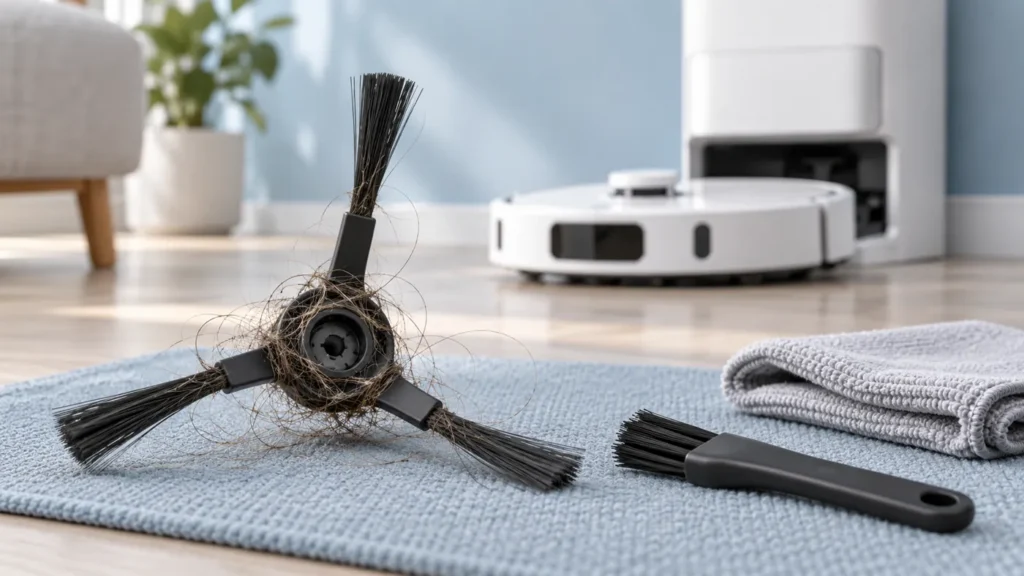
How to Clean Dreame L10s Ultra Side Brush
Clean the Dreame L10s Ultra side brush: remove it correctly, clear wrapped hair, inspect the hub and refit it before checking pickup.
Troubleshooting library
Clear diagnostics and safe step-by-step solutions for charging, cleaning, navigation and maintenance problems.
All guides
Run the quick checks first, then continue to detailed diagnostics.
Clean the Dreame L10s Ultra side brush: remove it correctly, clear wrapped hair, inspect the hub and refit it before checking pickup.
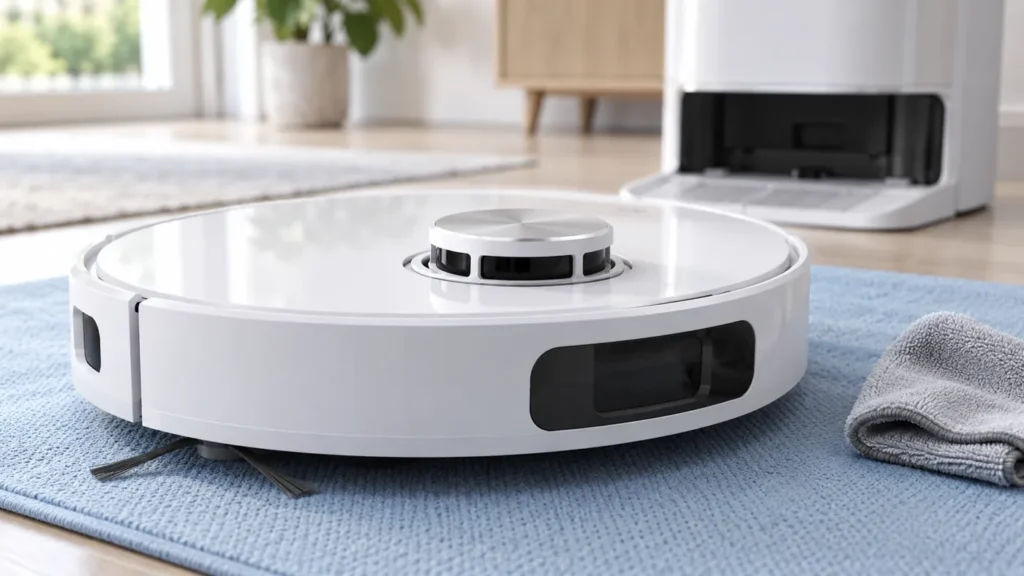
Dreame L10s Ultra LDS error? Check firmware, accessible debris, cover movement and normal sensor rotation before contacting support.
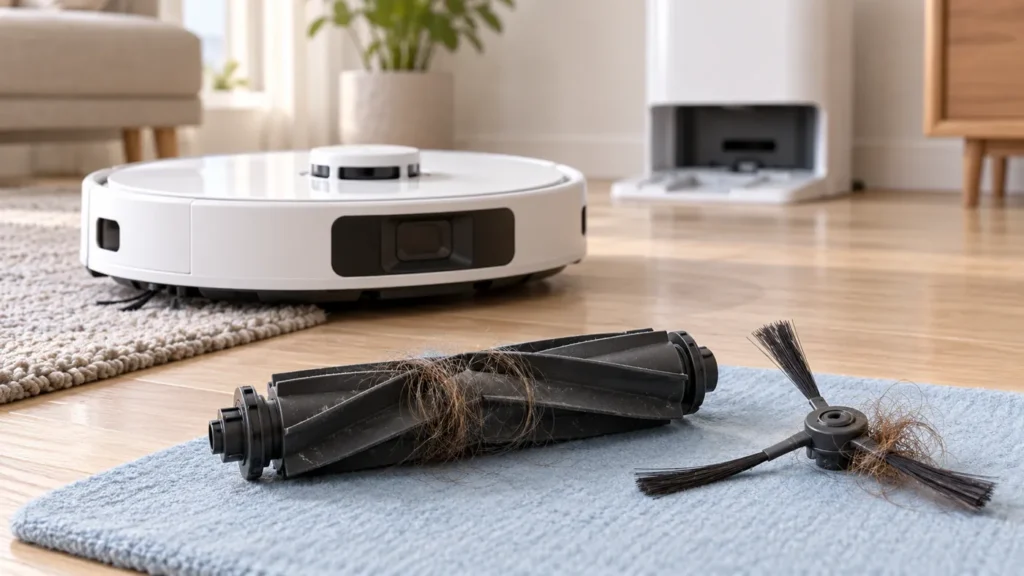
Dreame L10s Ultra making noise? Compare suction and carpet boost, inspect brush ends and wheels, and check filter dryness before a repeat run.
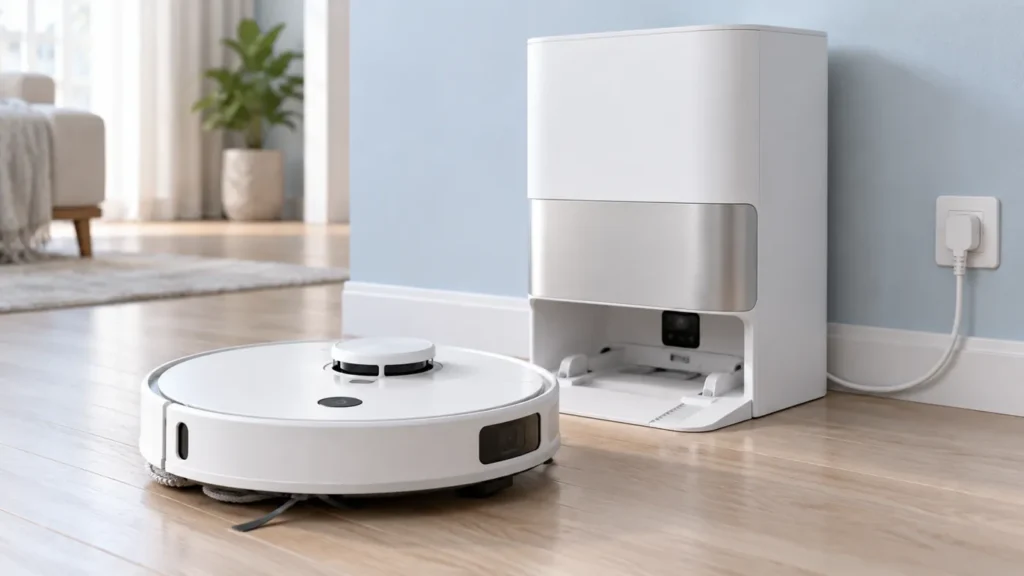
Dreame L10s Ultra won’t turn on? Check button response, station power, charging contacts and the documented restart before requesting service.
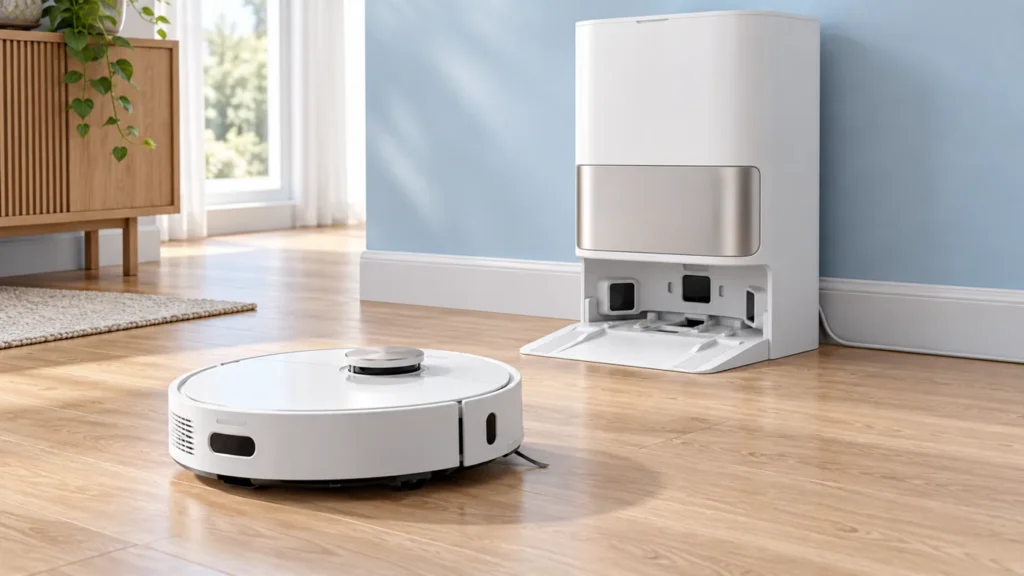
Dreame L10s Ultra docking failed? Check station power, the return route, dry contacts and charging confirmation before requesting service.
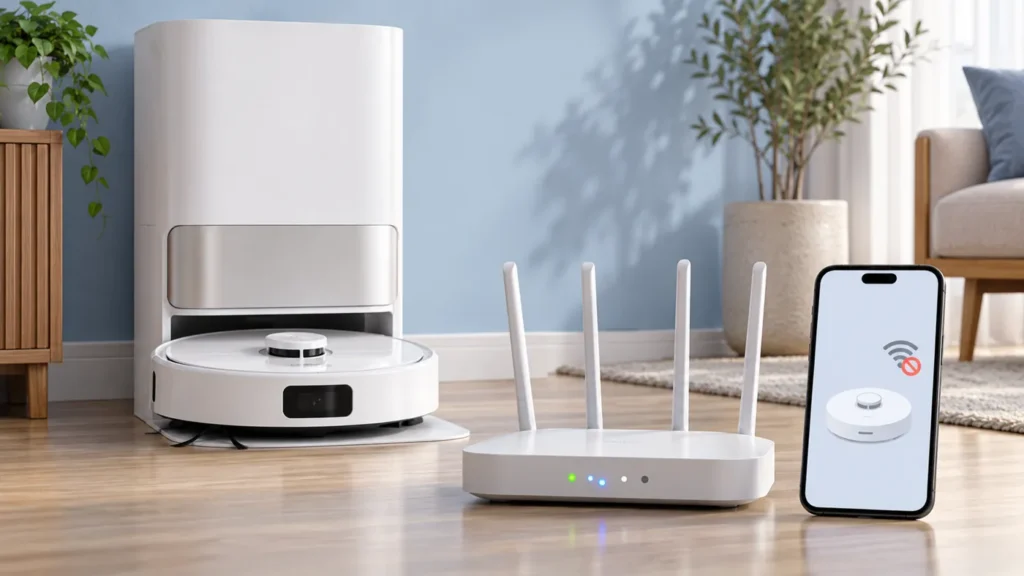
Dreame L10s Ultra offline? Check robot power, the Wi-Fi indicator, 2.4 GHz setup and network reconfiguration before considering a factory reset.
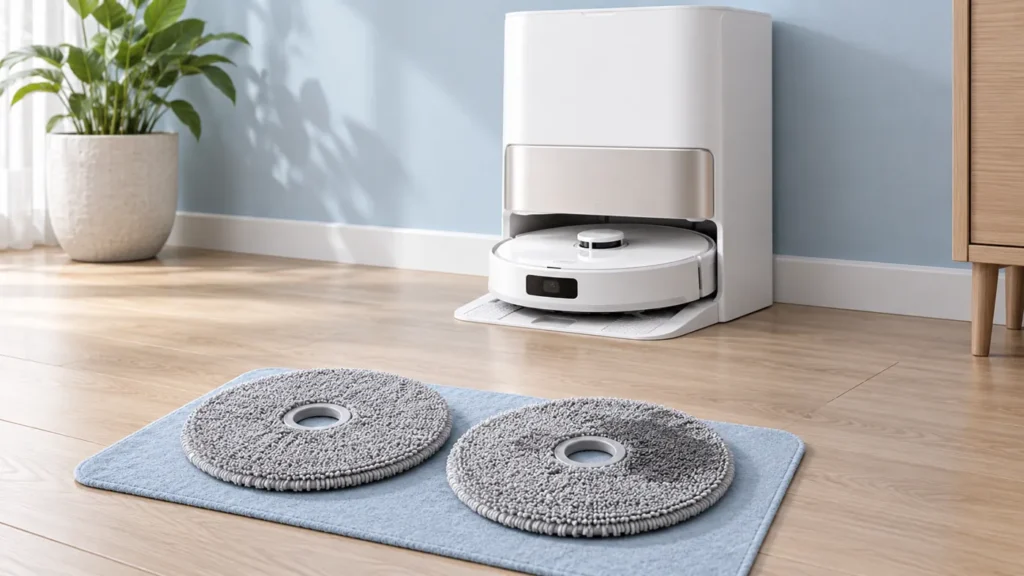
Dreame L10s Ultra mop drying not working? Check docking, station power, the dry button and pad condition after an uninterrupted drying cycle.
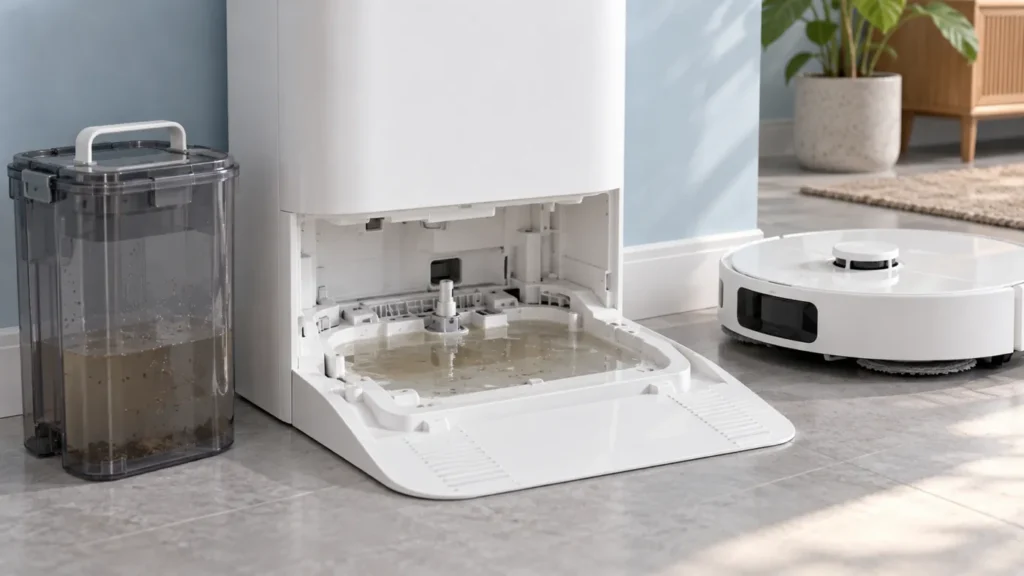
Dreame L10s Ultra water not draining? Check the washboard outlet, used-water tank seals and seating, then observe one normal wash cycle.
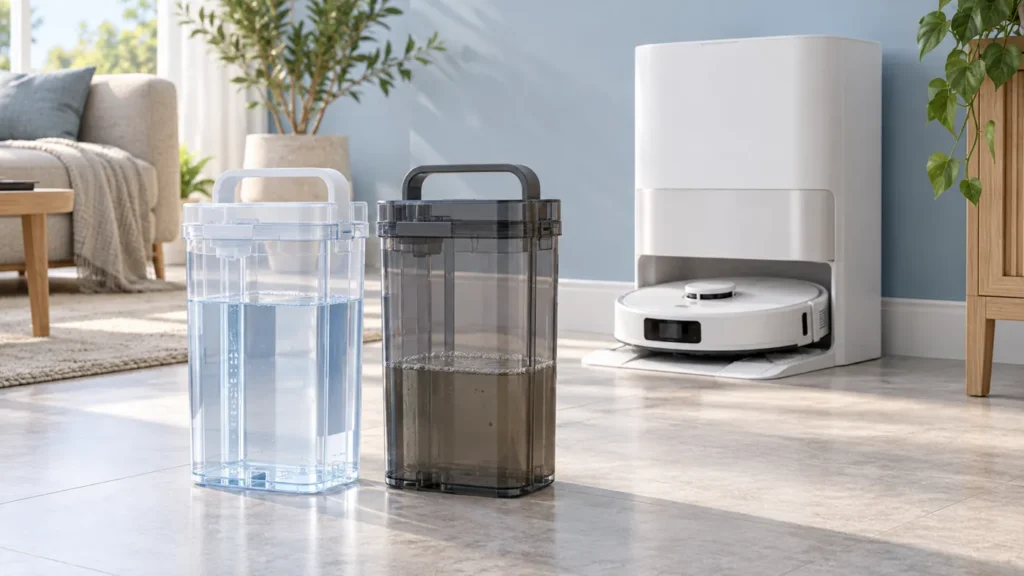
Clean Dreame L10s Ultra water tanks: rinse the used-water tank, protect its float, refill to MAX and check seals and seating before mop washing.
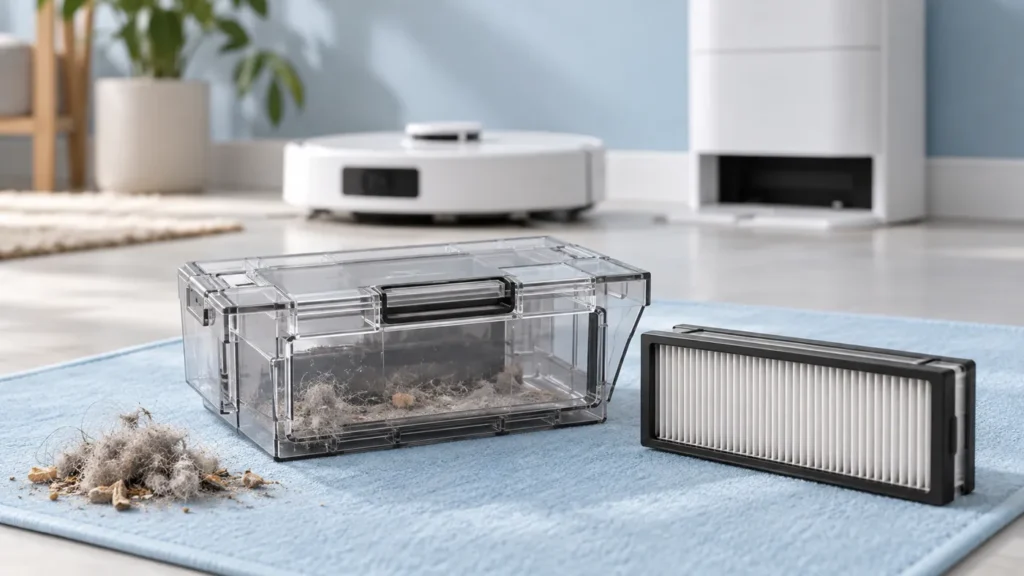
Clean the Dreame L10s Ultra dust bin and filter with the correct removal, rinsing and drying steps, then check pickup after reassembly.
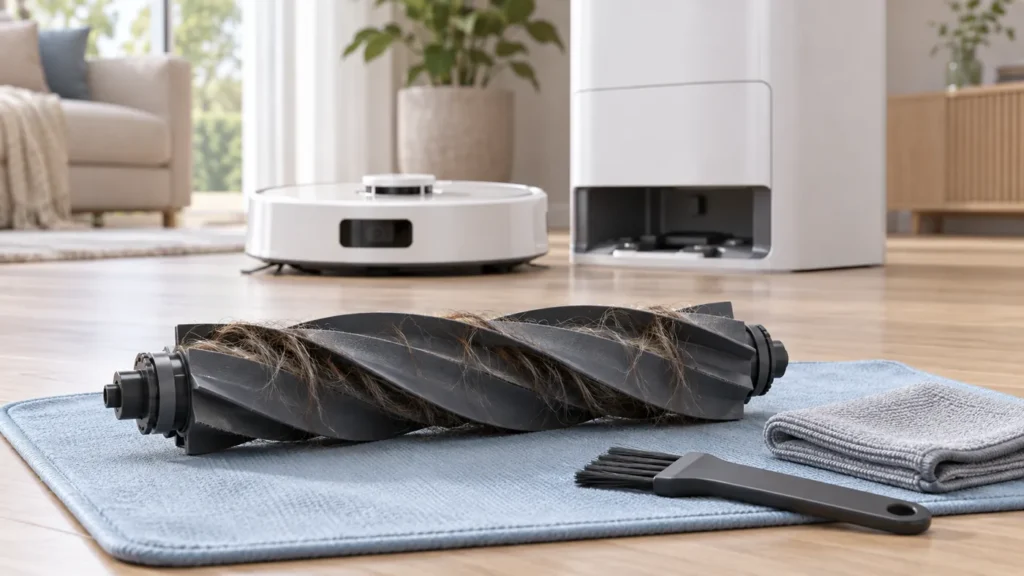
Clean the Dreame L10s Ultra main brush: remove the guard, clear tangled hair, inspect the brush ends and refit the roller before testing pickup.
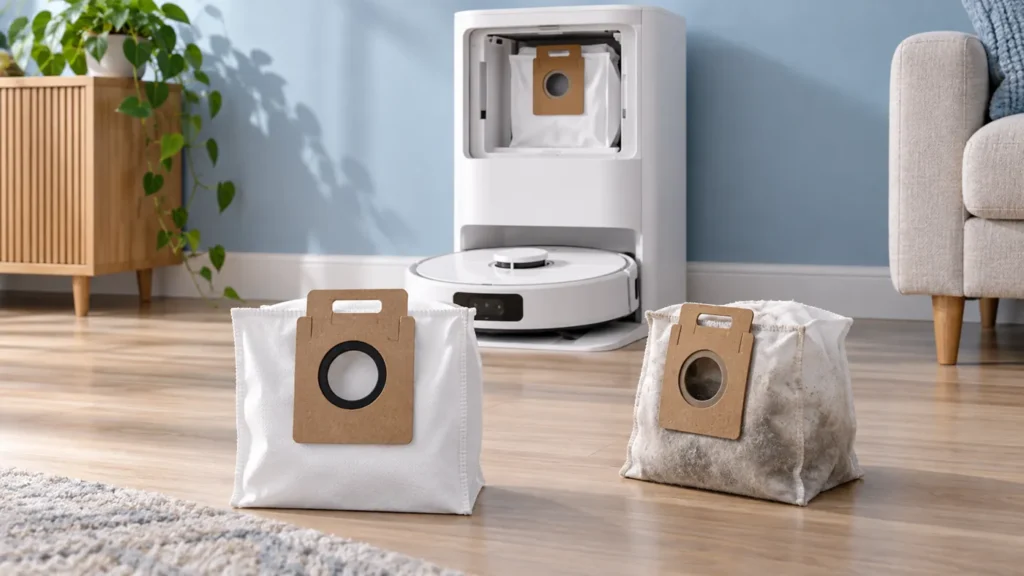
Replace the Dreame L10s Ultra dust bag: remove the used bag, dry-clean the accessible filter, fit a compatible replacement and check auto-emptying.