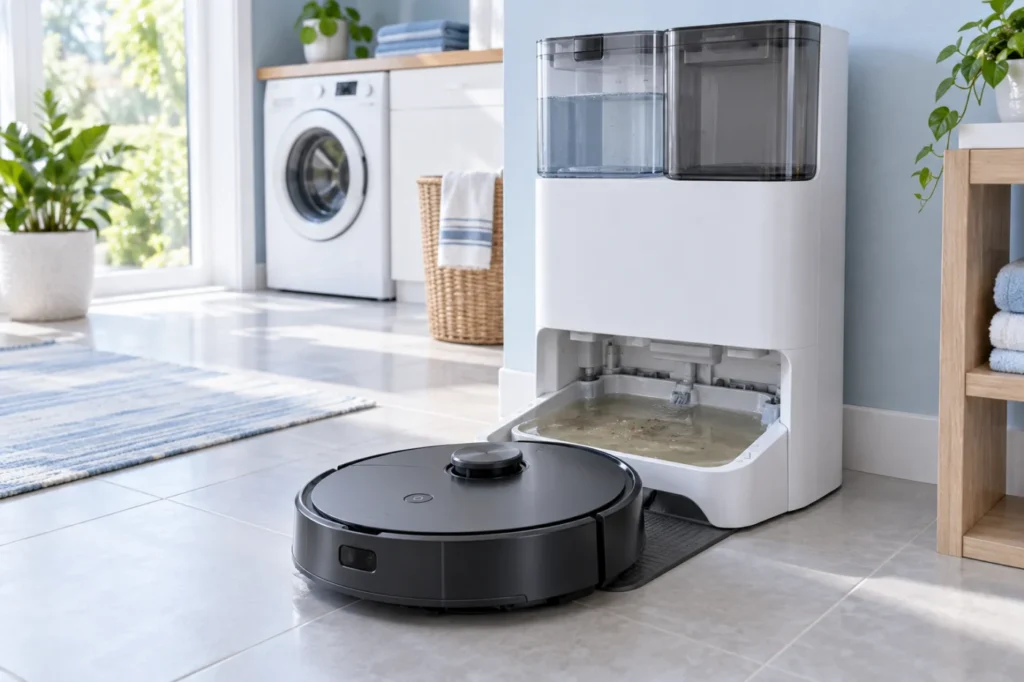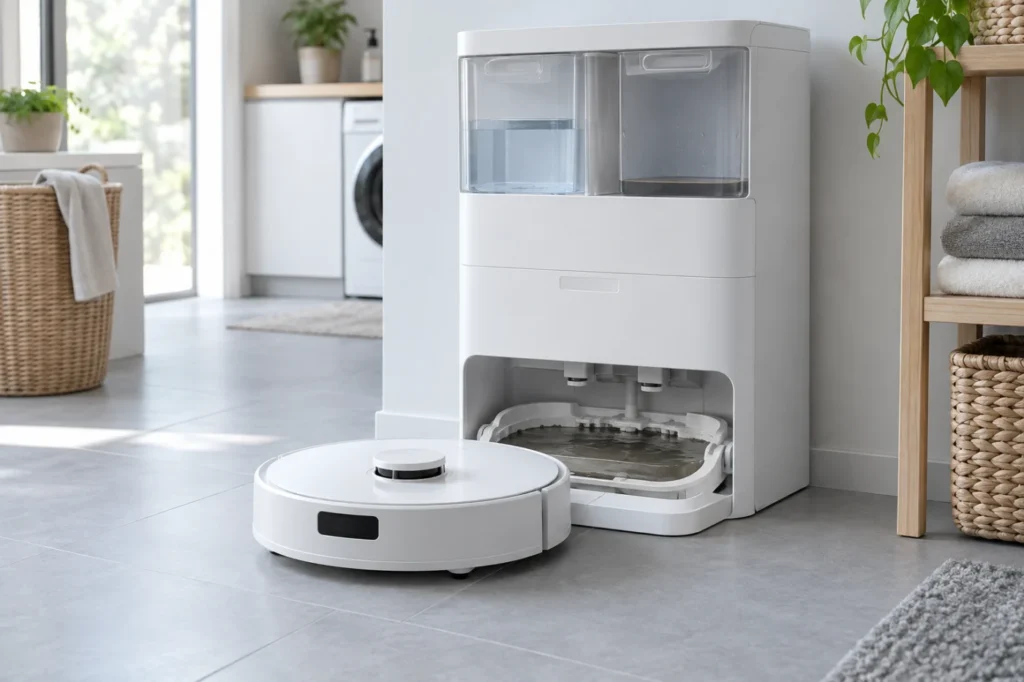
Dreame X40 Ultra Docking Failed: 8 Fixes
Dreame X40 Ultra docking failed? Test it near the station, clear the approach, clean its sensors and contacts, inspect the wheels, and correct its map and dock position.
Troubleshooting library
Clear diagnostics and safe step-by-step solutions for charging, cleaning, navigation and maintenance problems.
All guides
Run the quick checks first, then continue to detailed diagnostics.
Dreame X40 Ultra docking failed? Test it near the station, clear the approach, clean its sensors and contacts, inspect the wheels, and correct its map and dock position.
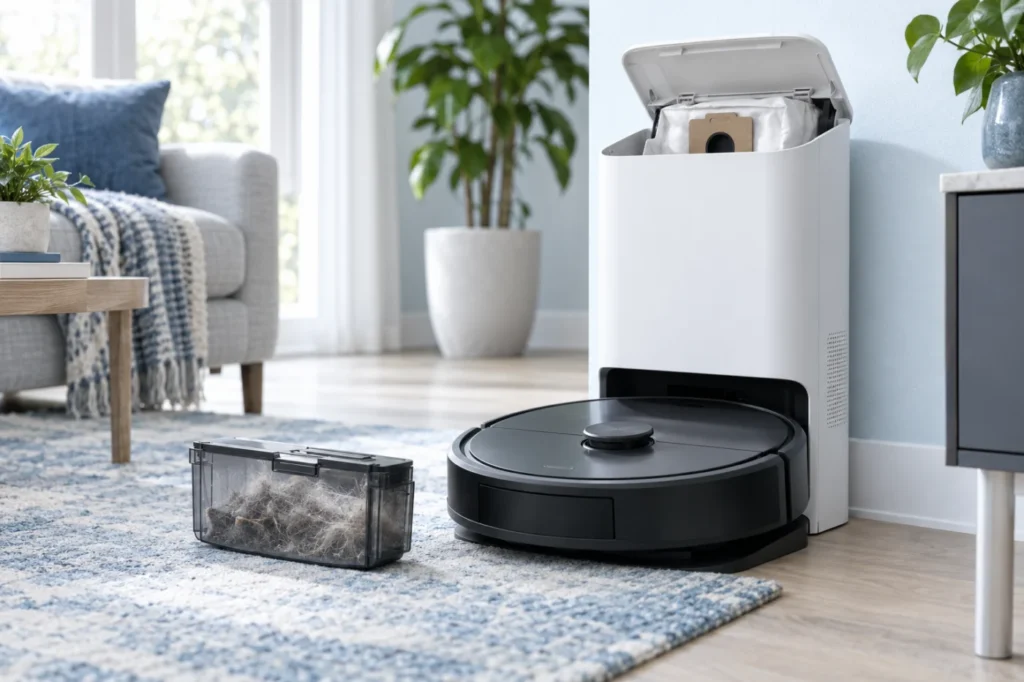
Quick answer: If your Dreame X40 Ultra is not charging, first confirm that the base station has power. Then unplug the station, clean the metal contacts on both the robot and dock with a dry cloth, check that both spring-loaded dock pins move freely, and let the robot dock itself. If the battery is completely […]
Roborock Q Revo not emptying its dustbin? Check the app, DND settings, dock cover, dust bag, robot dustbin, airflow path, and emptying motor in seven safe steps.
Dirty water staying in the Roborock Q Revo wash tray? Use these seven safe checks to test the waste-tank seal, clean the tray and filter, and identify a dock pump problem.
Is your Ecovacs T20 OMNI leaving dirty water in the cleaning sink? Reseat the waste-water tank, inspect its seals, clean the filter, suction opening and water-level sensors, then restart the recovery cycle.
Is your Roomba j7 spinning in circles or repeatedly turning toward one side? Compare both drive wheels, clean the caster and sensors, inspect the bumper, reboot the robot, and identify a failing wheel module.
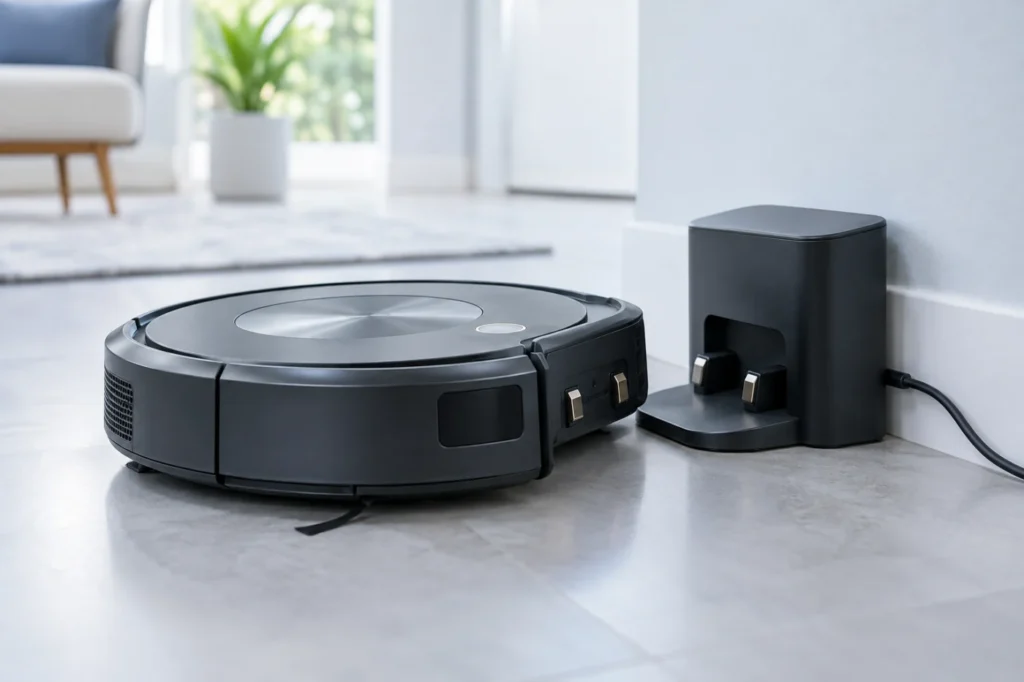
Is your Roomba j7 not charging on its Home Base or Clean Base? Check the dock power, clean the charging contacts, reseat the robot, reboot it, and determine whether the battery or charging base needs service.
Is your Dreame L10s Ultra not dispensing water? Use these safe checks to inspect the clean-water tank, dock, mop pads, settings, and water flow.
Quick answer: If the main brushes on your Roborock S8 are not spinning, turn the robot off and remove the DuoRoller brushes. Clear hair and thread from both rollers, their removable ends, and the two brush mounting slots. Reinstall the rollers and brush cover securely, let the robot cool down, and test it on a […]
Mop pads staying dry? Check the water tank, dock, filters and water flow in the correct order.