Roborock
Roborock S8 Won’t Dock
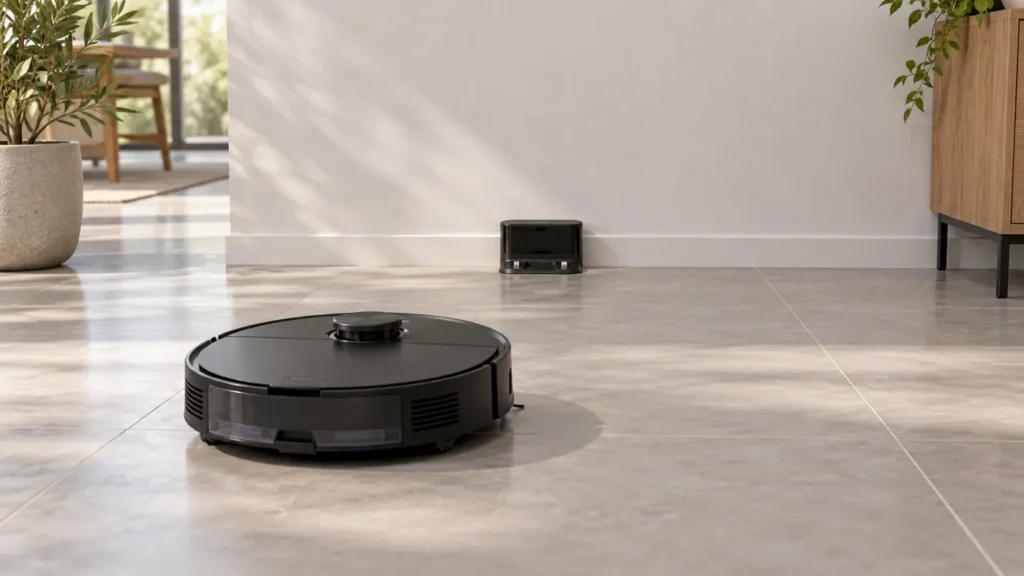
Roborock S8 won’t dock? Check power, approach space and signal surfaces, then compare a short return to separate docking from charging problems.
Brand troubleshooting
Troubleshooting guides for Roborock robot vacuum cleaners.
Matching guides
Start with the closest symptom. Each guide begins with safe checks before disassembly.
Roborock S8 won’t dock? Check power, approach space and signal surfaces, then compare a short return to separate docking from charging problems.
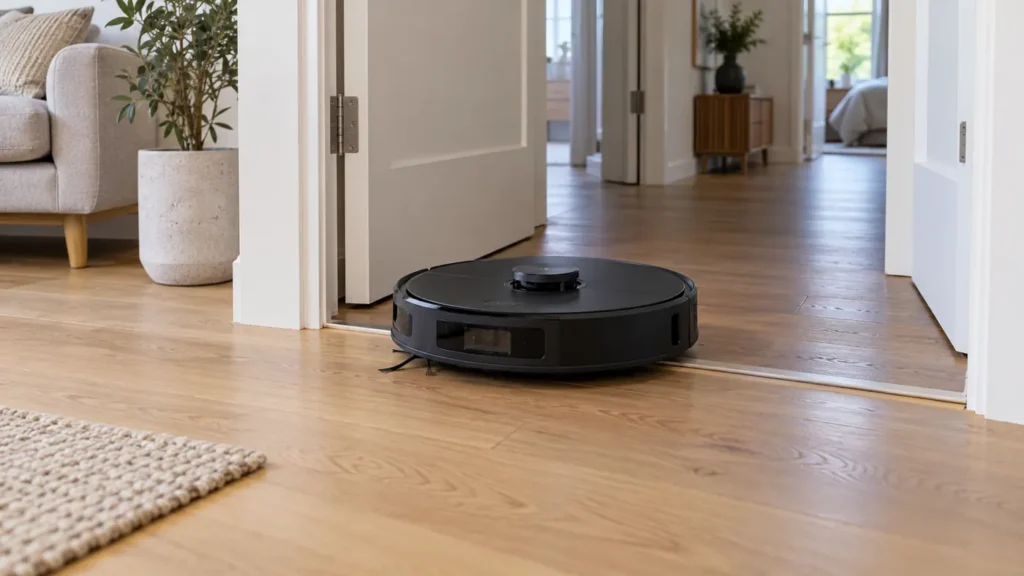
Roborock S8 map missing rooms or showing the wrong layout? Check access, dock position and floor selection before rebuilding the map.
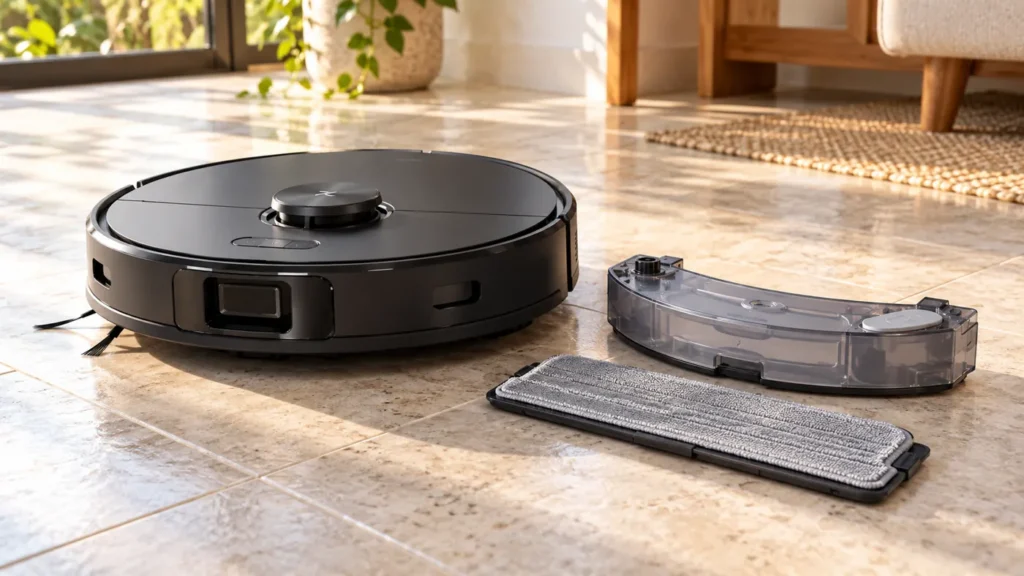
Roborock S8 mop staying dry? Check the cleaning mode, onboard tank and cloth setup, then test water delivery on a suitable hard floor.
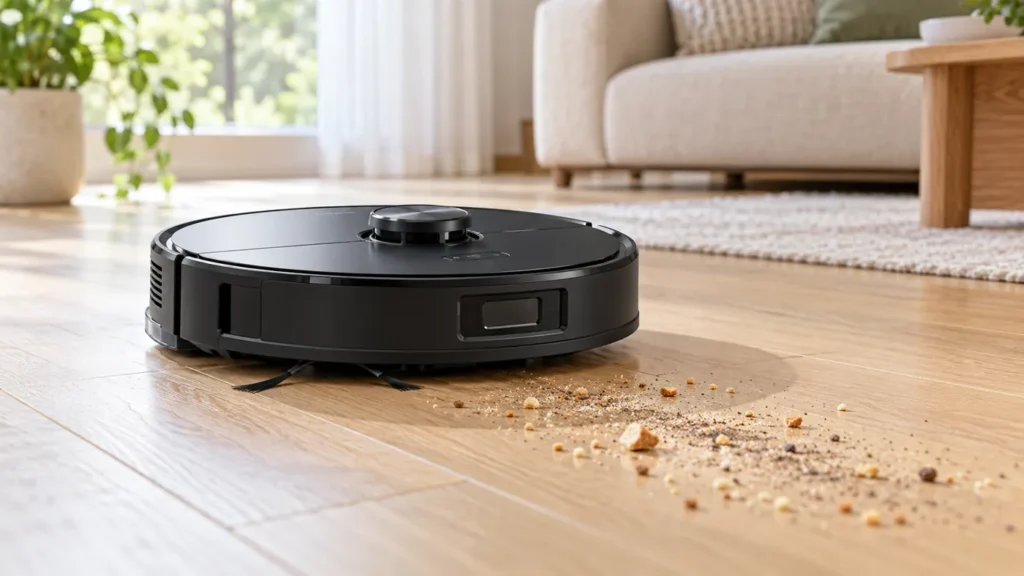
Roborock S8 leaving dirt behind? Check the bin, filter, rollers and cleaning route, then compare a small area before replacing parts.
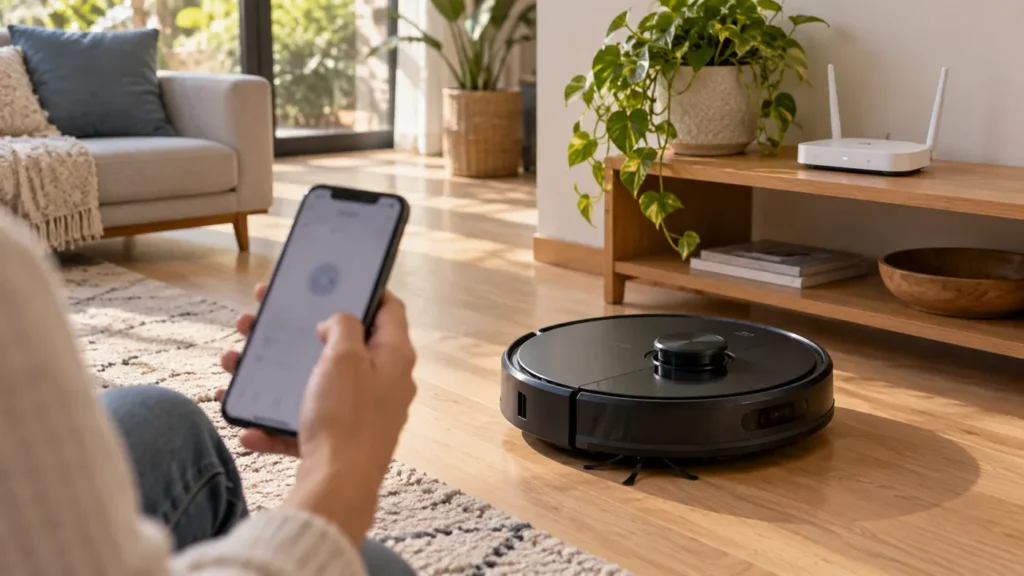
Roborock S8 not connecting to Wi-Fi or showing Offline? Check 2.4 GHz, app permissions and the correct Wi-Fi reset before a factory reset.
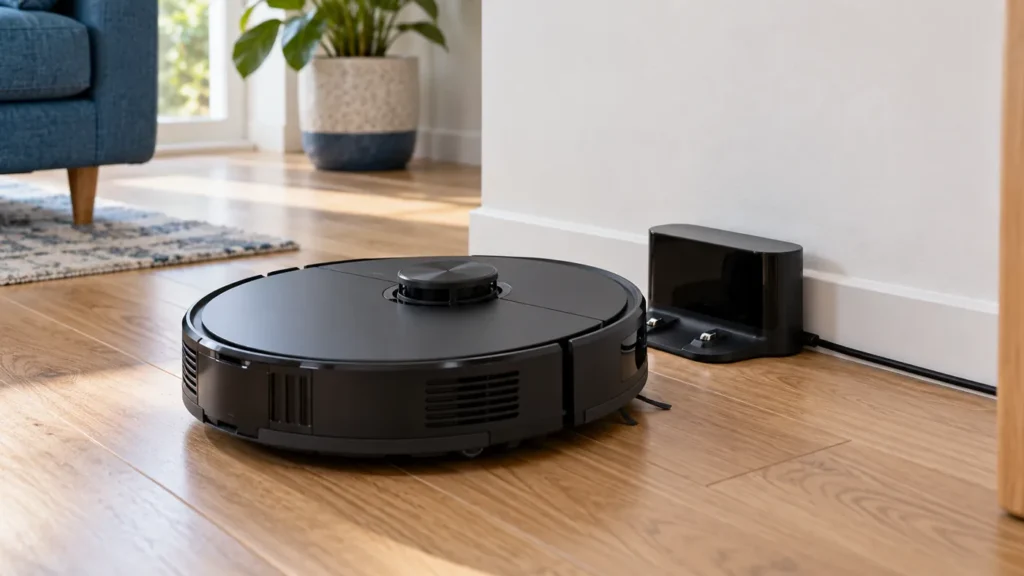
Roborock S8 not charging? Check dock power, seating, charging contacts and Error 13 before replacing the battery.
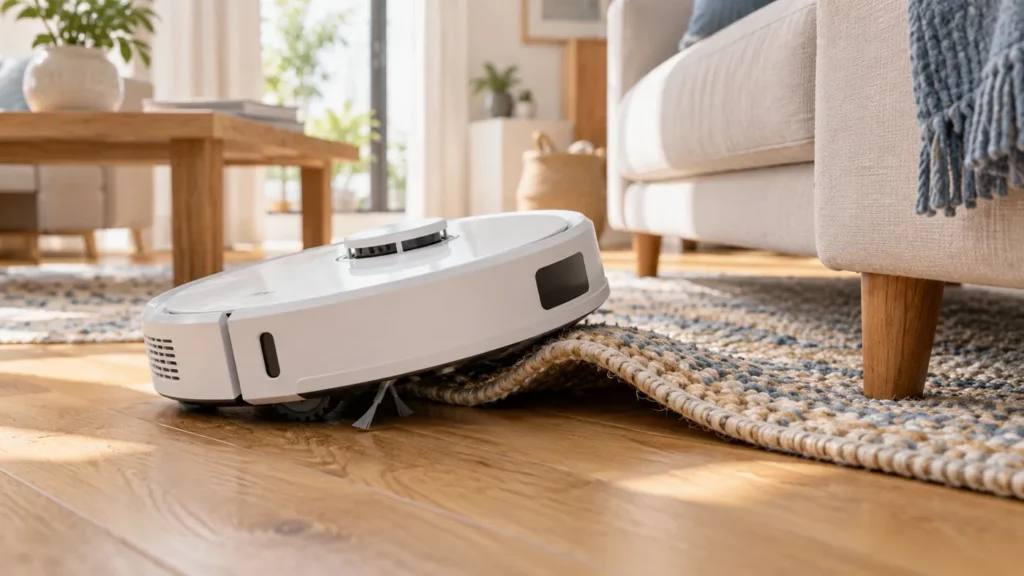
Q Revo keeps getting stuck? Compare rugs, cords, furniture gaps and wheel alerts with a clear-floor test before resetting the map.
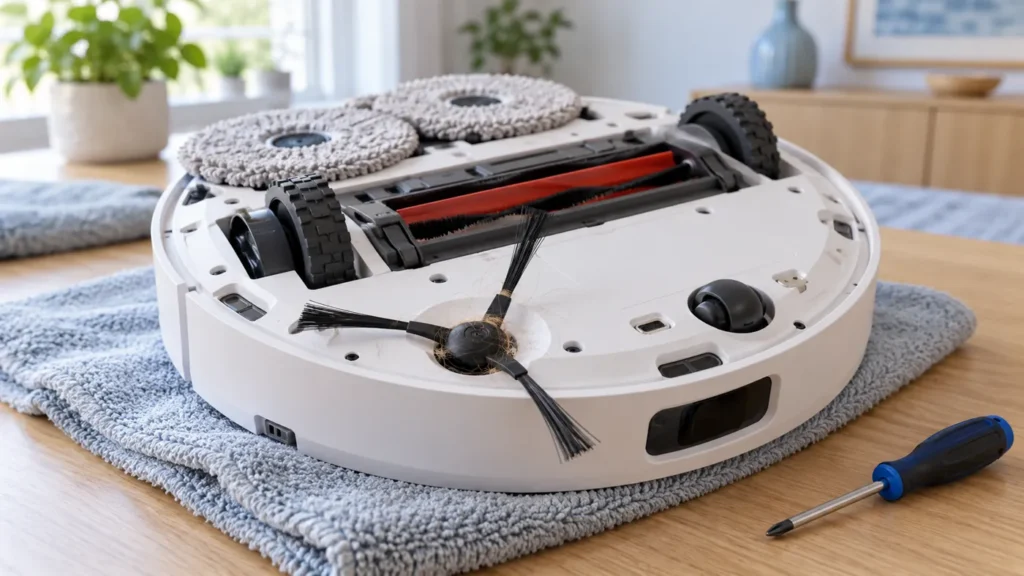
Q Revo side brush not spinning? Clean the hub, check brush seating and compare clear-floor operation before replacing parts.
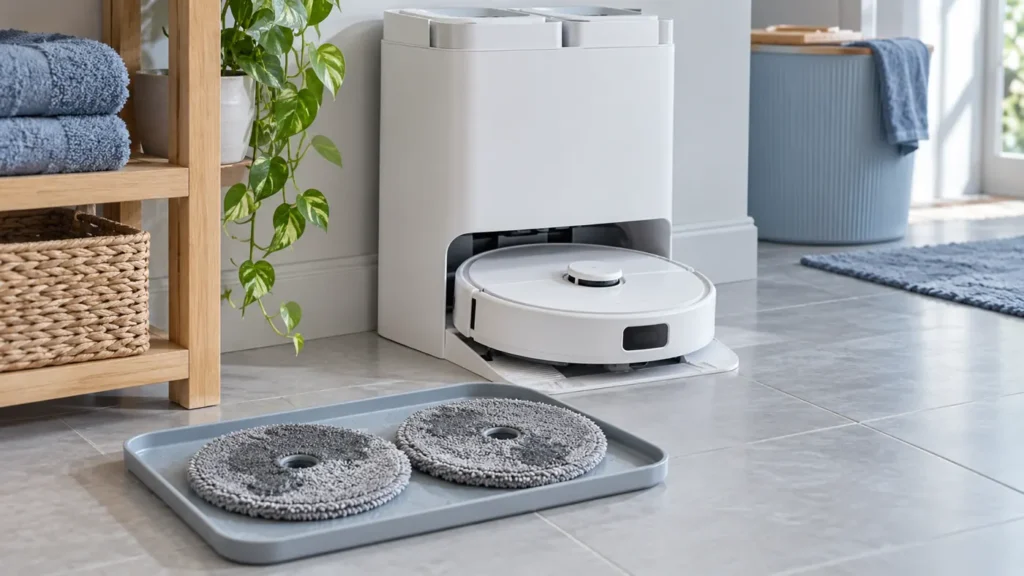
Q Revo mop pads still wet? Check Auto Drying, test a manual cycle, prevent interruptions and adjust duration before replacing dock parts.
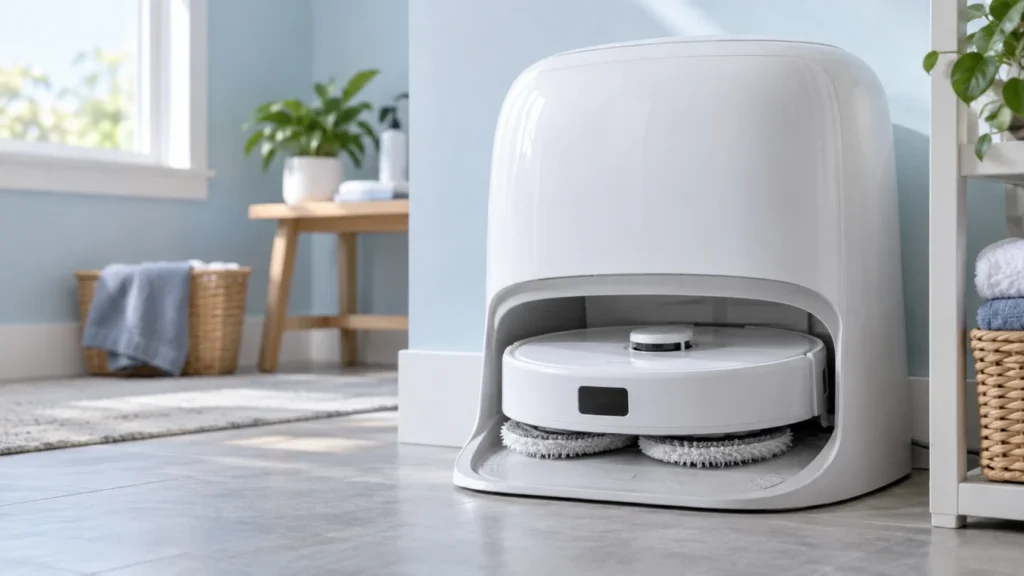
If Qrevo Curv mop pads stay wet, check whether washing occurred, auto-drying and DND settings, then test manual drying and the full cycle before seeking service.