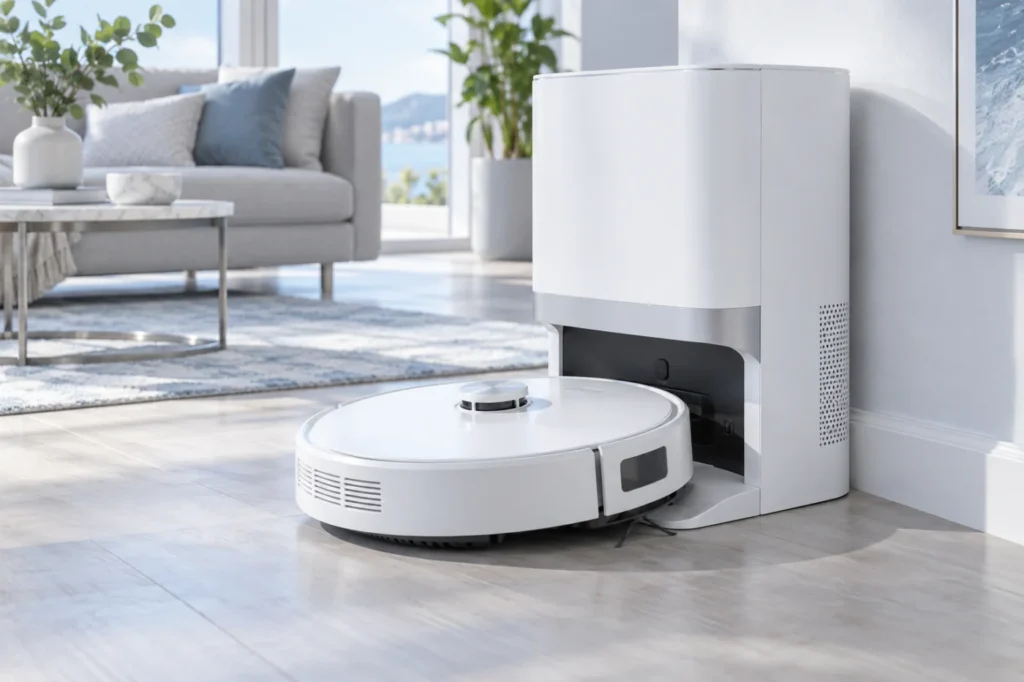
Roborock Qrevo Curv Dirty Water Not Pumping: Tank and Tray Checks
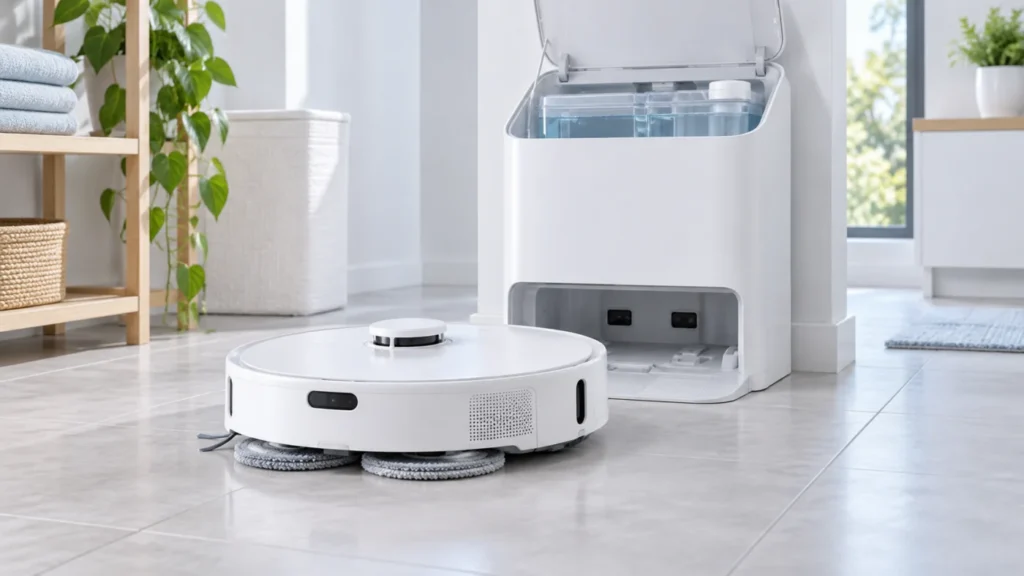
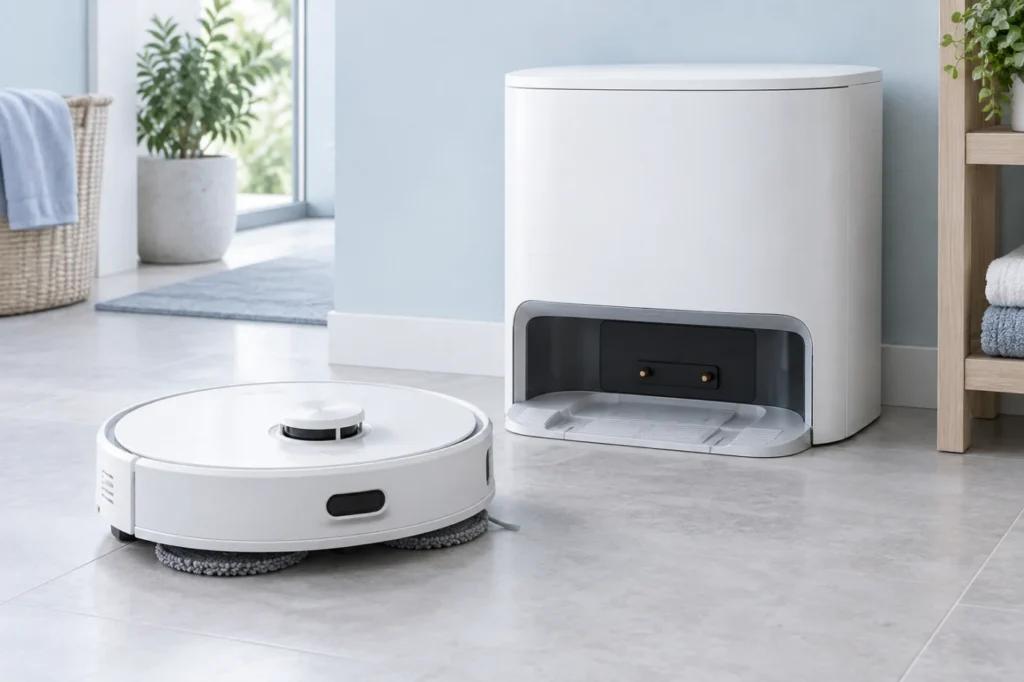
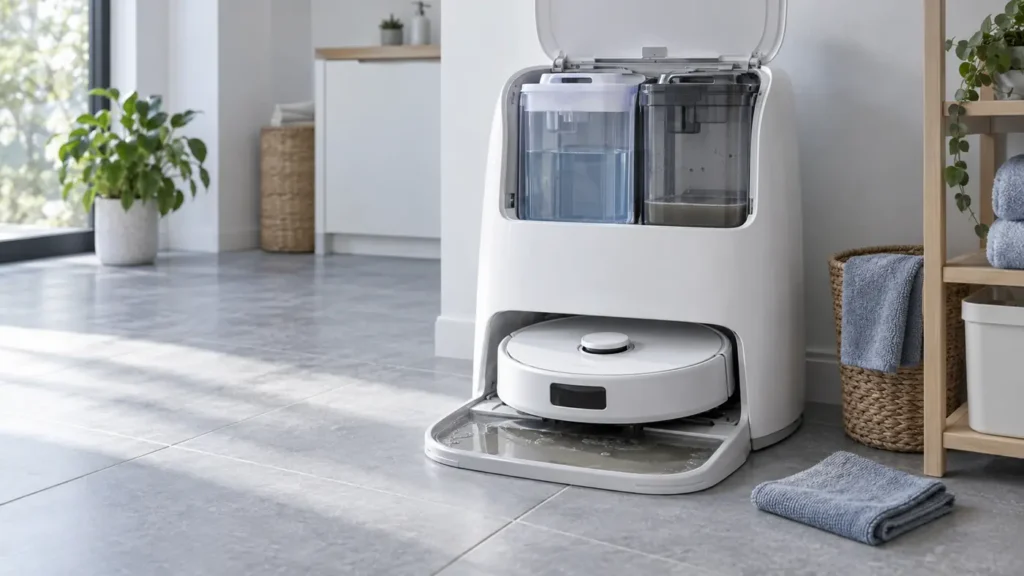
Dirty water pooling in the Qrevo Curv cleaning tray? Run one manual wash, reseat and rinse the dirty-water tank, clean the removable tray and filter, then check the app alert.
Troubleshooting library
Clear diagnostics and safe step-by-step solutions for charging, cleaning, navigation and maintenance problems.
All guides
Run the quick checks first, then continue to detailed diagnostics.
Dirty water pooling in the Qrevo Curv cleaning tray? Run one manual wash, reseat and rinse the dirty-water tank, clean the removable tray and filter, then check the app alert.
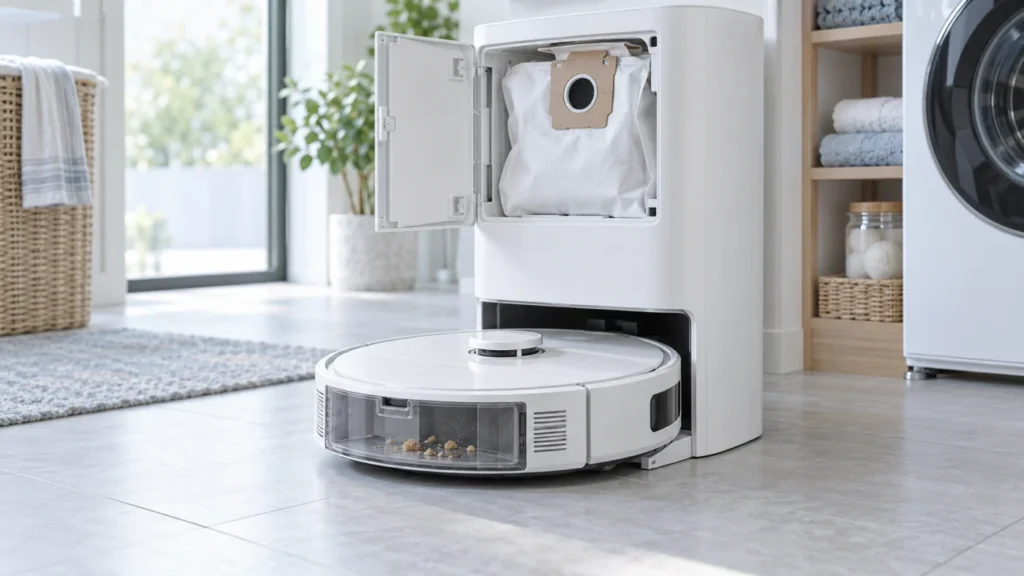
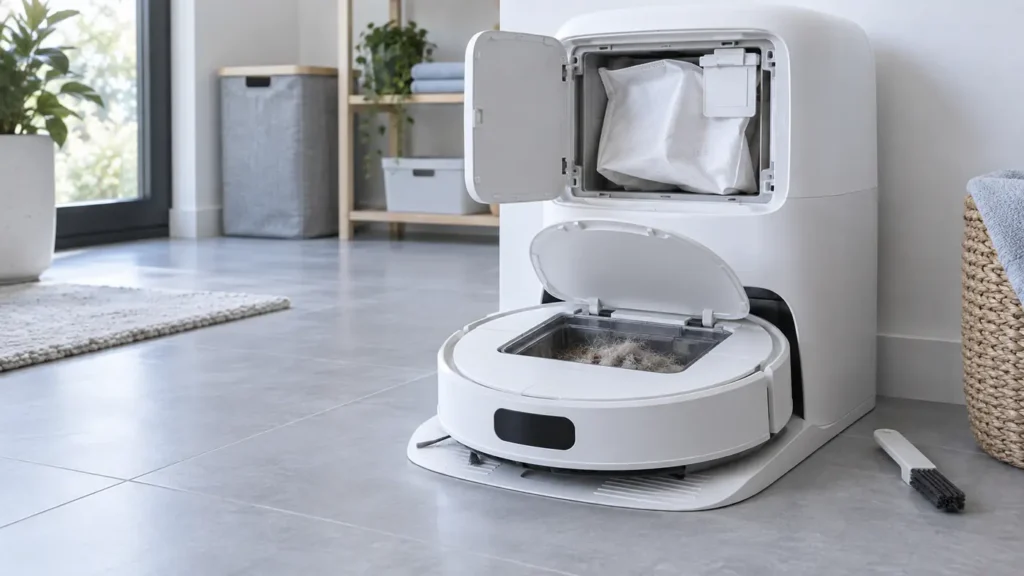
Qrevo Curv auto-empty silent or ineffective? Check app and DND settings, the 10% battery threshold, a real cleaning return, dust bag, brush cover, and accessible airflow path.
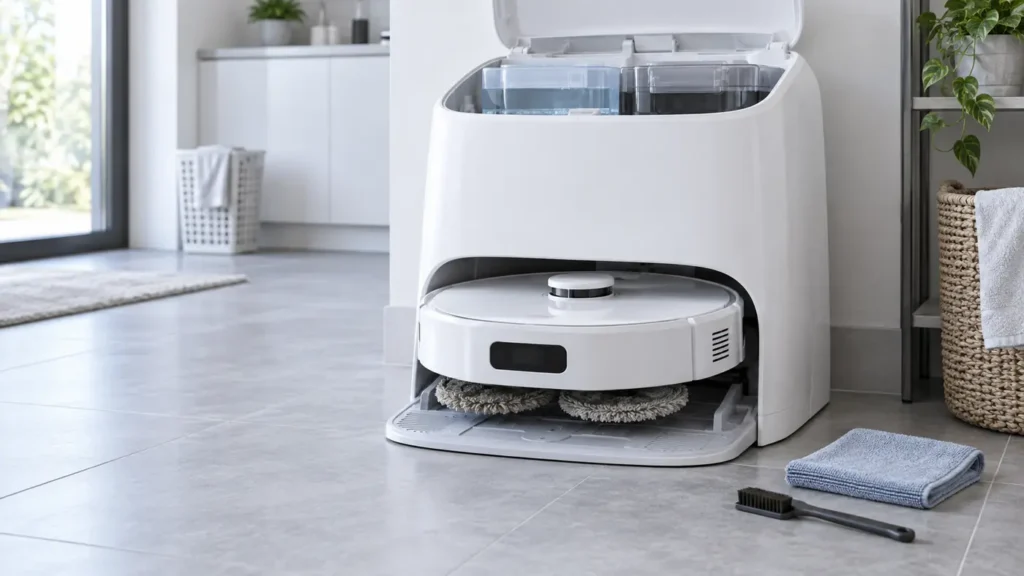
Qrevo Curv dock skipping mop washing? Test a manual cycle, confirm a mopping task started from the dock, and check the active map, both water tanks, tray and filter.
Qrevo Curv mop pads stay dry? Compare their moisture after a manual dock wash and a short mopping run, then check both tanks, cloth fit, tray, and app settings.
If the X40 Ultra stays dark, check station power, rear switch, contacts and docking, then allow a charging interval before seeking service. Separate no-power from app Offline.
If X40 Ultra auto-empty stays silent or leaves dirt in the robot, check dock power and app settings, then the bag, dust ports and bin outlet before one manual test.
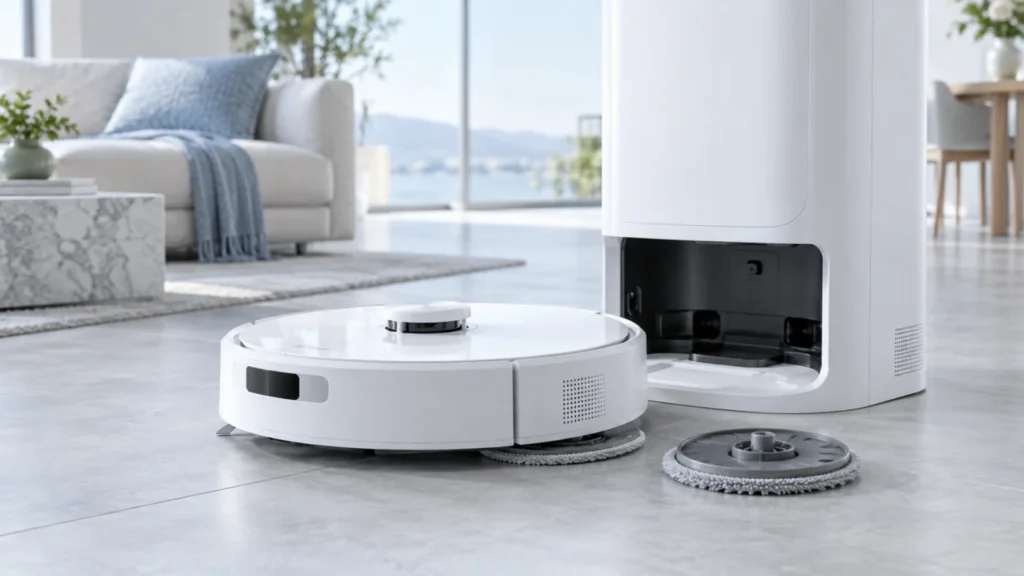
A Dreame X40 Ultra mop holder at the dock may be intentional. If it drops during mopping, check the pad, magnet, attachment and route, then reinstall after powering on.
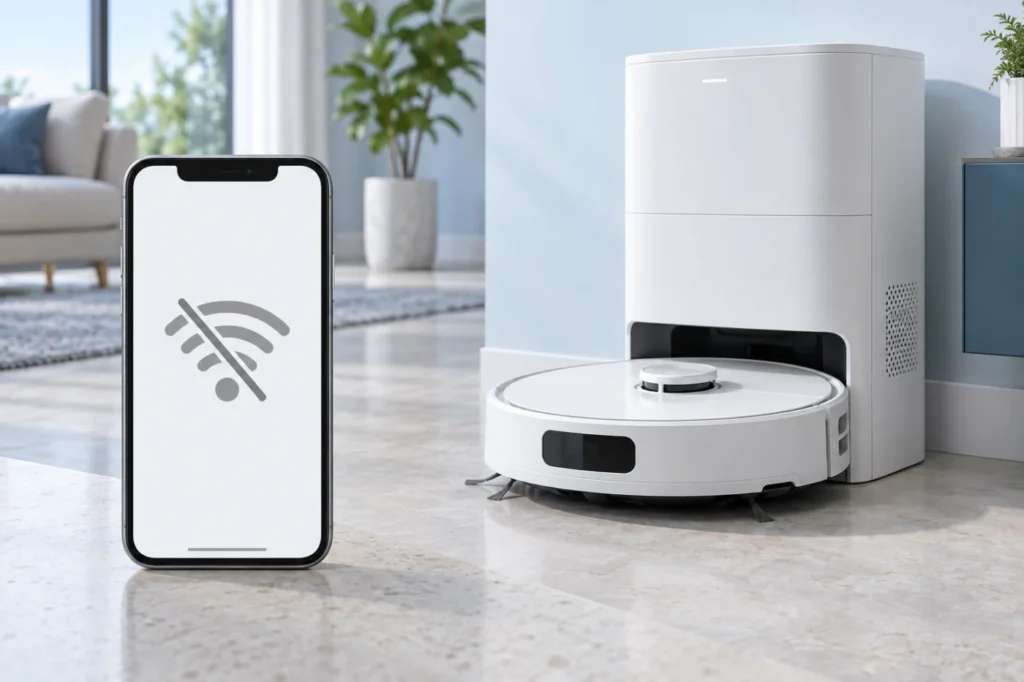
If X40 Ultra shows Offline, first check power and home Wi-Fi, then 2.4 GHz coverage, app permissions and the exact pairing stage before any reset.
Qrevo Curv cannot find or enter the dock? Test a nearby return, clear the approach, check the powered station and beacon, clean the locator, then inspect the map.
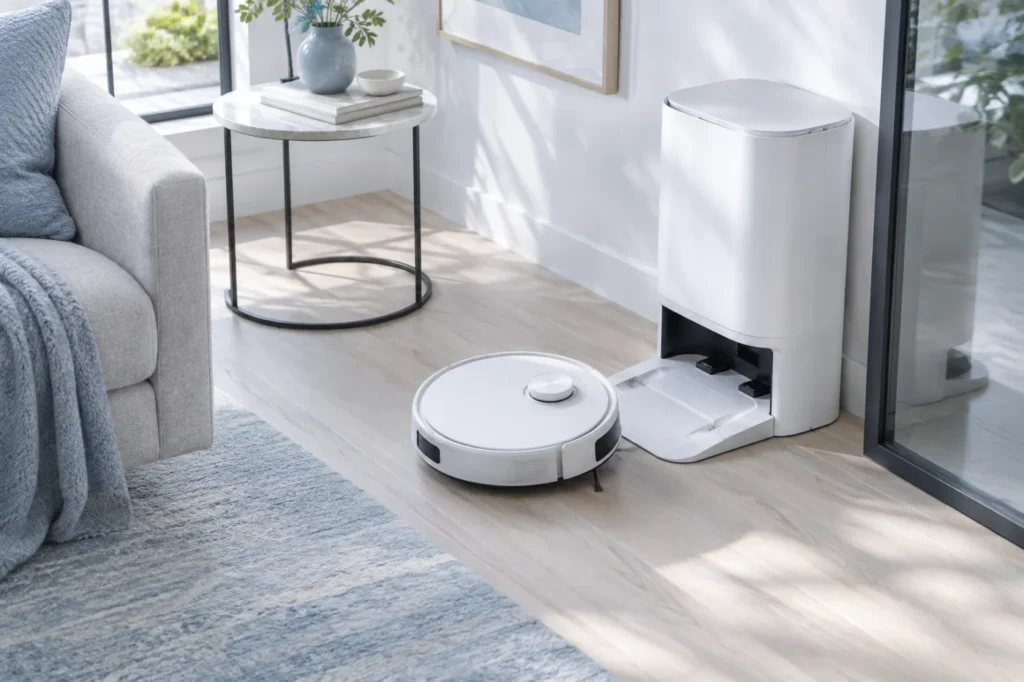
Is your Roborock Qrevo Curv not charging? Verify dock power, clean both sets of charging contacts, reseat the robot, reboot it, and use these seven checks to identify the fault.
Dreame X40 Ultra docking failed? Test it near the station, clear the approach, clean its sensors and contacts, inspect the wheels, and correct its map and dock position.
Quick answer: If your Dreame X40 Ultra is not charging, first confirm that the base station has power. Then unplug the station, clean the metal contacts on both the robot and dock with a dry cloth, check that both spring-loaded dock pins move freely, and let the robot dock itself. If the battery is completely […]