Roomba
Roomba j7 Not Connecting to Wi-Fi
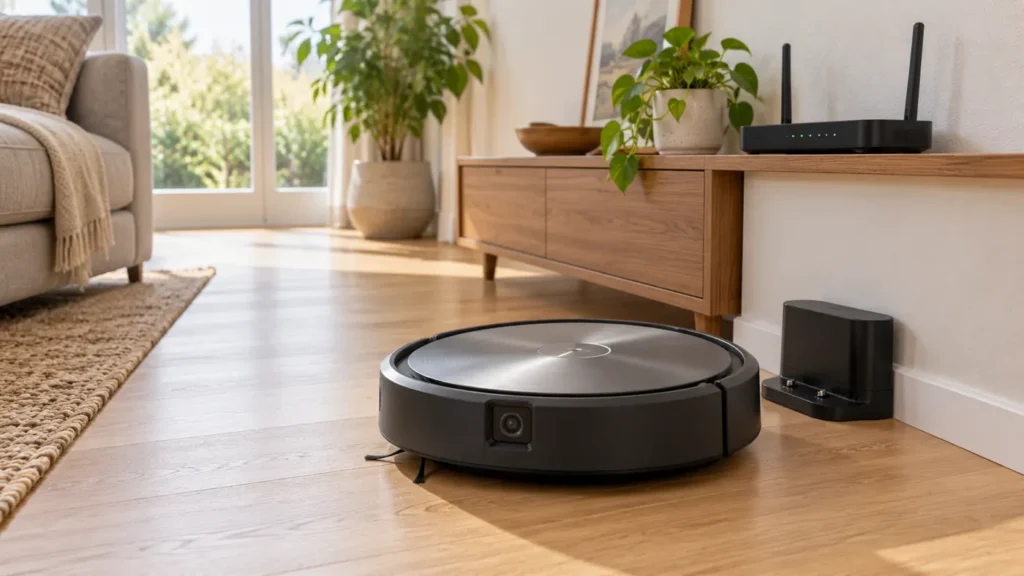
Roomba j7 not connecting to Wi-Fi? Check discovery, network credentials and the exact error. The j7 supports both 2.4 GHz and 5 GHz.
Troubleshooting library
Clear diagnostics and safe step-by-step solutions for charging, cleaning, navigation and maintenance problems.
All guides
Run the quick checks first, then continue to detailed diagnostics.
Roomba j7 not connecting to Wi-Fi? Check discovery, network credentials and the exact error. The j7 supports both 2.4 GHz and 5 GHz.
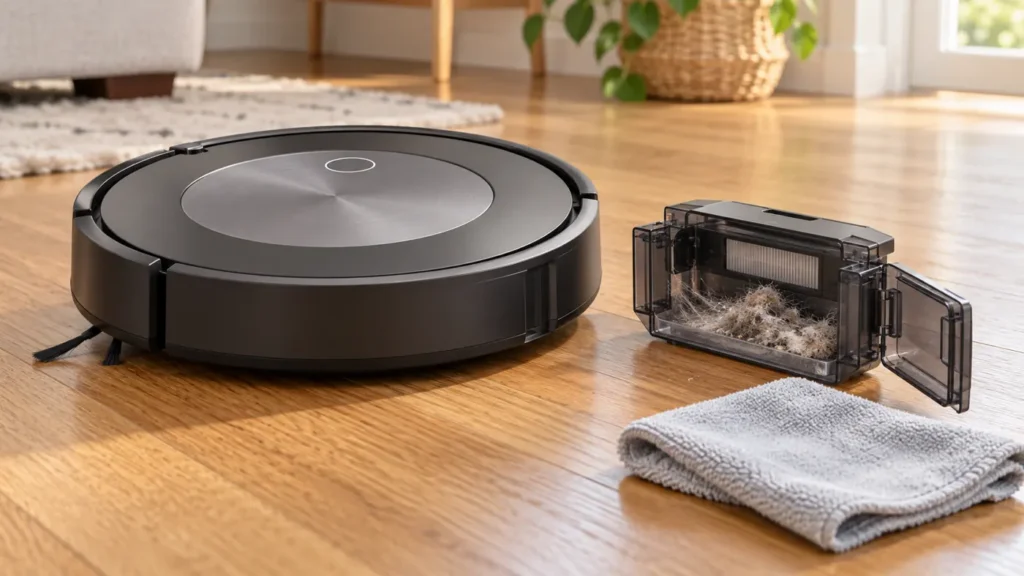
Roomba j7 says Bin Full after emptying? Check the sensors, bin ports and Clean Base evacuation, while keeping the filter dry.
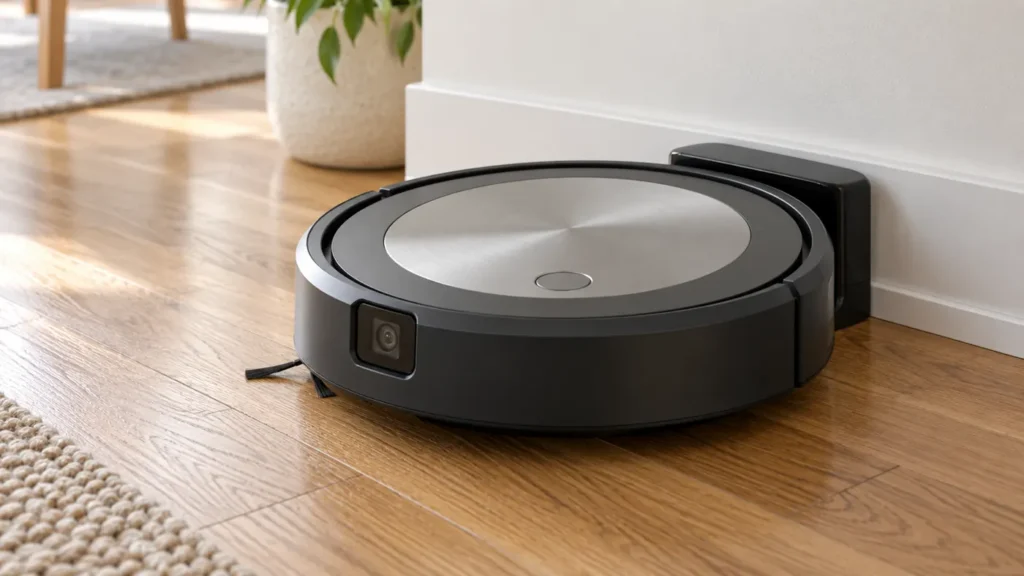
Roomba j7 won’t turn on? Check button response, base power and charging contact, then follow the j-series reboot procedure before replacing parts.
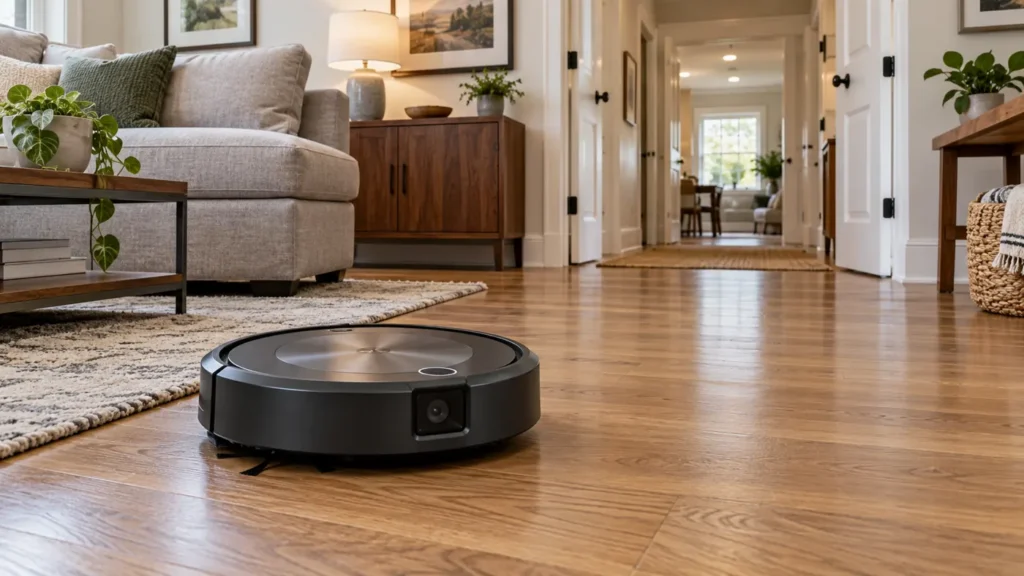
Roomba j7 map missing rooms or changing unexpectedly? Check lighting, access, task selection and map edits before deleting your Smart Map.
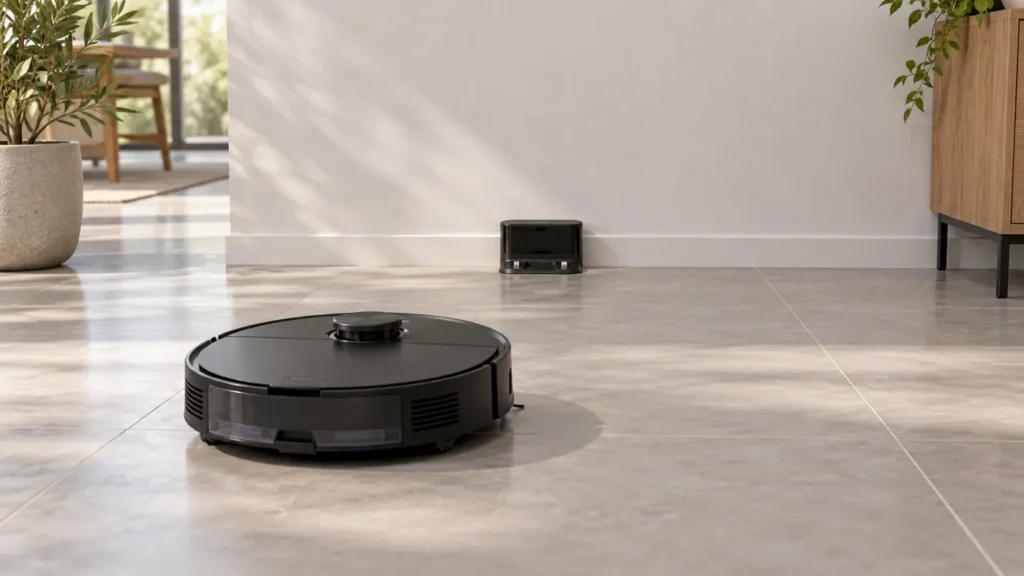
Roborock S8 won’t dock? Check power, approach space and signal surfaces, then compare a short return to separate docking from charging problems.
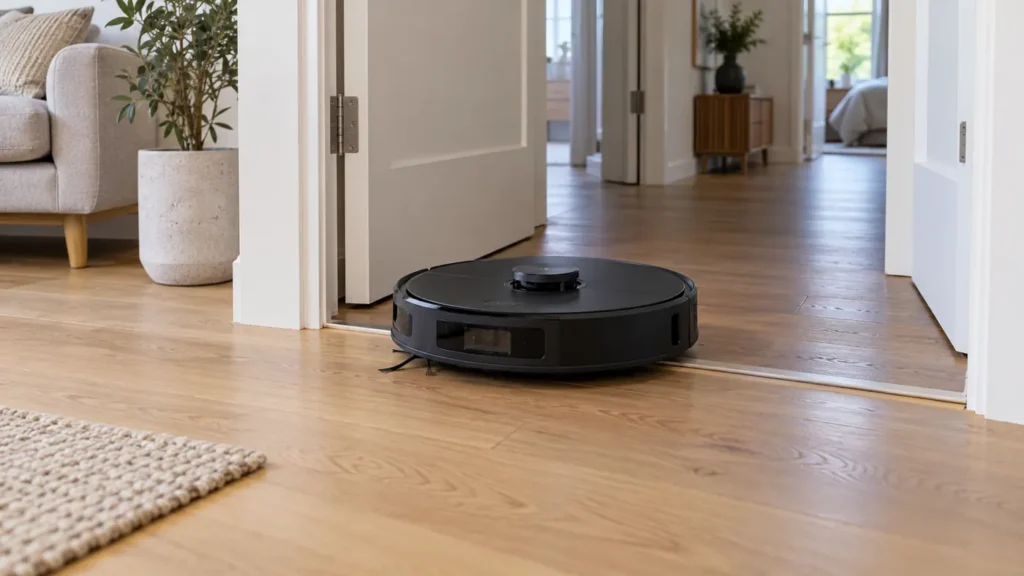
Roborock S8 map missing rooms or showing the wrong layout? Check access, dock position and floor selection before rebuilding the map.
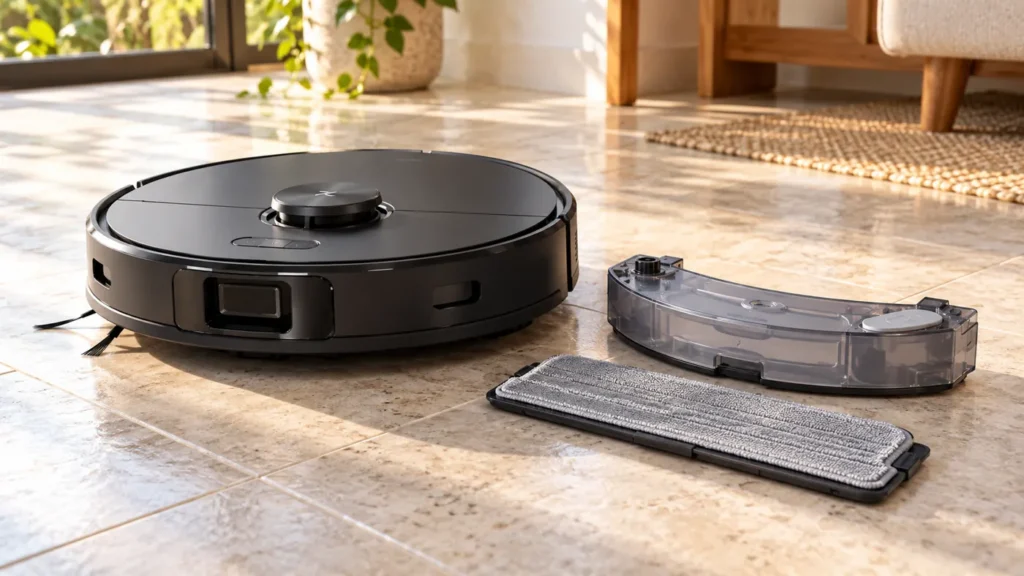
Roborock S8 mop staying dry? Check the cleaning mode, onboard tank and cloth setup, then test water delivery on a suitable hard floor.
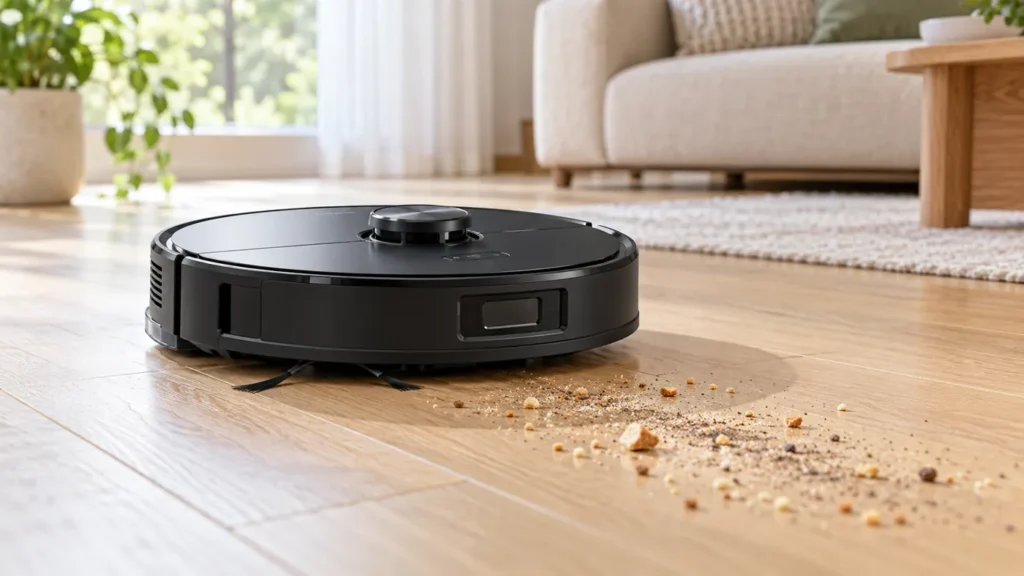
Roborock S8 leaving dirt behind? Check the bin, filter, rollers and cleaning route, then compare a small area before replacing parts.
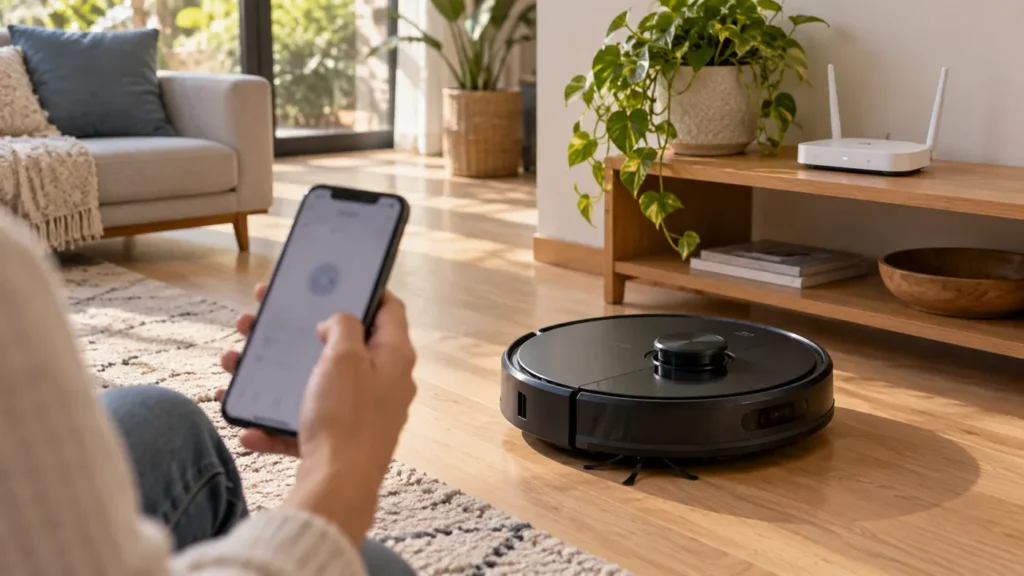
Roborock S8 not connecting to Wi-Fi or showing Offline? Check 2.4 GHz, app permissions and the correct Wi-Fi reset before a factory reset.
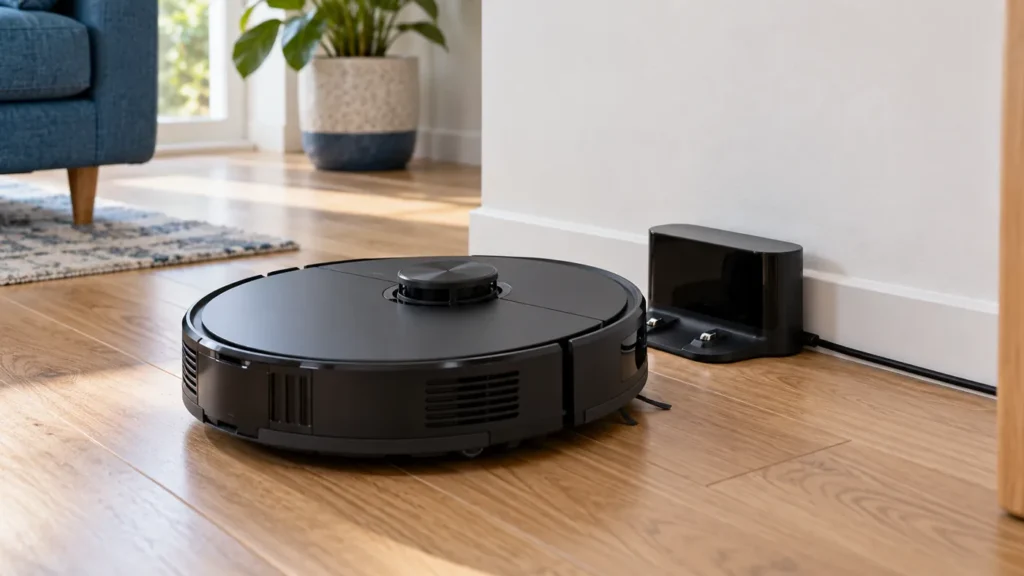
Roborock S8 not charging? Check dock power, seating, charging contacts and Error 13 before replacing the battery.
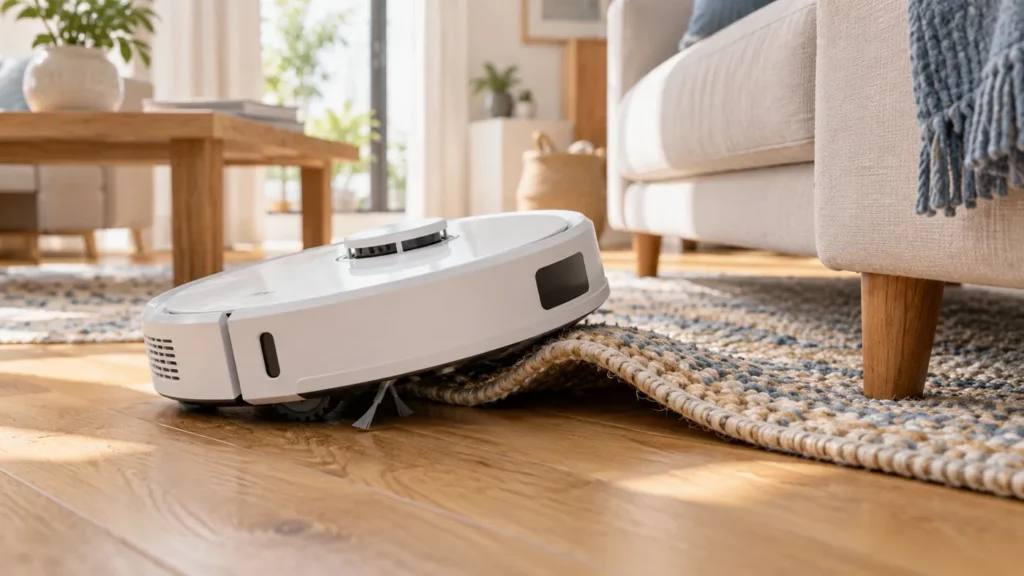
Q Revo keeps getting stuck? Compare rugs, cords, furniture gaps and wheel alerts with a clear-floor test before resetting the map.
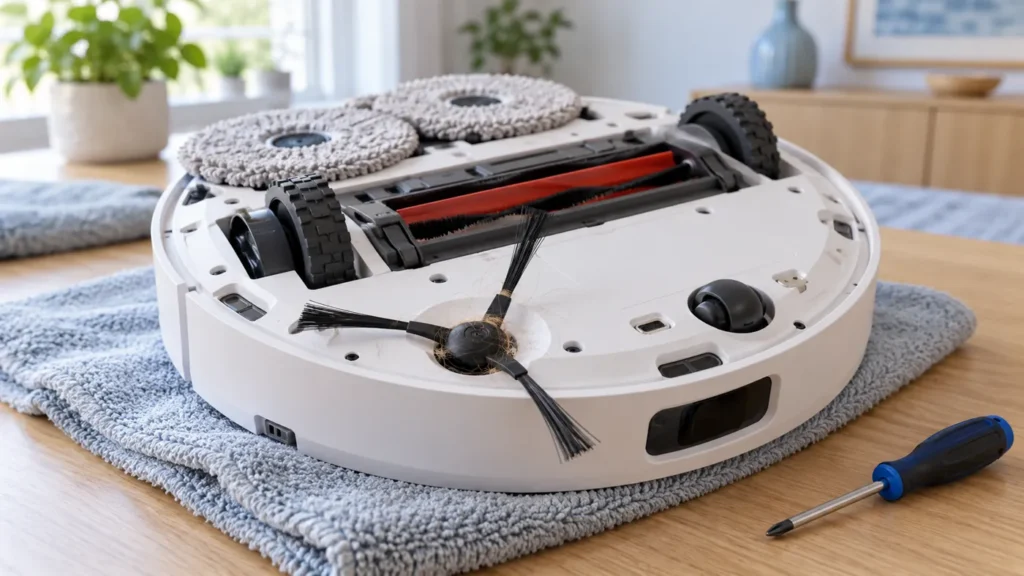
Q Revo side brush not spinning? Clean the hub, check brush seating and compare clear-floor operation before replacing parts.