Roborock
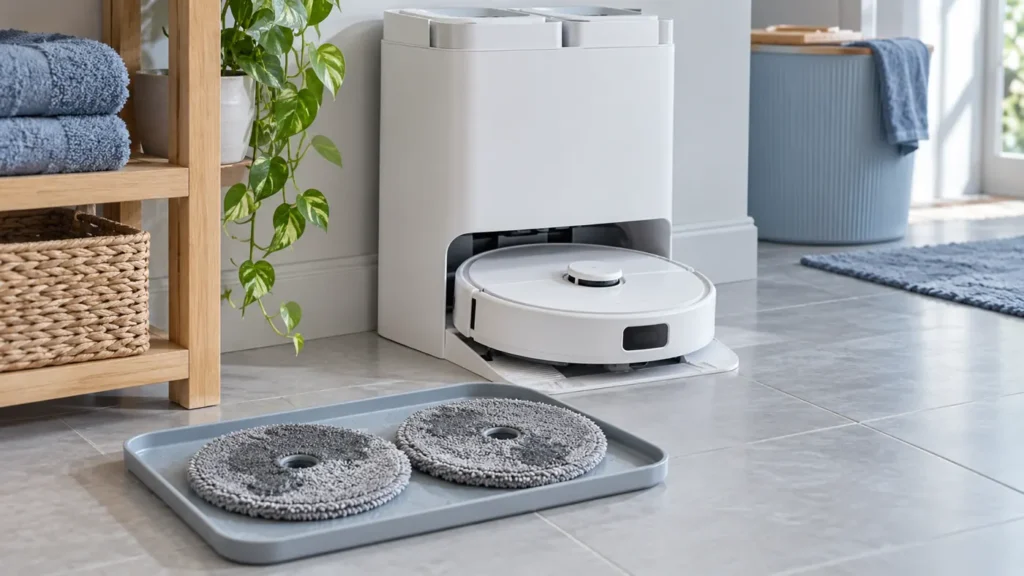
Roborock Q Revo Mop Drying Not Working: What to Check
Q Revo mop pads still wet? Check Auto Drying, test a manual cycle, prevent interruptions and adjust duration before replacing dock parts.
Troubleshooting library
Clear diagnostics and safe step-by-step solutions for charging, cleaning, navigation and maintenance problems.
All guides
Run the quick checks first, then continue to detailed diagnostics.
Q Revo mop pads still wet? Check Auto Drying, test a manual cycle, prevent interruptions and adjust duration before replacing dock parts.
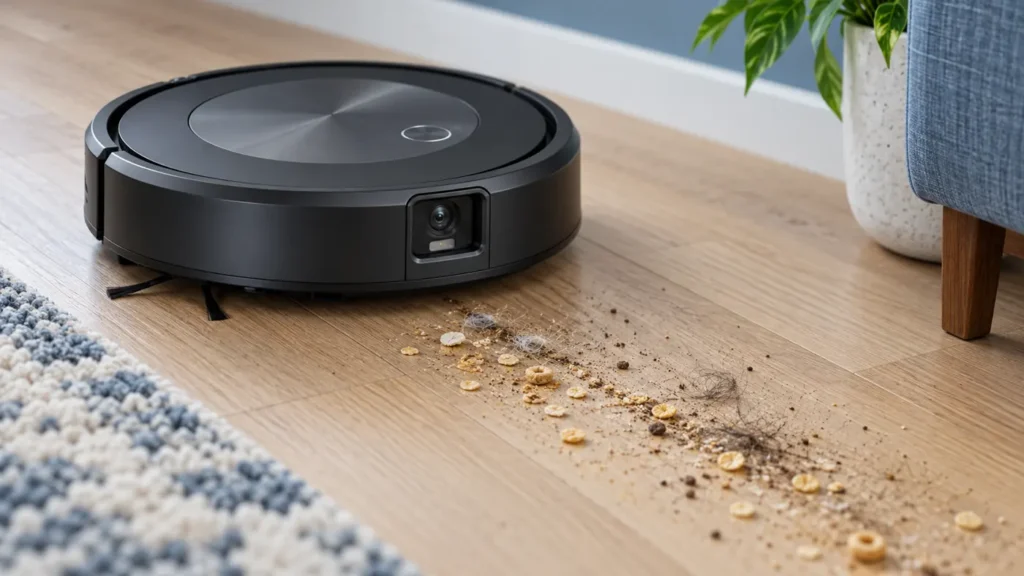
Roomba j7 leaving crumbs or hair behind? Test pickup on hard floor, then clean the bin, dry filter, rubber rollers and vacuum path before replacing parts.
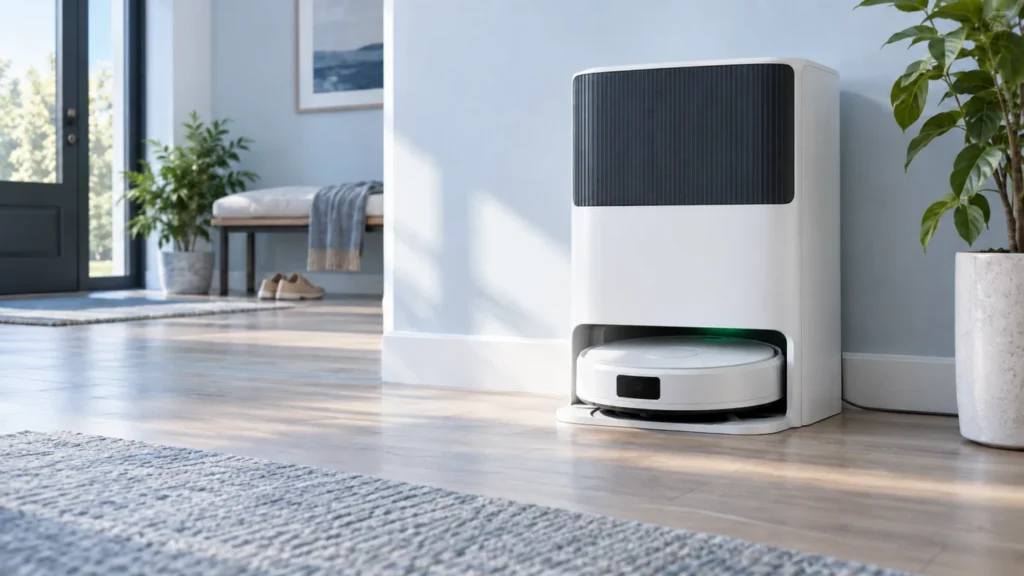
X50 Ultra at the dock but its battery stays flat? Check the base, scheduled charging, contacts and alignment before suspecting the battery.
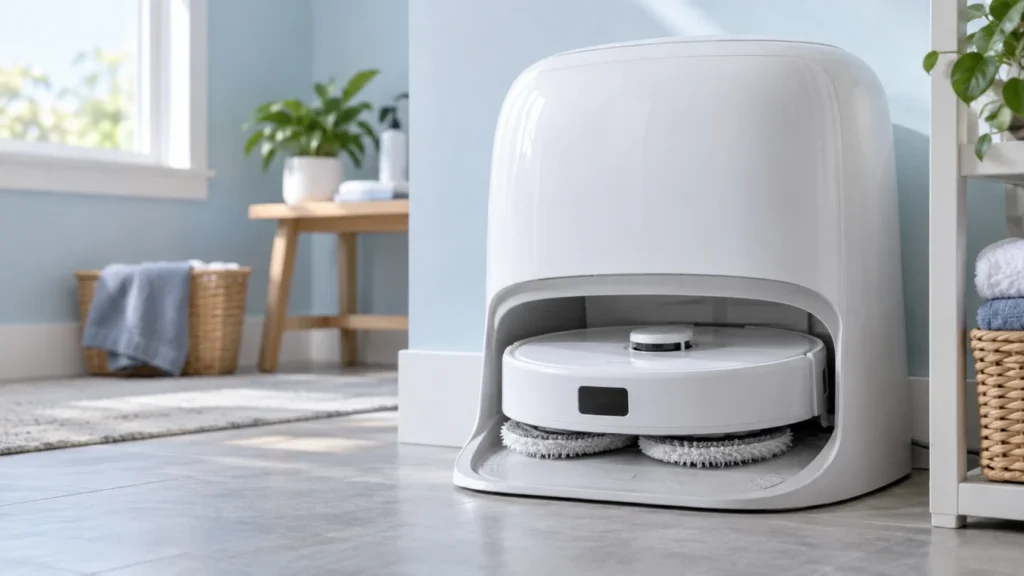
If Qrevo Curv mop pads stay wet, check whether washing occurred, auto-drying and DND settings, then test manual drying and the full cycle before seeking service.
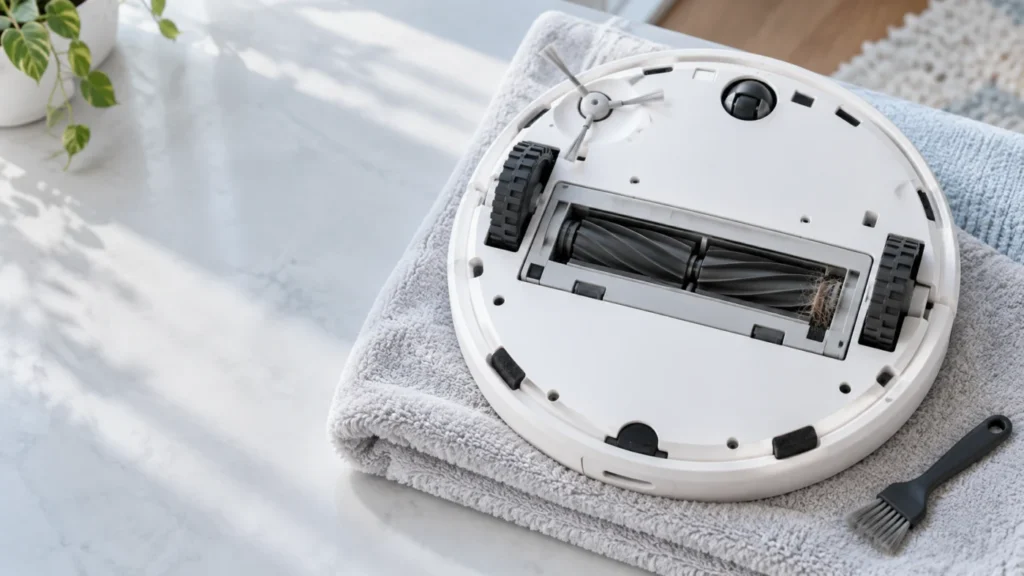
Inspect both Qrevo Curv brush sections, their bearings and cover after checking the vacuum task and app alert. Reassemble by the manual’s color marks, then retest once.
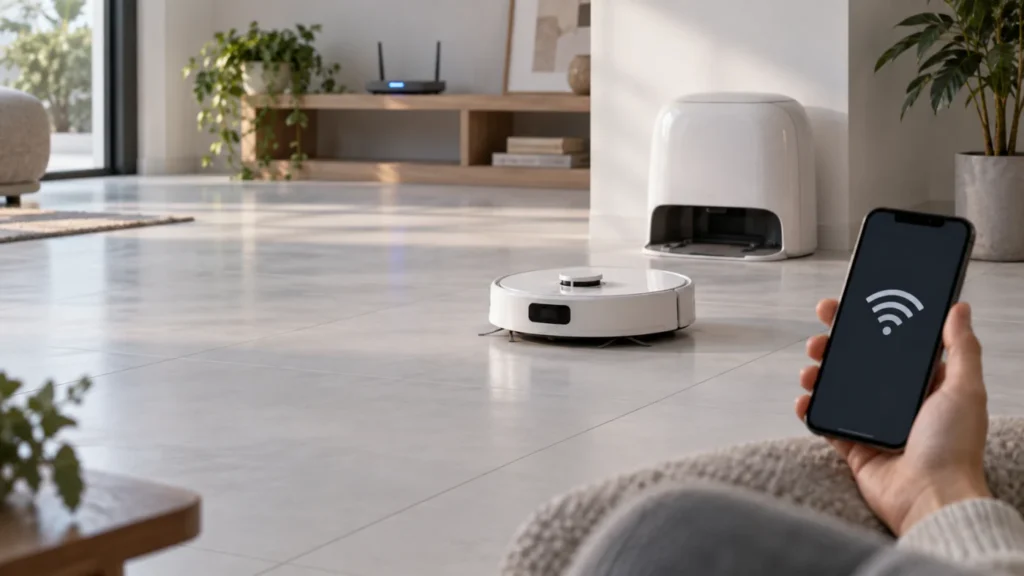
Qrevo Curv offline or failing to pair? Check power, 2.4 GHz Wi-Fi and phone permissions, then reopen the five-minute pairing window without a system reset.
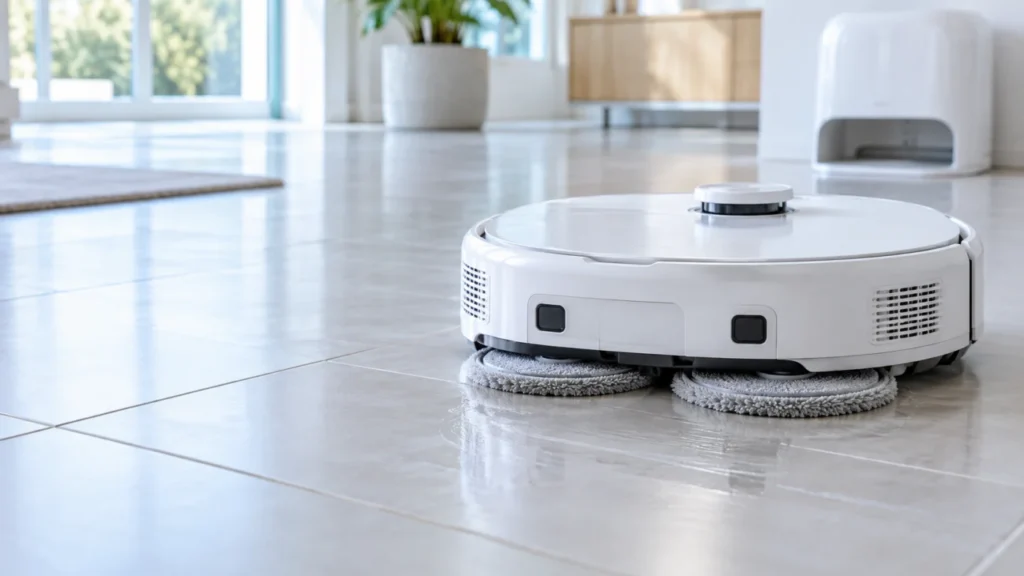
Test the Qrevo Curv mop pads during a short mopping run on tile, check cloth fit and visible debris, then compare both sides before seeking service.
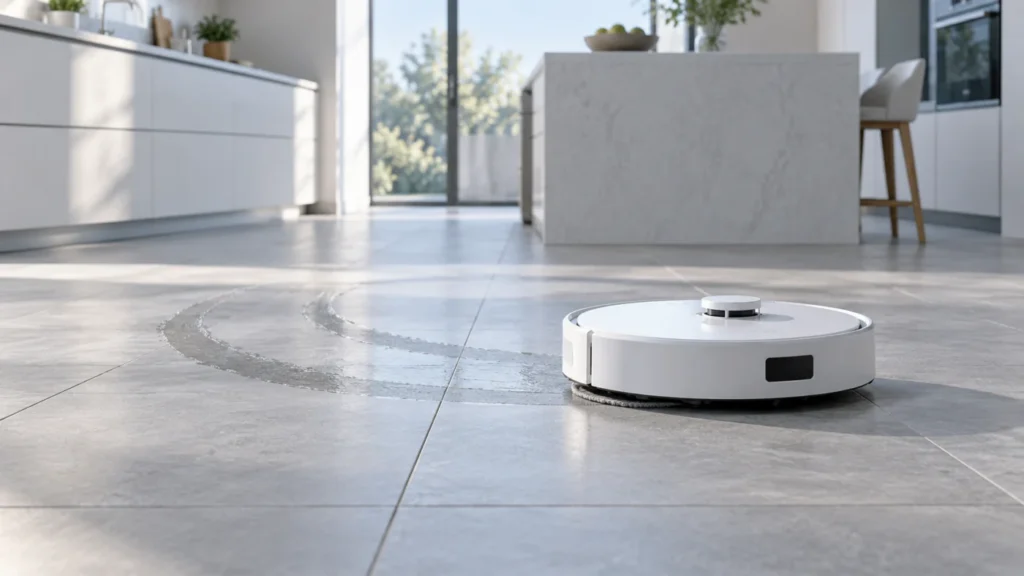
Qrevo Curv leaves arcs or a film after mopping? Compare when marks appear, clean and refit the cloths, confirm dock washing, then test a small floor patch with fresh water.
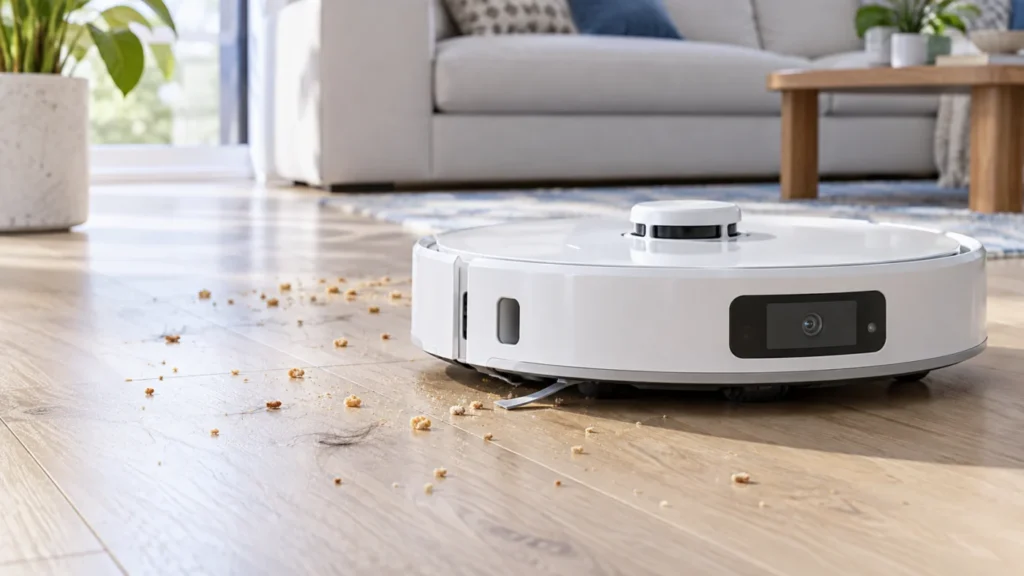
Qrevo Curv leaving debris? Confirm vacuum mode, inspect its bin and dry filter, refit both DuoDivide brushes, and watch one short pickup test to separate suction from coverage.
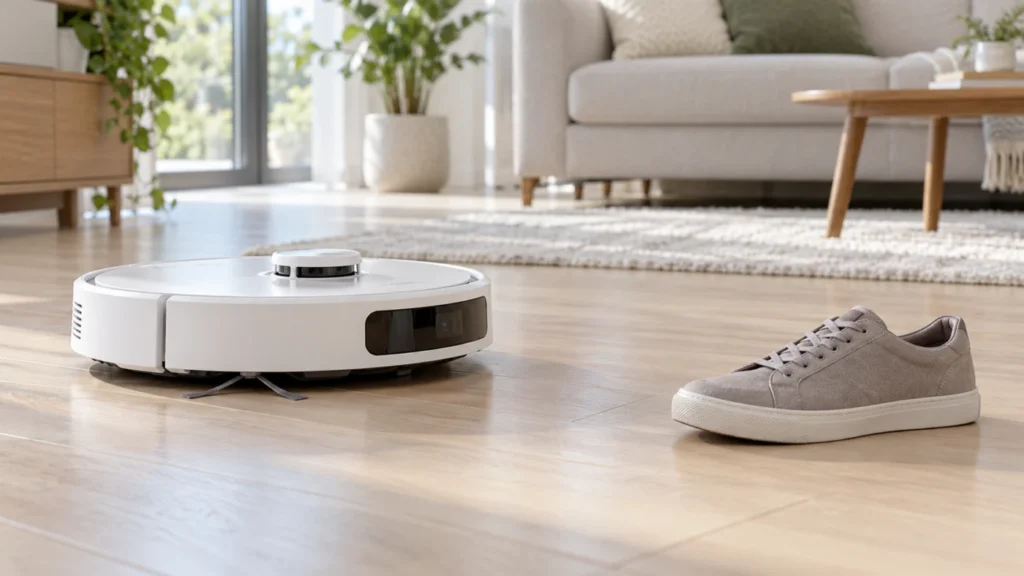
Qrevo Curv bumping objects or avoiding empty floor? Clean the Reactive AI sensor, inspect settings and map restrictions, then run one safe, repeatable shoe test.
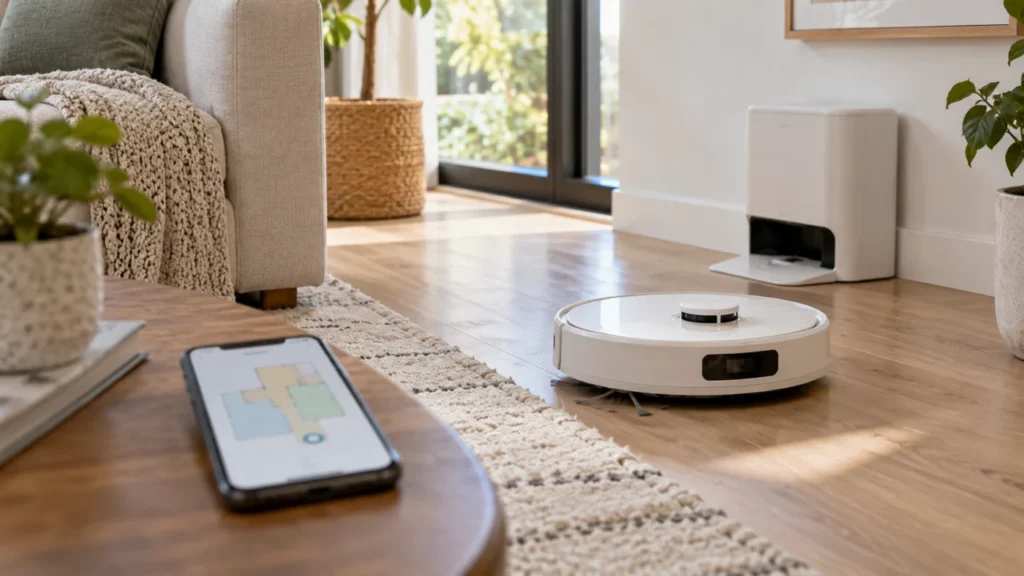
Qrevo Curv map distorted or robot lost? Compare the app map with a short real route, check the selected floor, dock, sensors and wheels, then restore or rebuild only if needed.
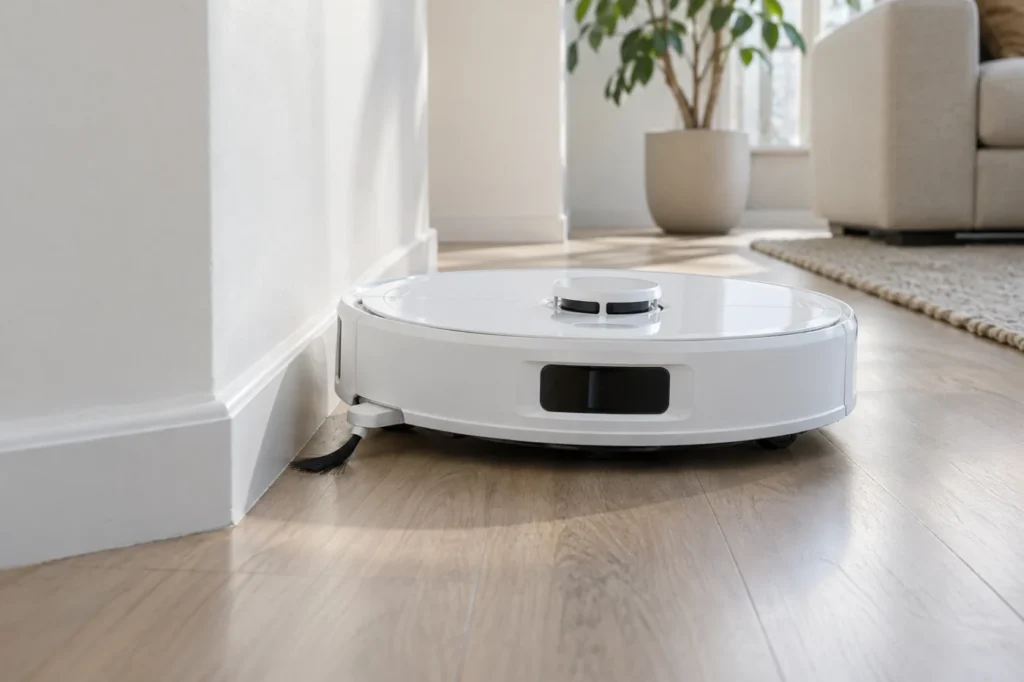
Qrevo Curv side brush stopped rotating or its FlexiArm stays retracted? Use the symptom check, clean the removable brush, and verify the separate extension setting.