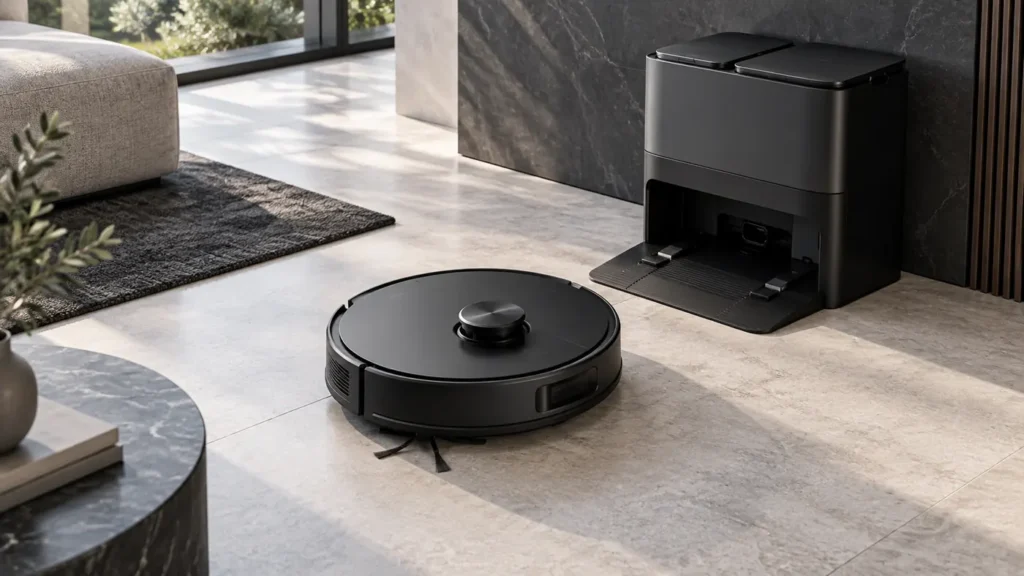
Choose the exact Roborock model before following a repair guide. Published guides cover the original Q Revo, Qrevo Curv and standard S8; guided mop-washing checks also cover Qrevo Edge, Pro and MaxV. These variants do not use identical brush, mop or dock systems. Start with what the robot does, then open the matching route.
Find the right next check for your robot
Choose the observed symptom and follow one diagnostic question at a time.
Qrevo Edge, Pro and MaxV: guided mop-washing checks
If your dock does not wash the mops, choose the exact Qrevo variant. Each route checks the observed wash behavior, task setup, water tanks and the removable wash assembly.
GUIDED DIAGNOSIS
Roborock Qrevo Edge
Mops not washed? Check whether washing was requested and what happened during the cycle.
GUIDED DIAGNOSIS
Roborock Qrevo Pro
Mops not washed? Check whether washing was requested and what happened during the cycle.
GUIDED DIAGNOSIS
Roborock Qrevo MaxV
Mops not washed? Check whether washing was requested and what happened during the cycle.
Routine care: Qrevo Pro schedule · Qrevo Edge FCC schedule · Qrevo MaxV schedule
Follow the manufacturer instructions linked within each route. External checks alone do not identify a failed internal part.
Qrevo Curv
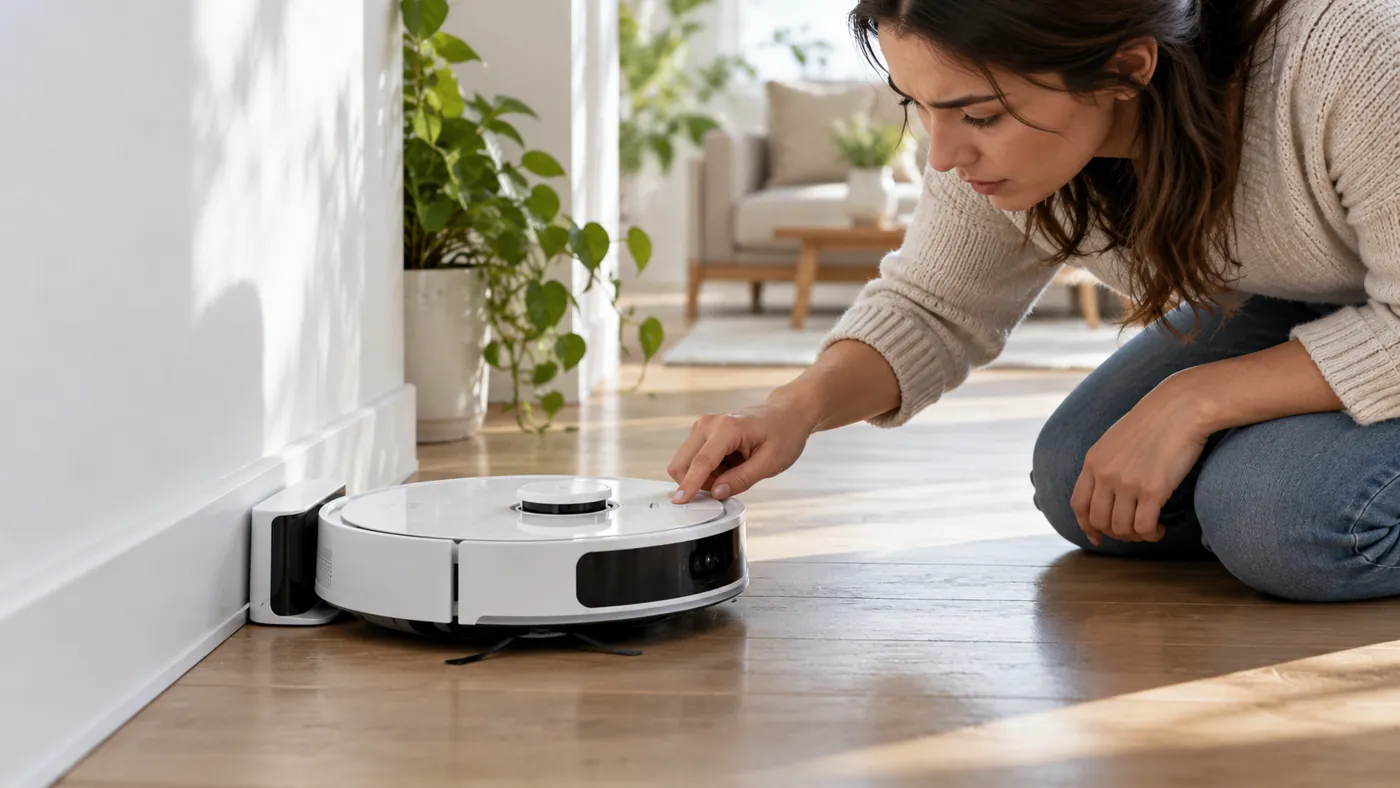
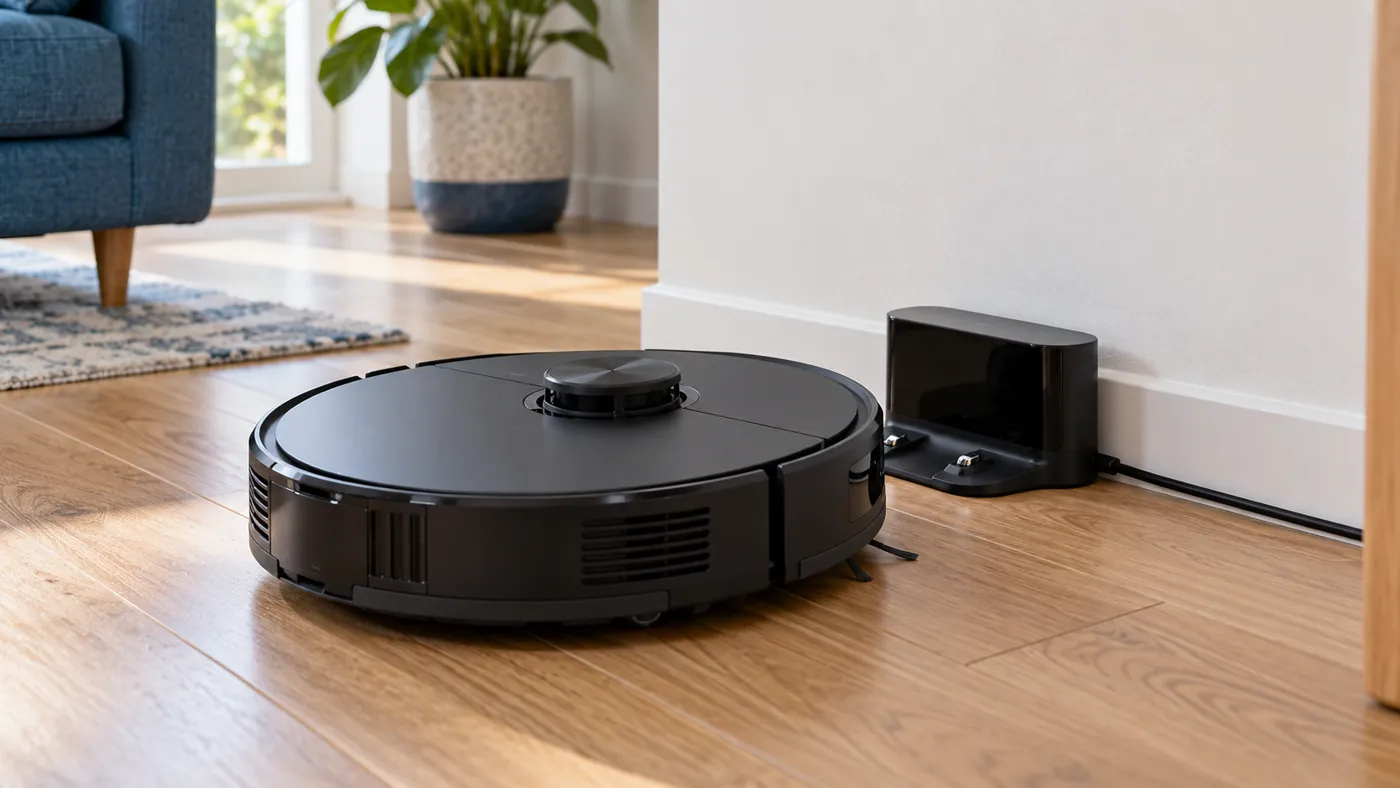
Docking and charging
A robot that cannot find or enter the dock needs a different first check from one that is seated but does not gain charge.
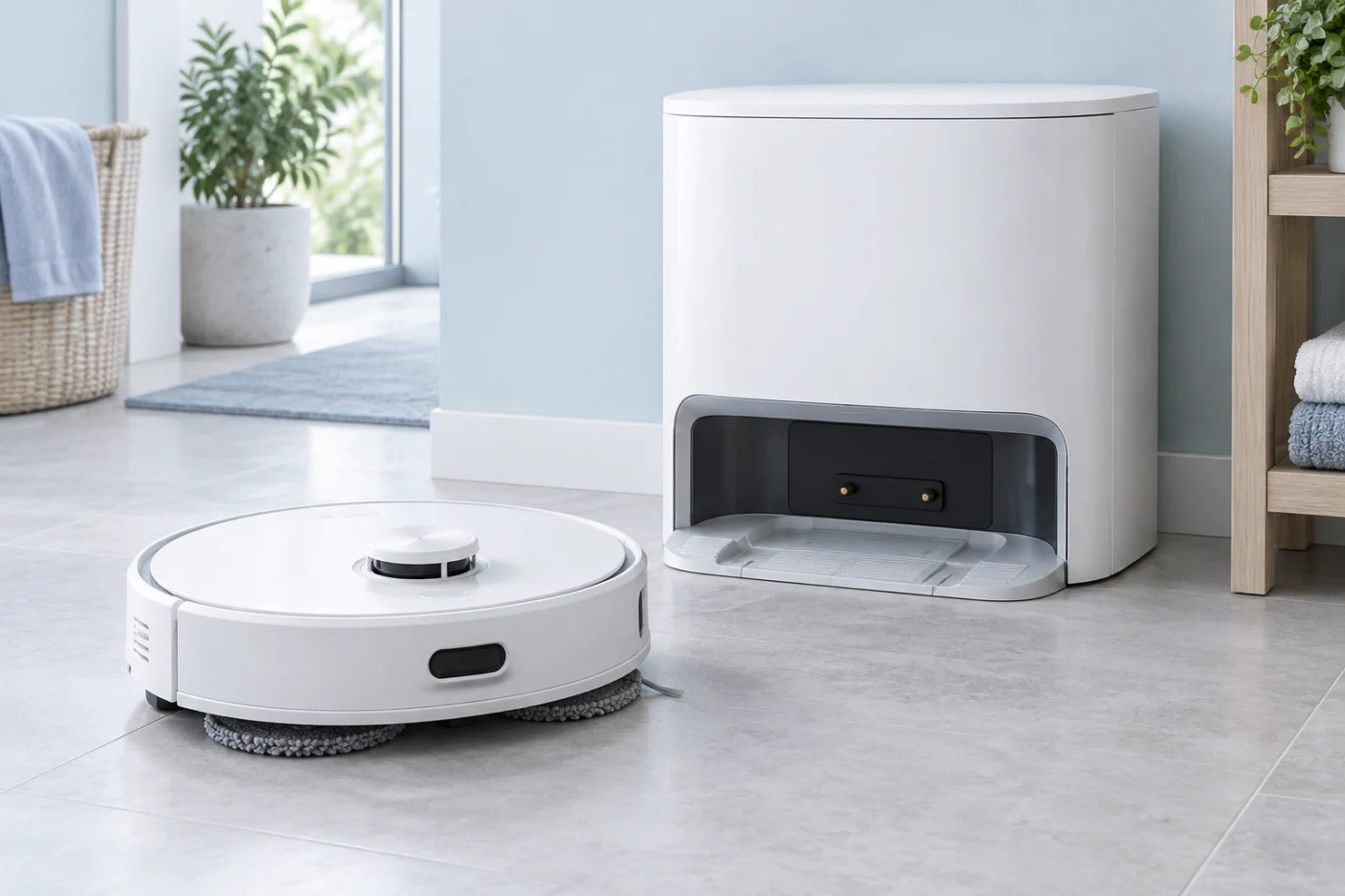
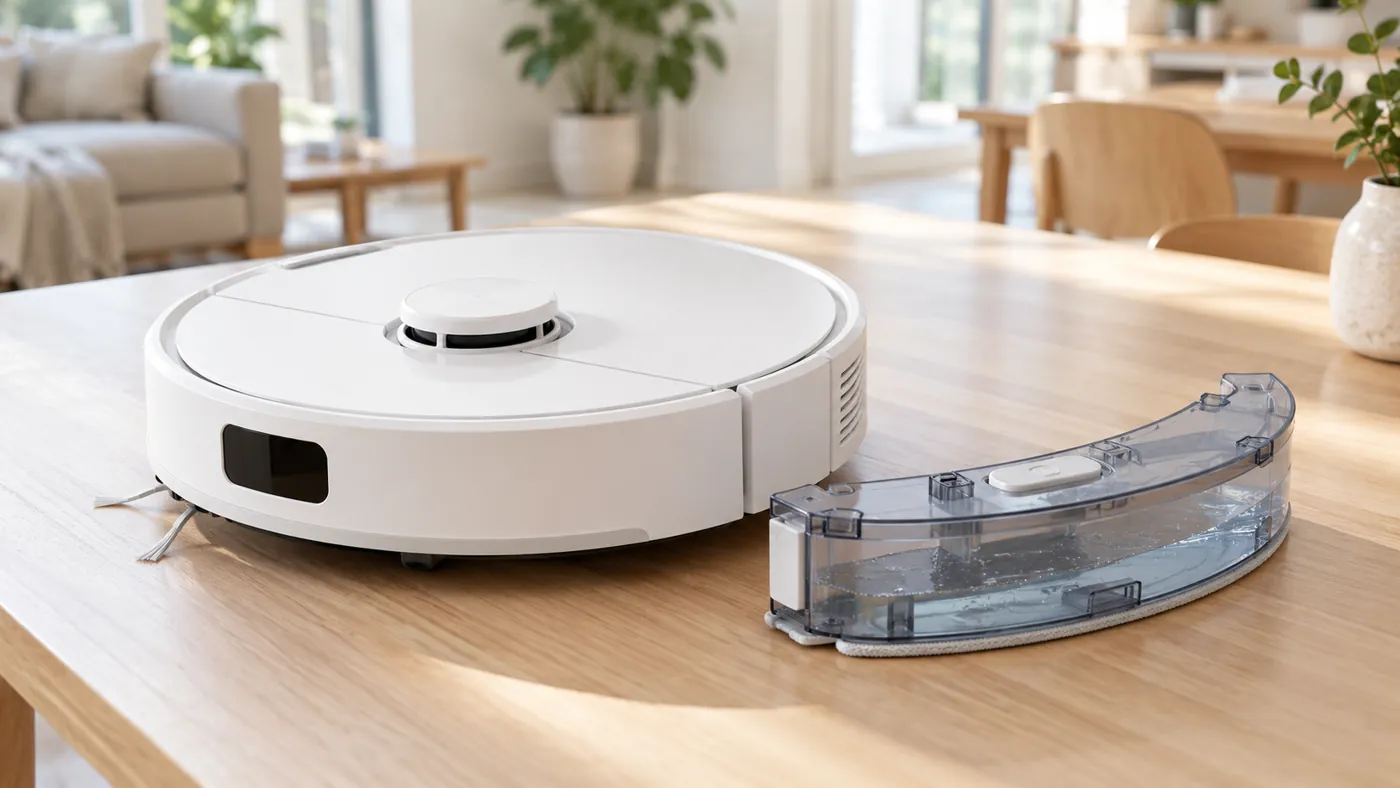
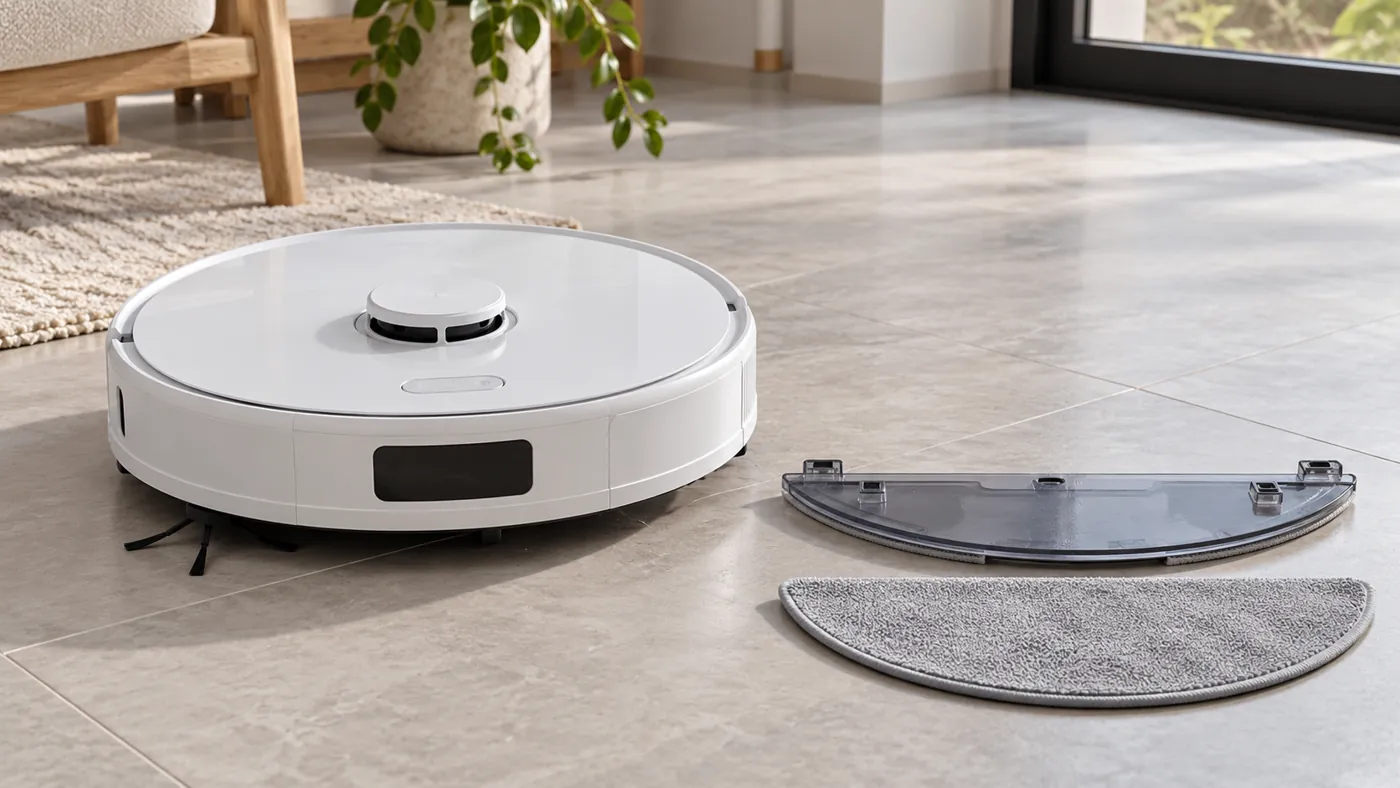
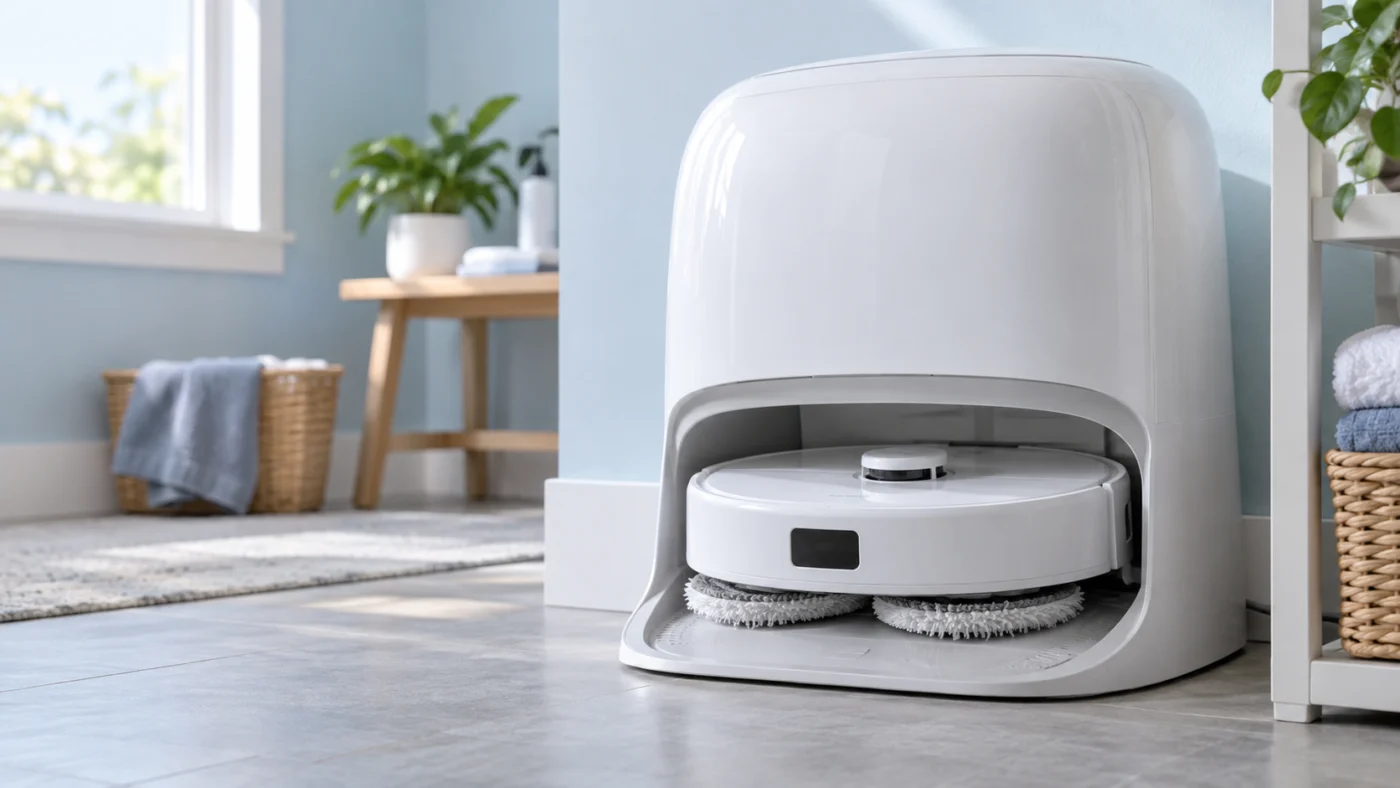
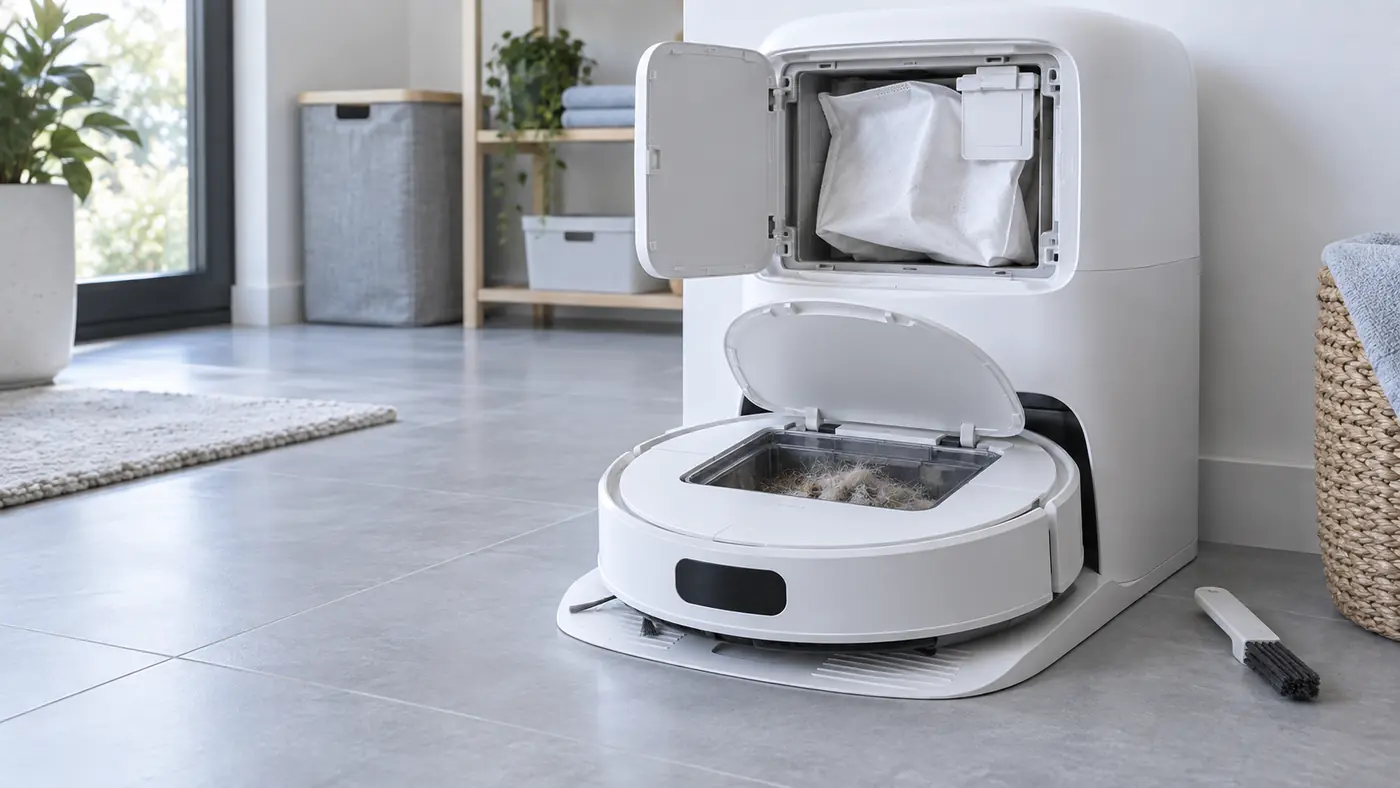
Dock and water
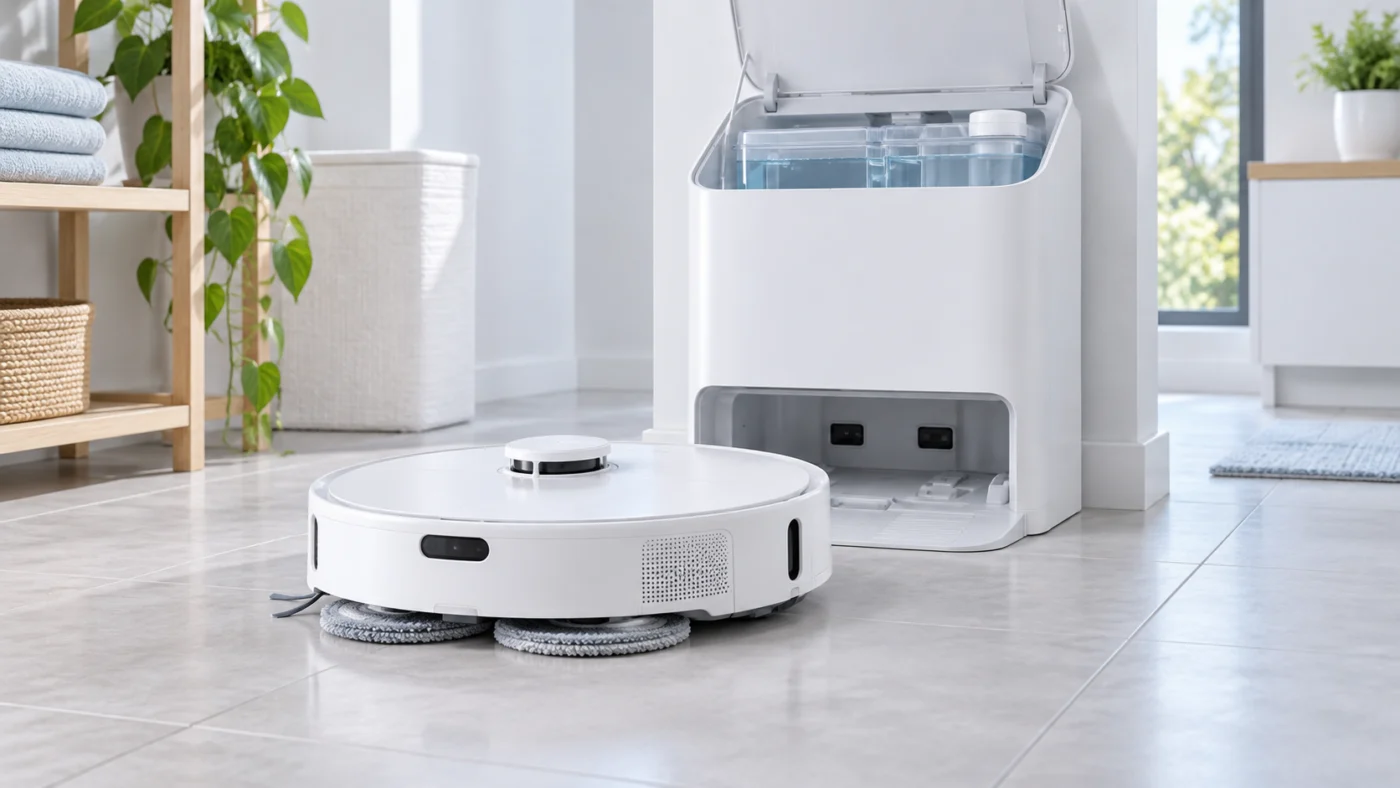
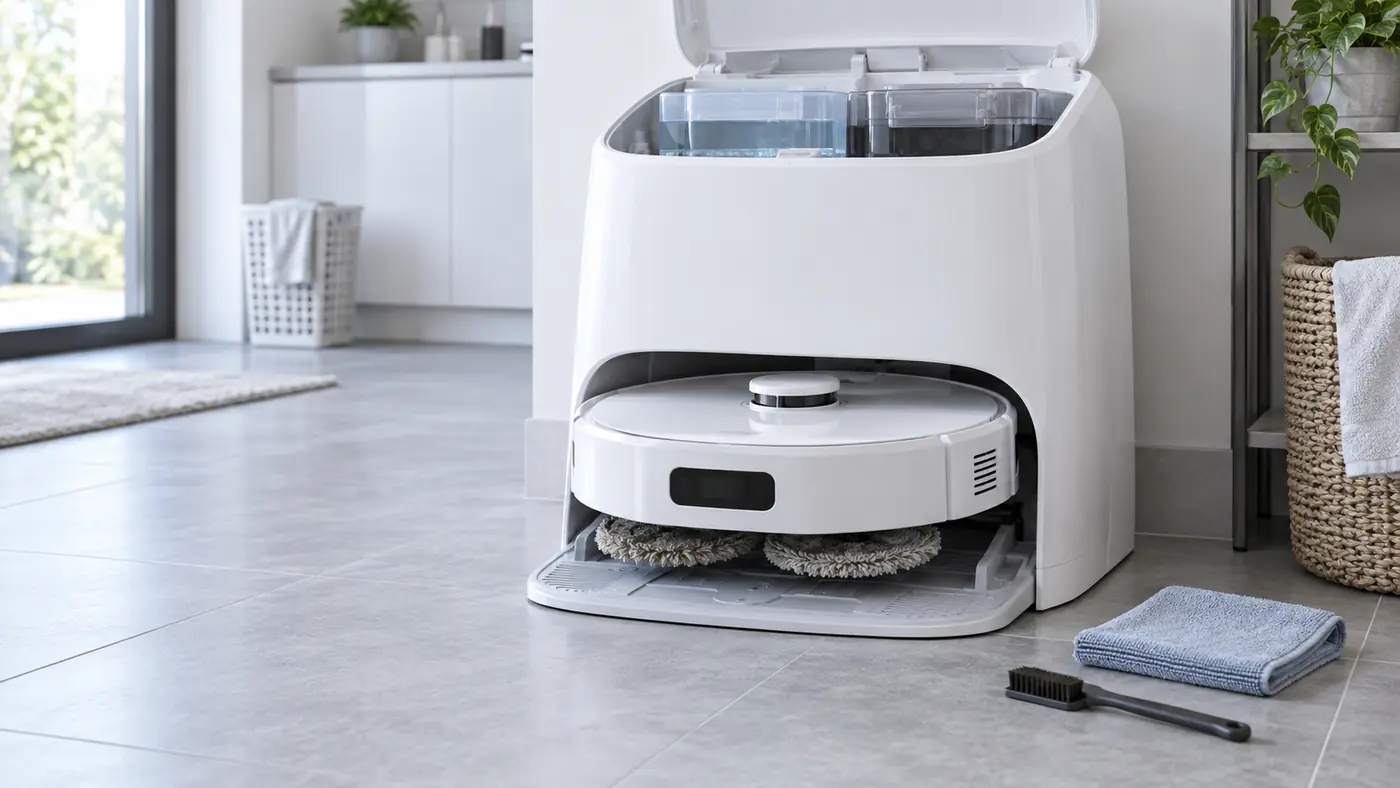
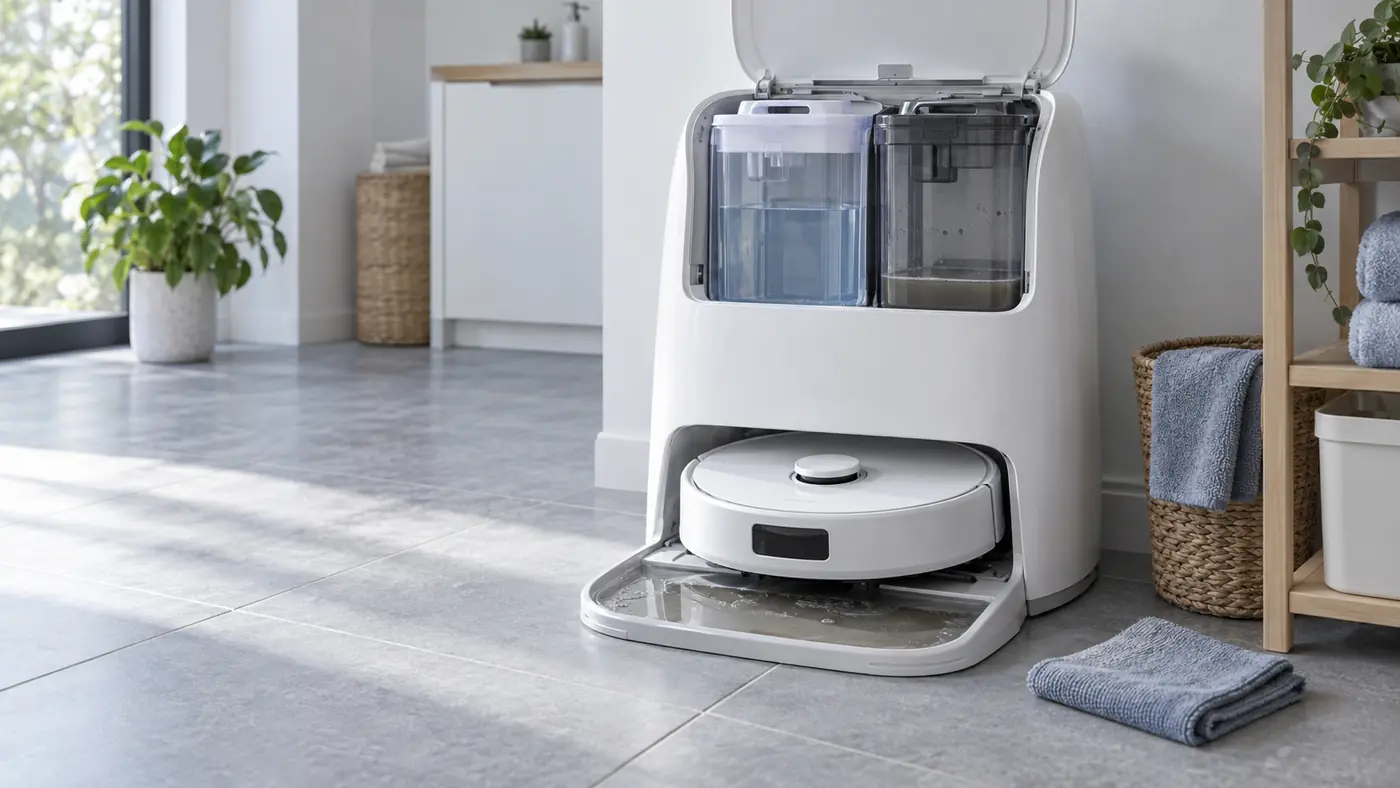
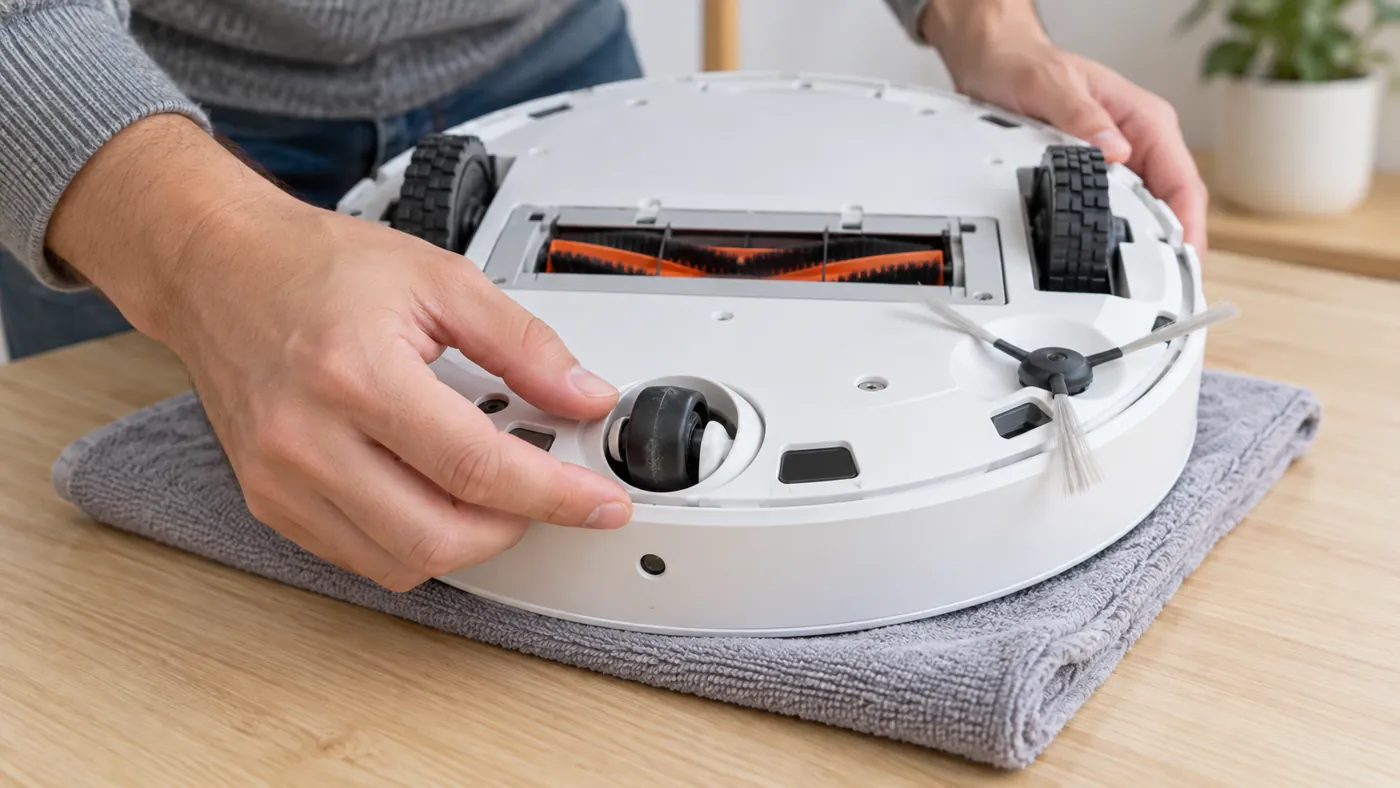
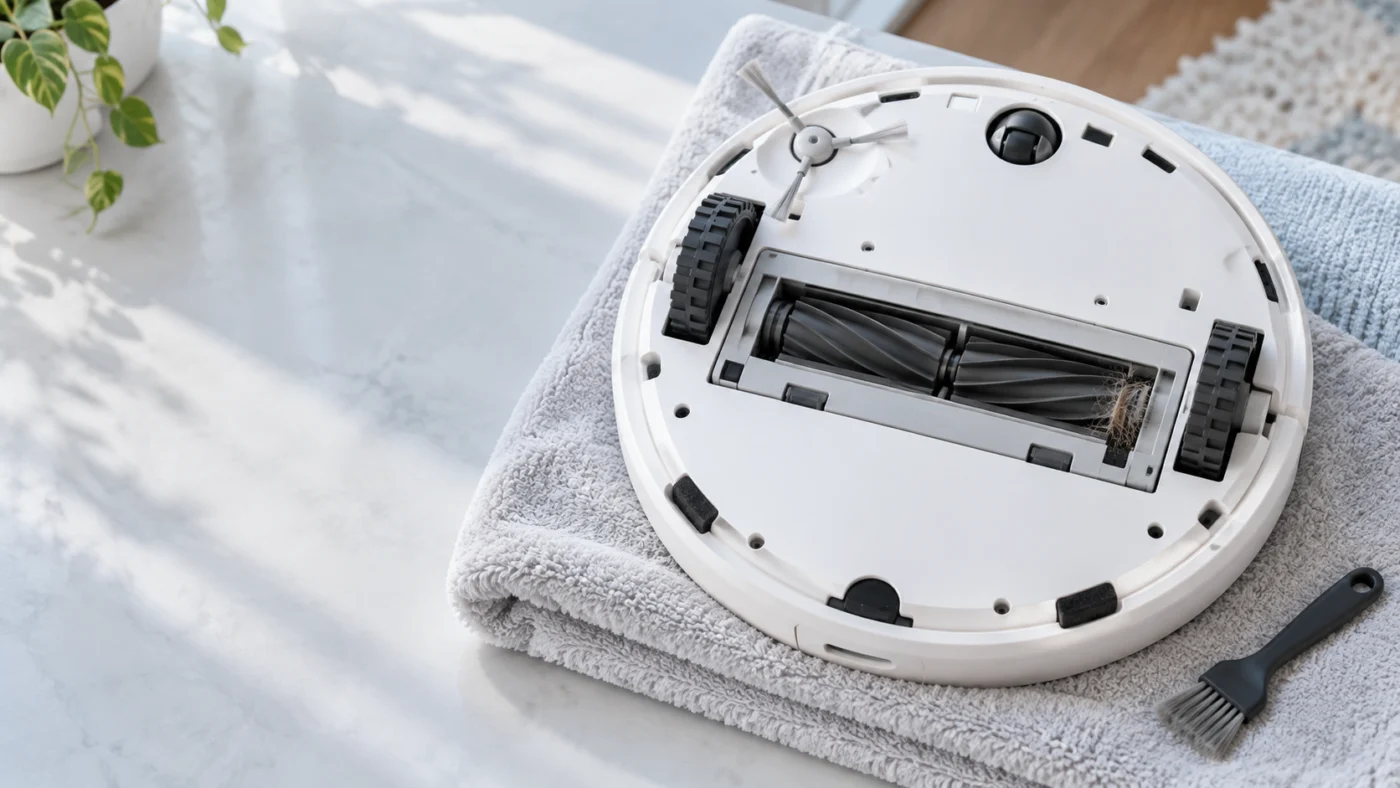
Cleaning hardware
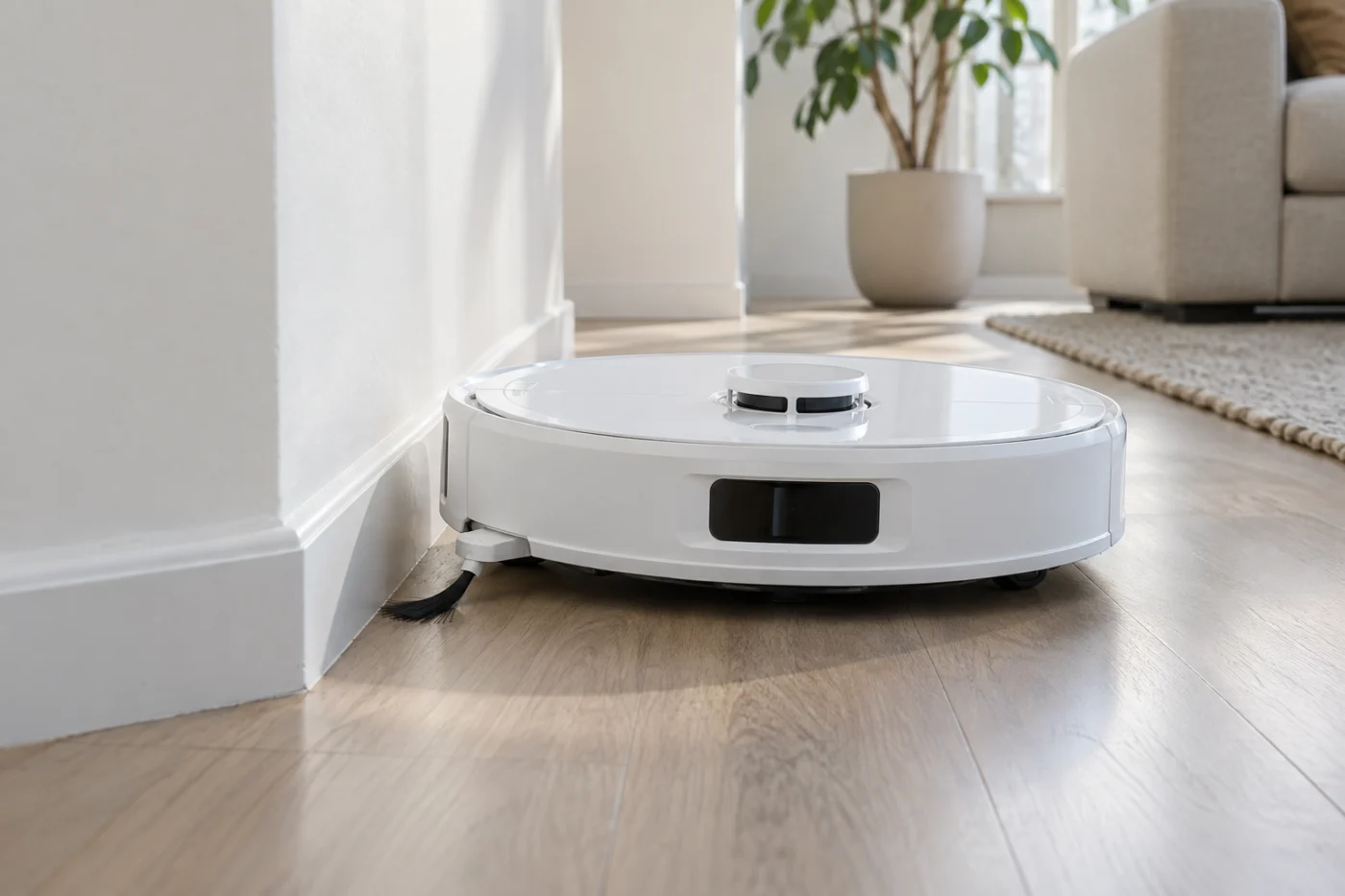
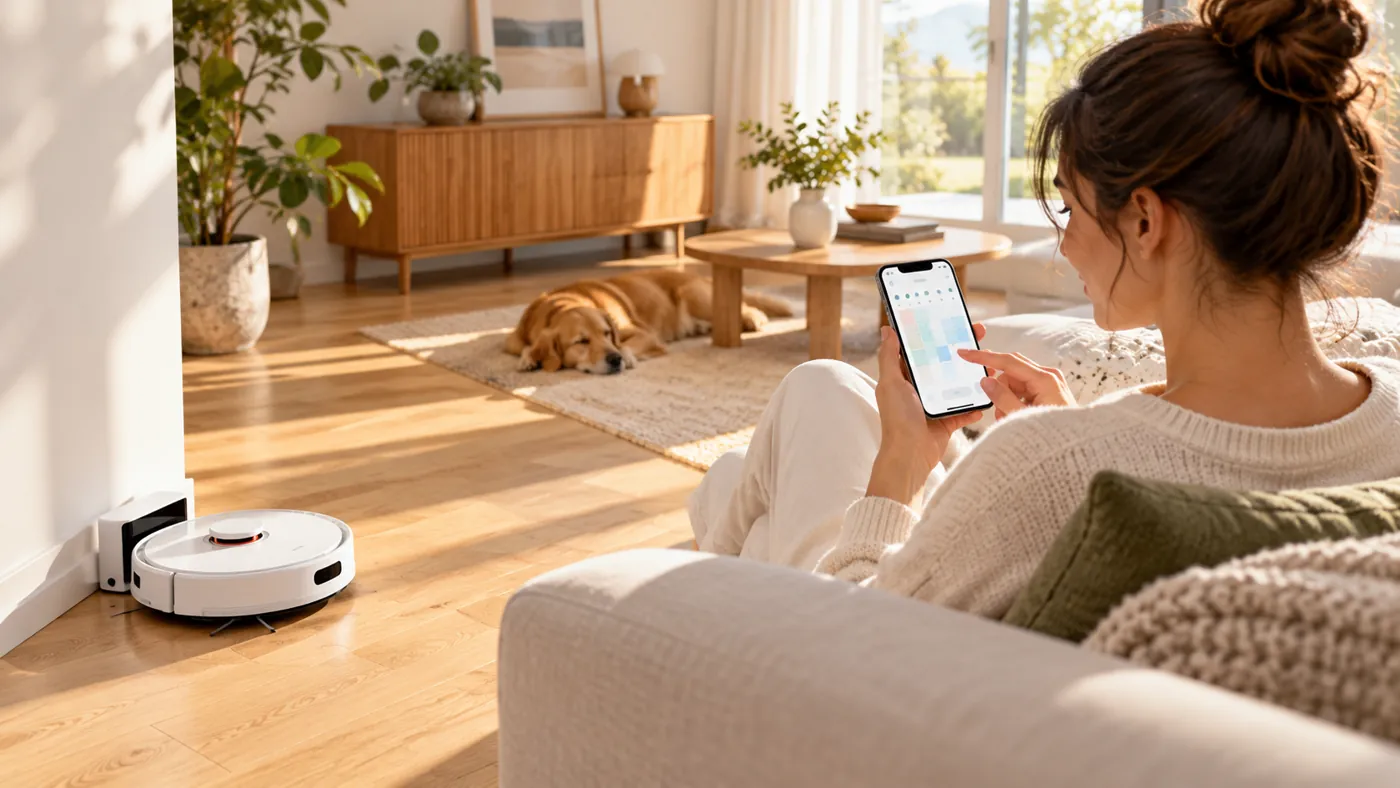
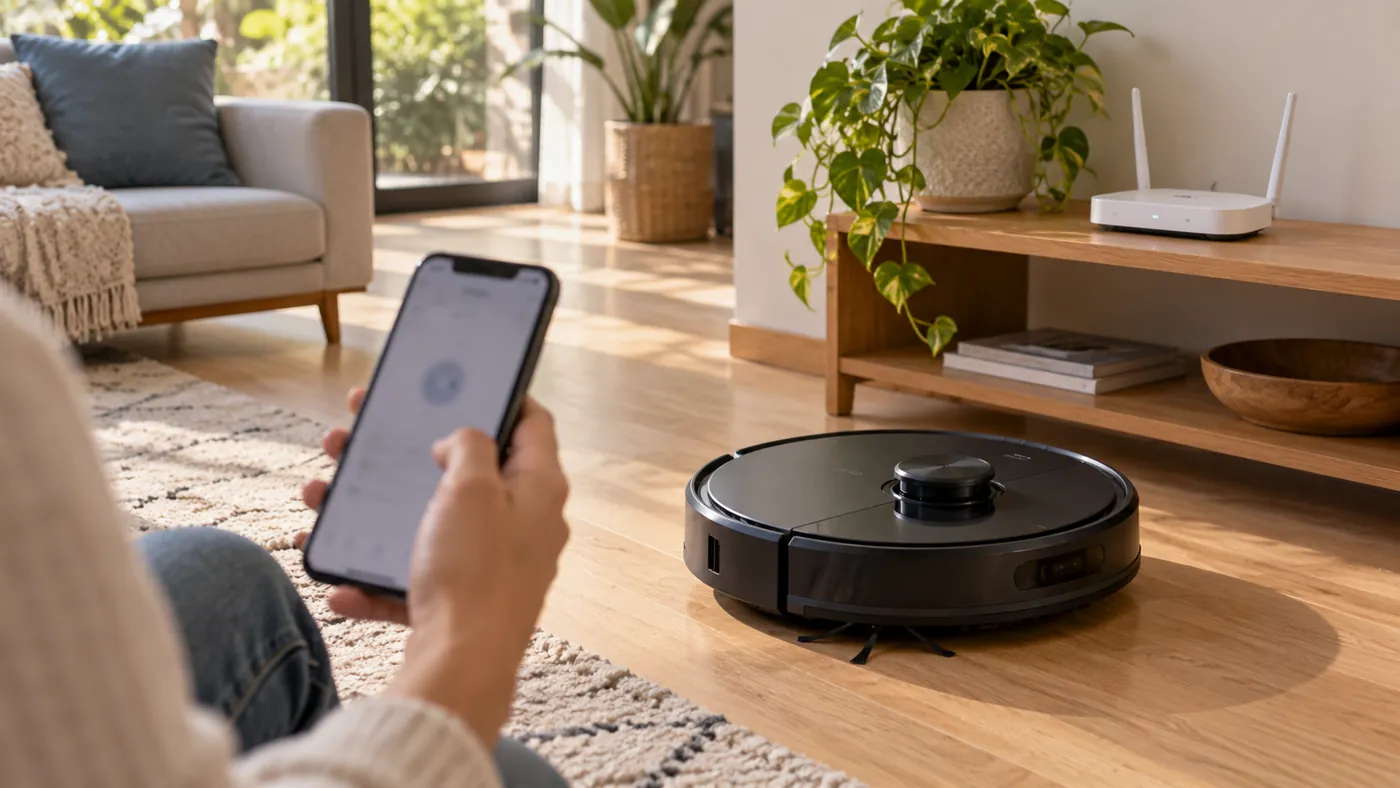
Navigation and connection
Original Q Revo
Keep the original Q Revo on its model-specific maintenance schedule.
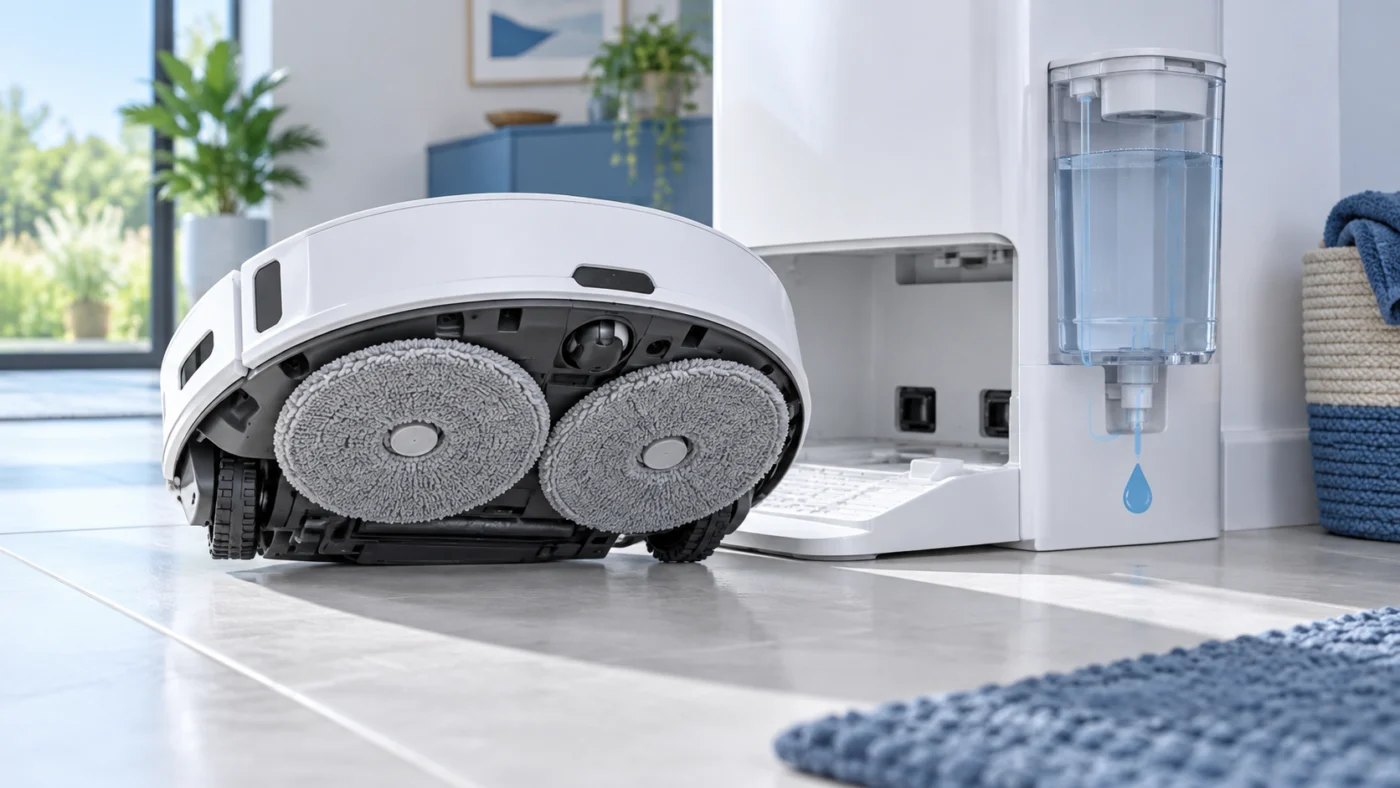
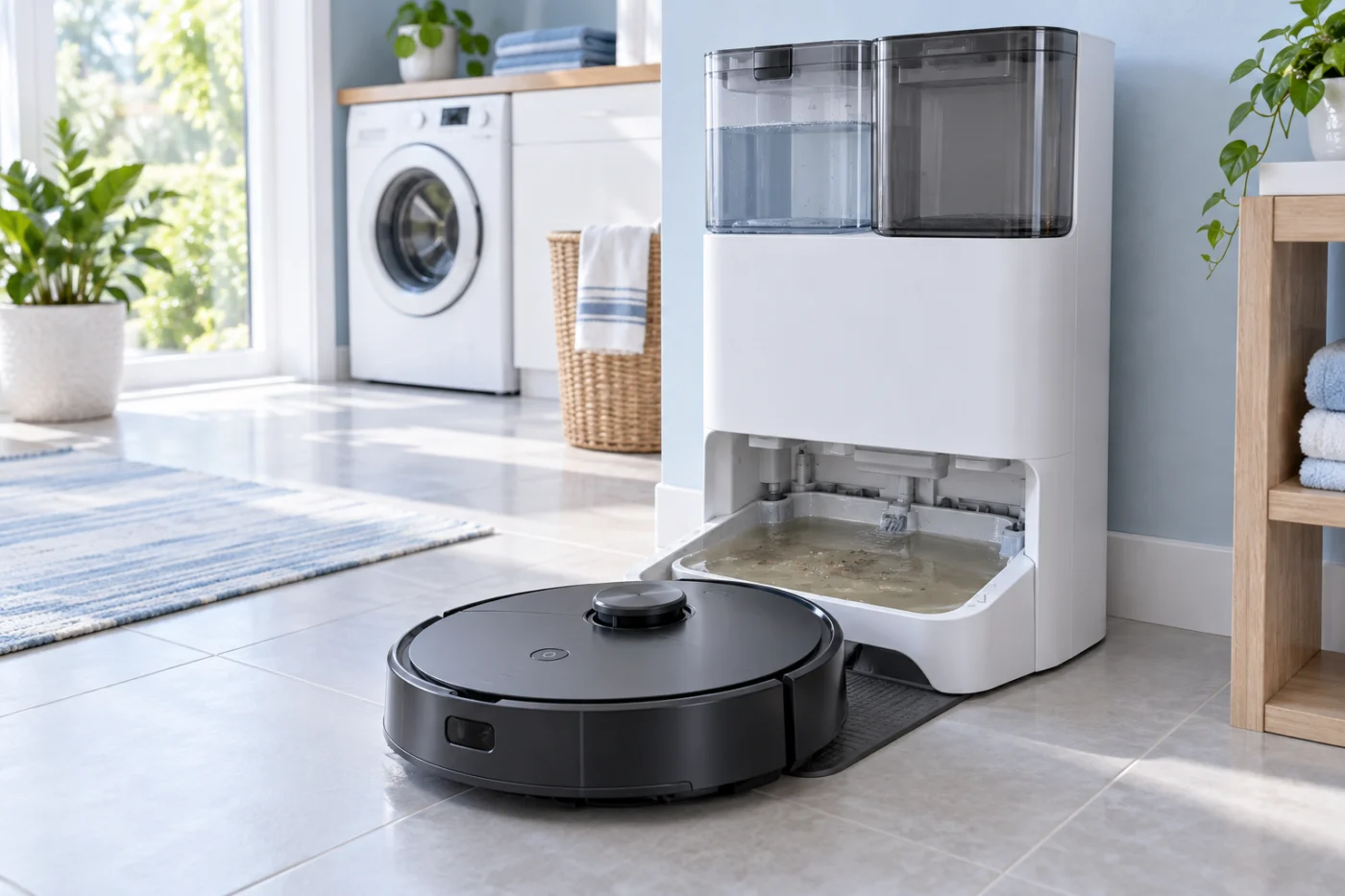
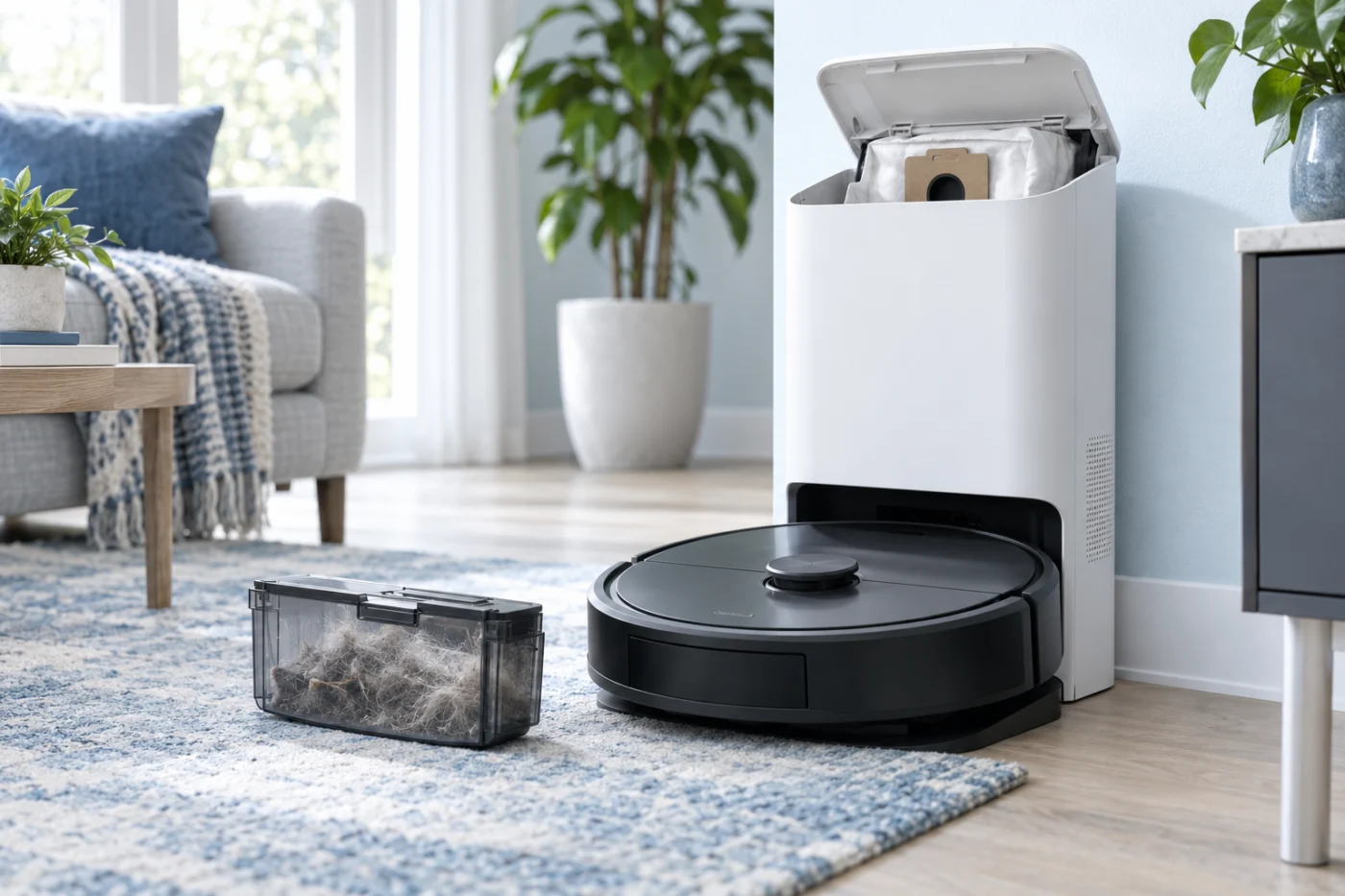
Check the exact model name before using a Qrevo Curv guide for an original Q Revo. The Curv has different components and dock features.
S8
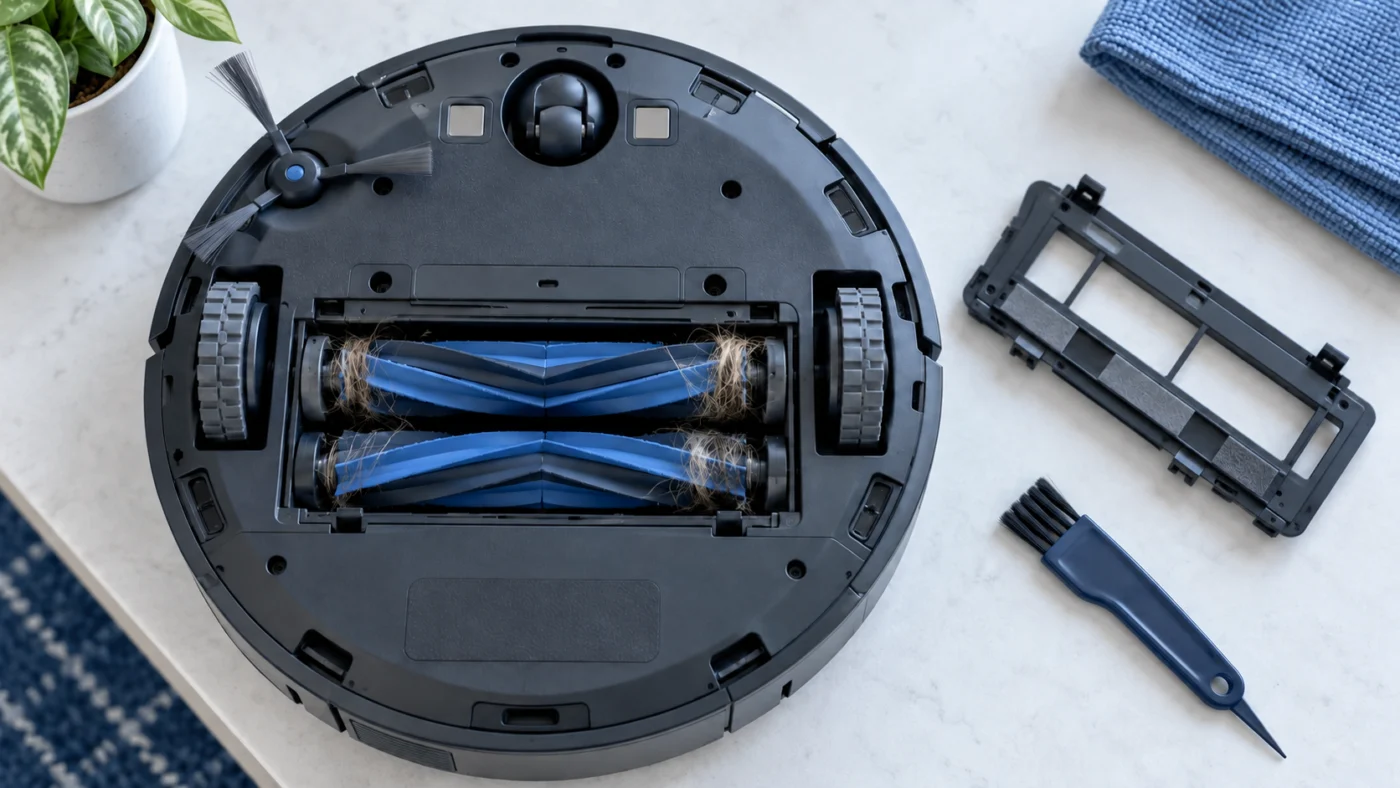
Check the standard S8 maintenance schedule for brush, filter, mop-cloth and charging-contact care.
Before replacing a part
Read the guide for the observed symptom and compare the model name on your robot with the part listing. Do not assume that a battery, brush, dock component, or mop accessory fits another Roborock model because it looks similar. If you find damage to a battery or powered station, stop and contact service.
For manuals and model-specific support, visit the Roborock Support Center. RoboFixGuide is independent and is not affiliated with Roborock. Browse every repair guide.
Replacement parts for Roborock
Replacing a worn consumable? Check the exact model and the manufacturer fit list for brushes, filters, mop pads and dock bags.